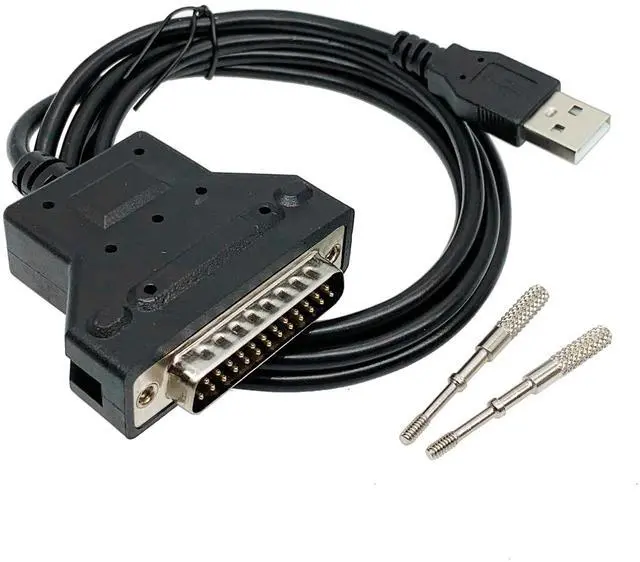
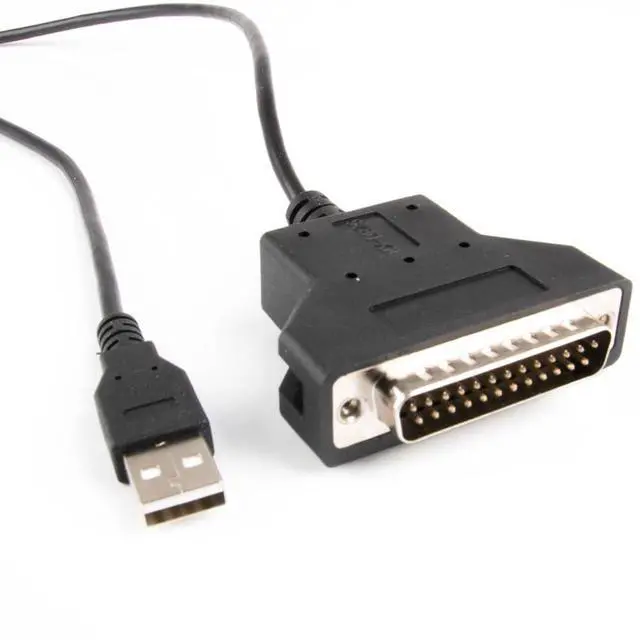
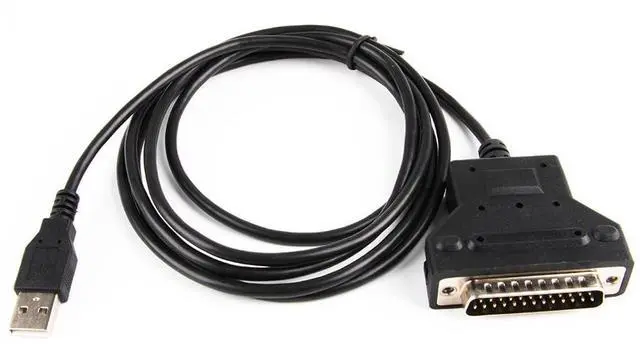
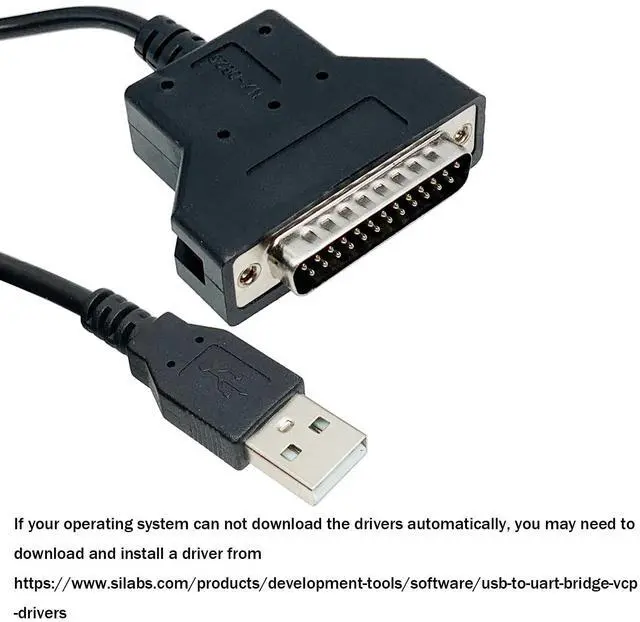
AttentionPlease download and install the driver under the corresponding system. After downloading and installing the driver, if you can find the corresponding serial port number (COMXX) in your computer's device manager, it means that the driver has been downloaded successfully. If you have any questions, please feel free to contact us. After installation, then set up your software, for example, if used to connect to the printer. Then you need to set the serial port number as COM3 in the printer software.
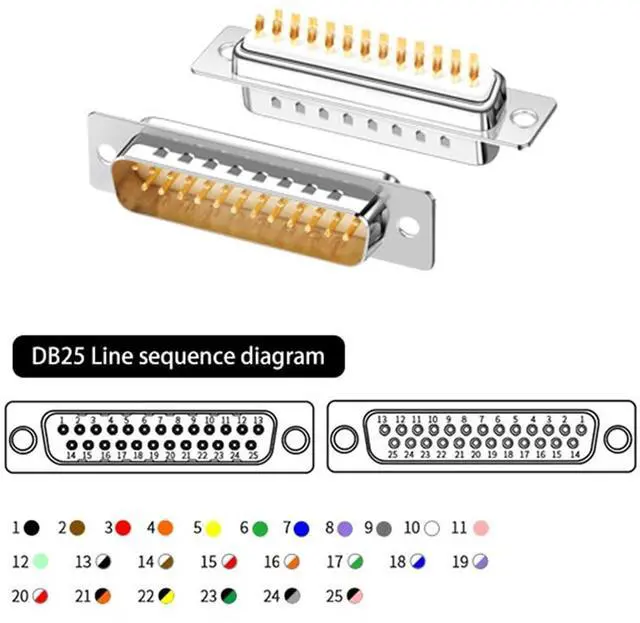
SpecificationConnector: USB to DB25 Male
Serial CableChip:
CP2102Length:
150cmColor:
BlackConductor: Tin-plated
copperCable: UL2464 26AWG
OD: 5.0MMUSB A (RS232) to DB25 male adapter cable, Support Windows 98/XP/Vista/2000/7/8/10 and Mac OS. NoteIf your operating system can not download the drivers automatically, you may need to download and install a driver from https: //www. silabs.
com/products/development-tools/software/usb-to-uart-bridge-vcp-driversPackage content: 1PCS USB A (RS232) to DB25 male adapter cable