• $56.99
  • Free 30-day Returns
  • Price alert
    Shop it at NeweggBusiness.

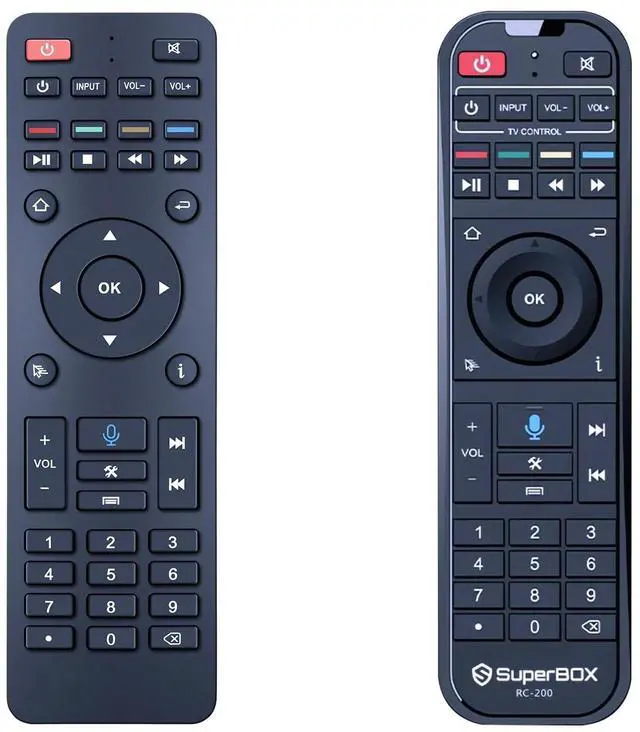
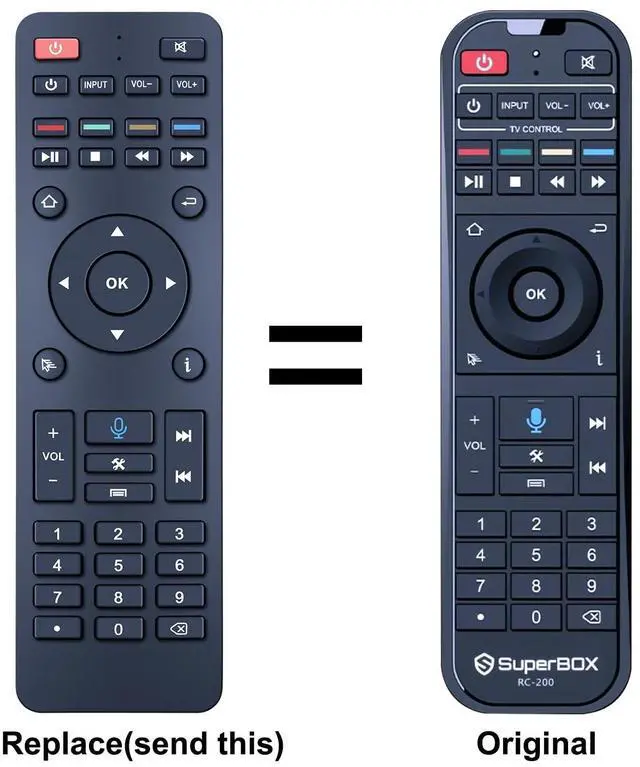
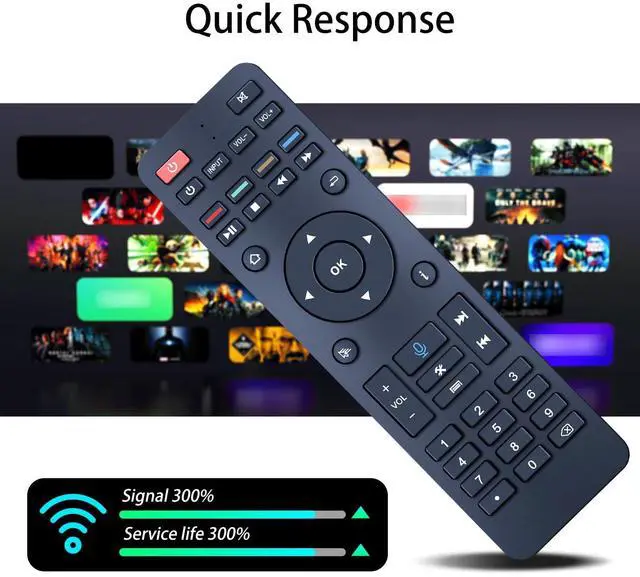
    ZWP RC-200 Replacement Voice Remote Control Compatible for Superbox S5 Max /S5 Pro/Elite Ultra/Elite Pro+ /S6 max /S4 Pro /S6 Ultra (Without Voice for S4 Pro and S3 Pro)

    • Compatible with Models: S5 Max / S5 Pro/Elite Ultra/Elite pro+/ S6 max /S4 Pro/S6 Ultra (Without Voice for S4 Pro and S3 Pro)
    • BLE Remote Pairing Guide 1. Keep the remote and the TV box within pairing distance. 2. Press "OK" and" return" buttons at the same time until the indicator light flashes for pairing. 3. Turn on BLE in the TV box settings. To connect RC-100 device. 4 pairing succeeded when indicator light is off.
    • Programming Function Instruction 1. Suppress the power button in "TV CONTROL" area until the indicator light keeps on. Then start programming 2. Press the button in "TV CONTROL" area for the function to be programmed.The light will begin to blink. 3 Aim TV remote at TV box remote, and suppress the button on TV remote that need to be programmed 4. If the function is copied. The indicator light will flash 3 times and stay on. Use the same process to program other functions. 5. The indicator light will flash 5 times if failed. Then you need to repeat steps 6. press an
    +
    +
    Overview
    Specs
    Reviews
    avatar

    Any questions? Our AI beta will help you find out quickly.

    Compatible with
    Models: S5 Max / S5 Pro/Elite Ultra/Elite pro+/ S6 max /S4 Pro/S6 Ultra (Without Voice for S4 Pro and S3 Pro) ^^ BLE Remote Pairing Guide 1. Keep the remote and the TV box within pairing distance. 2. Press "OK" and" return" buttons at the same time until the indicator light flashes for pairing. 3. Turn on BLE in the TV box settings. To connect RC-100 device. 4 pairing succeeded when indicator light is off. ^^ Programming Function Instruction 1. Suppress the power button in "TV CONTROL" area until the indicator light keeps on. Then start programming 2. Press the button in "TV CONTROL" area for the function to be programmed. The light will begin to blink. 3 Aim TV remote at TV box remote, and suppress the button on TV remote that need to be programmed 4. If the function is copied. The indicator light will flash 3 times and stay on. Use the same process to program other functions. 5. The indicator light will flash 5 times if failed. Then you need to repeat steps 6. press any button outside "TV CONTROL" area to exit ^^
    Package Included: 1 x Remote Controller (not include the battery) ^^ Any question, Please do not hesitate to contact us before leaving Feedback, We will help you resolve it, Thank you

    Warranty & Returns

    Warranty, Returns, And Additional Information

    Warranty

    • Please contact the Seller directly for warranty information. Warranty information may also be found on the Manufacturer's website.
    • CONTACT

    Return Policies

    Manufacturer Contact Info

    LOADING...