• $52.99
  • Free 30-day Returns
  • Price alert
    Shop it at NeweggBusiness.

    Meet Your Seller

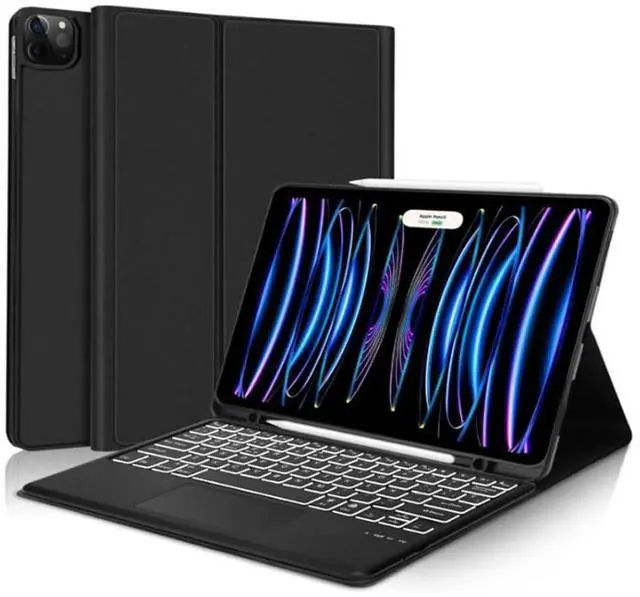
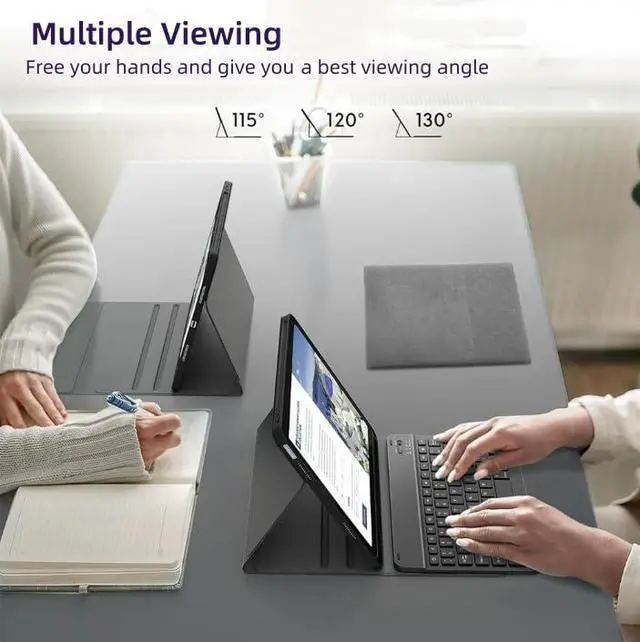
    CHAINORA Touchpad Keyboard Case for iPad Air 11-inch M3 /M2/Air 5th/ 4th Generation, 7 Colors Backlit Slim Folio Cover Detachable Bluetooth Keyboard with Pencil Holder (Black)

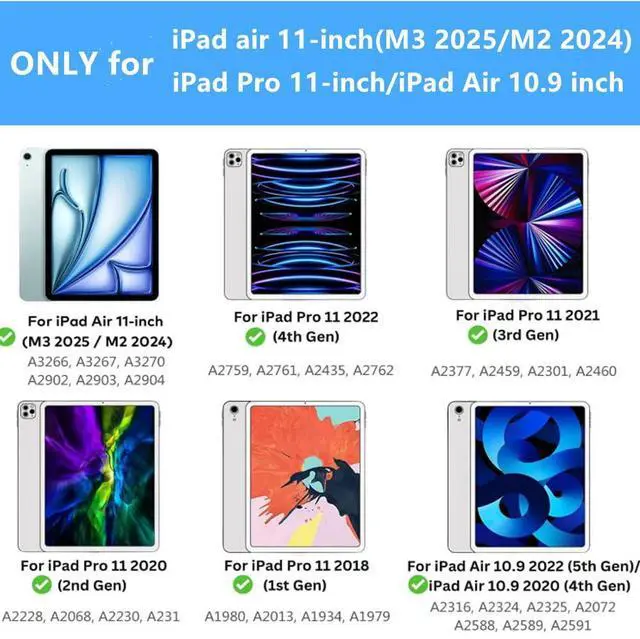
    • Compatibility: perfectly compatible with Apple iPad Air 11 inch (M2 2024& M3 2025), iPad Air 5th/4th Gen 10.9 inch, iPad Pro 11 inch 4th/3rd/2nd/1st Generation. Model Number: A3266 A3267 A3270 A2902 A2903 A2904 A2588 A2589 A2591 A2324 A2325 A2072 A2316 A2759 A2435 A2761 A2762 A2377 A2459 A2301 A2460 A2228 A2068 A2230 A2231 A1980 A2013 A1934 A1979.
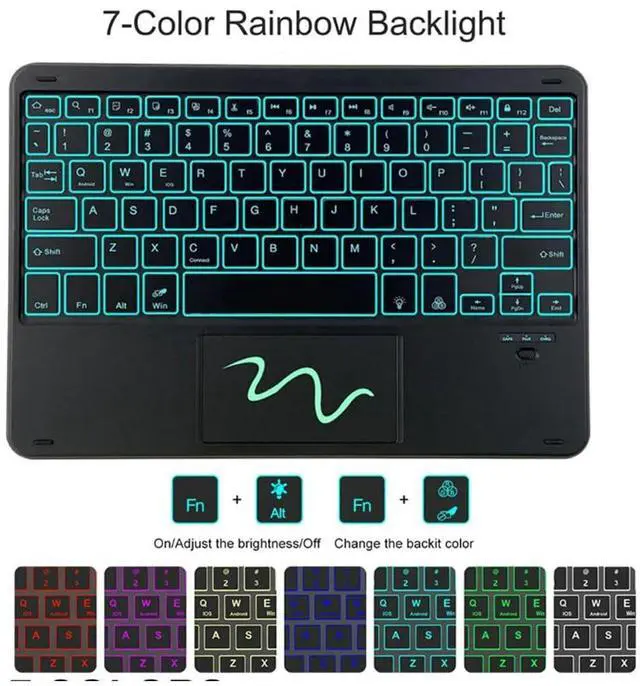
    • BACKLIT KEYBOARD: 7 Colors back light options, 3 level Brightness. You can change the backlights on the keys to different colors. Typing in the dark or dim light is so much easier.
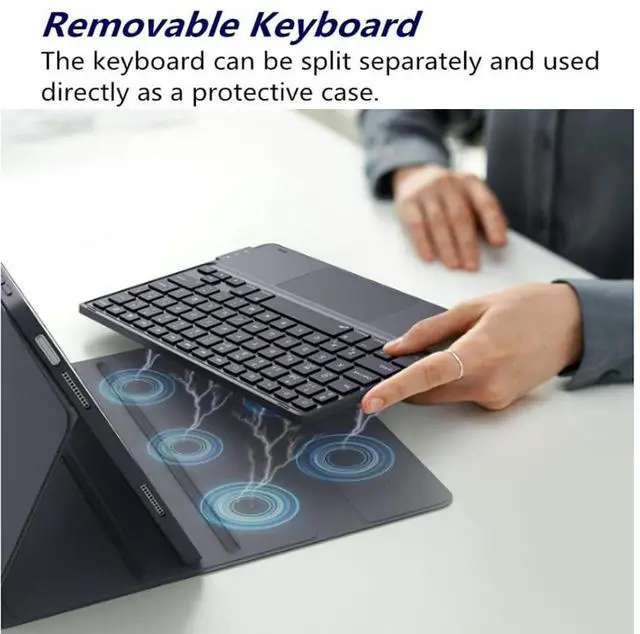
    • BUILD-IN TOUCHPAD Function :keyboard comes with a touchpad, no more extra mouse needed, turn your iPad to a real laptop. which is very convenient for your watching, wroking and carrying.
    • AUTO SLEEP/WAKE: It automatically wakes or puts the iPad to sleep when it is opened or closed. With Built-in pencil holder for Apple Pencil or stylus.
    • ULTRA THIN DESIGN: A slim and lightweight keyboard case. Premium PU leather exterior and soft interior offer
    +
    +
    Overview
    Specs
    Reviews
    avatar

    Any questions? Our AI beta will help you find out quickly.

    Material: ABS (the keyboard) +PU Leather (the case)
    Working distance: 10m
    Charging time: 2-3 hours
    Standby time: 100 days
    Working time: 100 hours
    Charging current: 200mA
    Chip: Broadcom chip Bluetooth version 3.0
    Support system: IOS / Android, /Windows system
    Net weight: 0.65 kg

    Package Includes
    1 x Keyboard Case
    1 x Micro USB Charging Cable
    1 x English Instructional Manual

    How to get the keyboard sync with iPad:
    1. Please go to the iPad accessibility setting to turn on the assistive touch function first, then you can use the touchpad. Press FN + Space to turn off the touchpad function.
    2. Fully charge the keyboard, push the botton to ON power
    3. Press the key"FN+C", the bluetooth light flashes.
    4. Go to your iPad settings, click on bluetooth and look for the keyboard.
    5. Click on the keyboard and it will connect.

    Warranty & Returns

    Warranty, Returns, And Additional Information

    Warranty

    • Please contact the Seller directly for warranty information. Warranty information may also be found on the Manufacturer's website.
    • CONTACT

    Return Policies

    • Return for refund within: 30 days
    • Return for replacement within: 30 days
    • This item is covered by NexusGear Return Policy

    Manufacturer Contact Info

    LOADING...