

Your Browsing History
- Free 30-day Returns
$48.99

Meet Your Seller


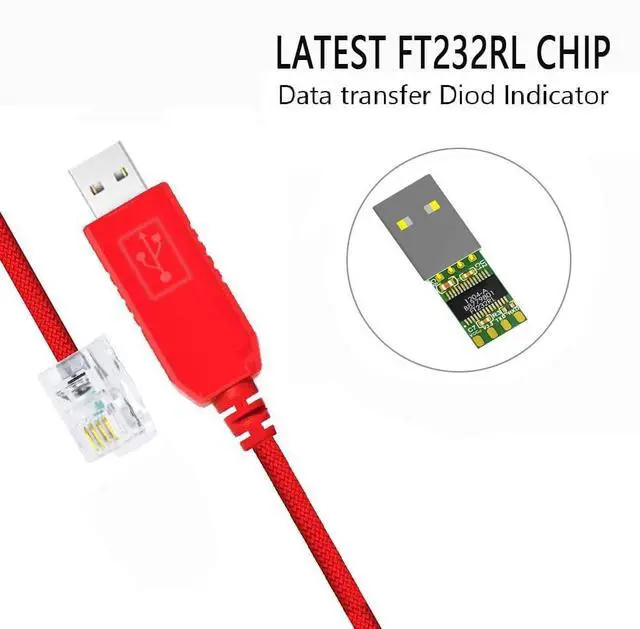
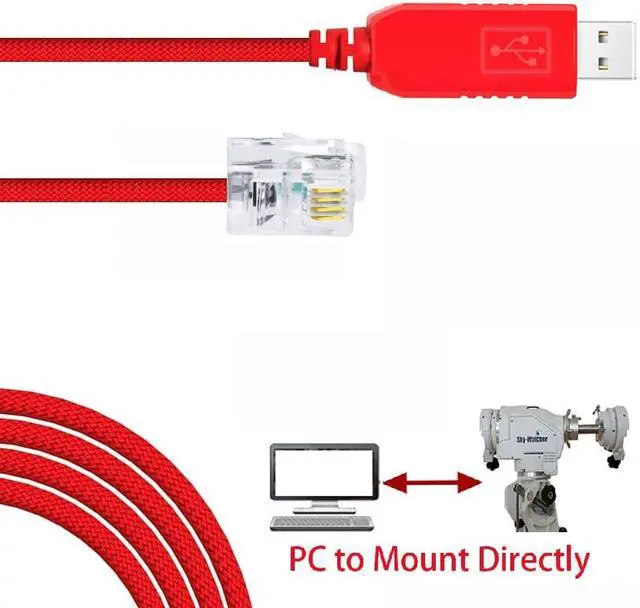


Feanteek USB to RJ11 Cable for Skywatcher SynScan Computerized GOTO Hand Controller PC to Connect(1.8M)
- Application ScenesFor connecting PC/Laptop and the Skywatcher Synscan Hand Controller with RJ11 port, to control Skywatcher Telescope via computer. And for upgrading Skywatcher Hand Controller. NOT work with Celestron HC. It is NOT the cable for connecting directly Skywatcher Telescope/Mount and your computer.
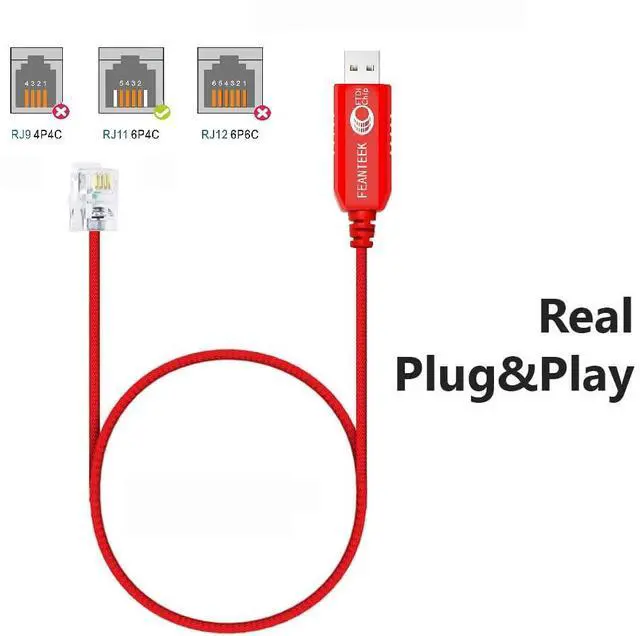
- Adapter CableONLY control signal. 6FT cable. USB to RJ11 (6P4C) Adapter Cable. Built in FT232RL chip. Please check your Hand Controller brand, model and port before placing an order.
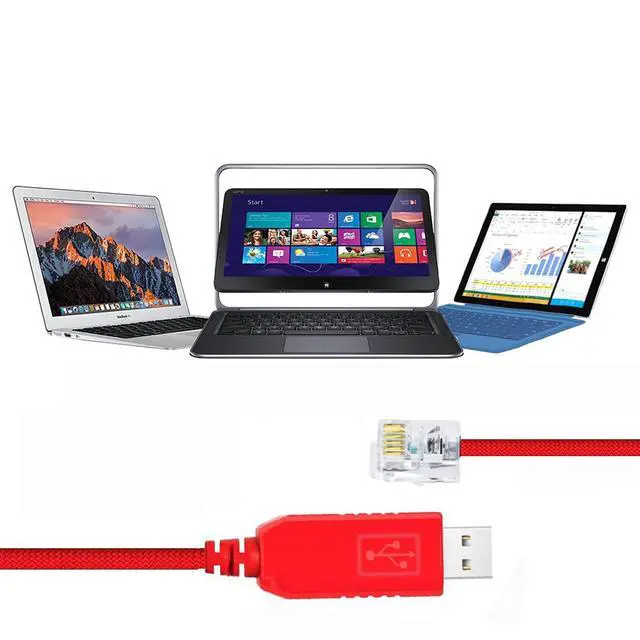
- Supported OSSupport all windows version Win7/8/10/XP/, and iOS/Linux/Android. Windows 10 and Ubuntu-Mate 18.04 automatically identify the cable and register the serial port out of the box. If the cable not recognized by your computer, please manually update its driver.
- APP & Driver1. Compatible with ASCOM programs like PHD2 and AstroTortilla, with the EQMOD drivers in Windows (ASCOM) or Linux (INDI), with EQMOD, StellariumScope, and Stellarium, with AstroPhoto Tool program (APT). 2. In order
+
+
Overview
Specs
Reviews

Any questions? Our AI mode will help you find out quickly.
Try me now
Notes: 1. The USB to RJ11 console cable, by connecteding computer/Laptop and Hand Controller to control Skywatcher Telescope. 2. Work well with the Skywatcher HC with RJ11 port. 3. If necessary, or the cable not working, please download the latest drivers/Drivers/VCP. htm, and install it.
Benefit from this cable: 1. There are several reasons one would want to control their telescope with computer/Laptop: 2. It is faster than using the hand controller. 3. It gives you a visual aid when searching for something hard to find. 4. If you find something unknown, the planetarium software will be able to identify it. 5. It is a necessity if you plan on imaging anything for longer than a single quick exposure.
Benefit from this cable: 1. There are several reasons one would want to control their telescope with computer/Laptop: 2. It is faster than using the hand controller. 3. It gives you a visual aid when searching for something hard to find. 4. If you find something unknown, the planetarium software will be able to identify it. 5. It is a necessity if you plan on imaging anything for longer than a single quick exposure.
Warranty & Returns
Warranty, Returns, And Additional Information
Warranty
- Please contact the Seller directly for warranty information. Warranty information may also be found on the Manufacturer's website.
- CONTACT
Return Policies
- Return for refund within: 30 days
- Return for replacement within: 30 days
- This item is covered by HAIZHILANSTORE Return Policy
Manufacturer Contact Info
- For a directory of all our manufacturers, please click below.
- Manufacturers Directory
LOADING...