• $165.99
  • Free 30-day Returns
  • Sold by LingGo
    Top Rated
    5 (1 seller ratings)

    Shipped by LingGo

    Price alert
    Shop it at NeweggBusiness.

    Meet Your Seller

    Snrigw Replacement Remote Control for Beautyrest Models RF258C/JLDK.28.01.02 and Smart Motion 3.0 Adjustable Bed(Black)

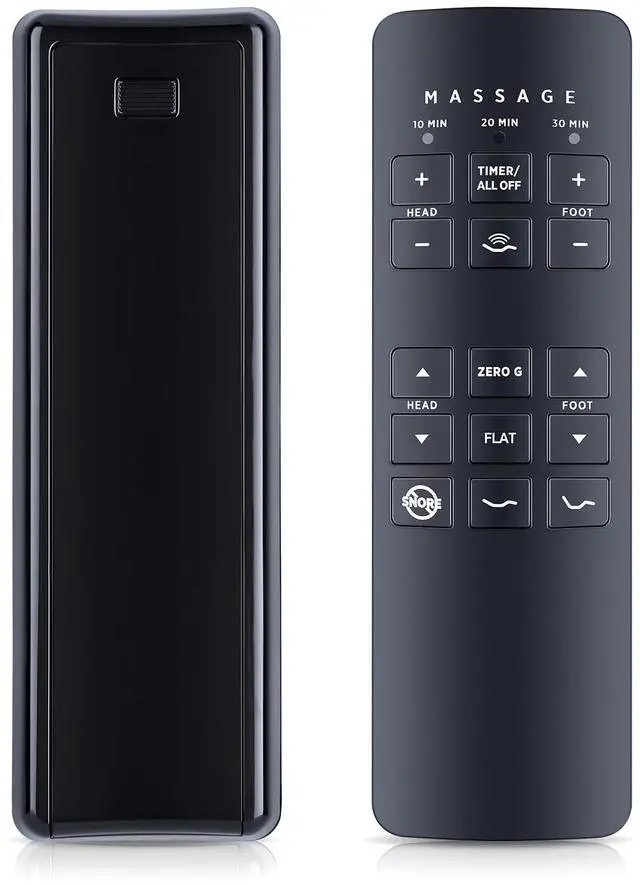
    • Genuine Replacement for Smart Motion 3.0 Beds:This compatible remote is designed specifically for Smart Motion 3.0 adjustable bed systems (models RF258C & JLDK.28.01.02). Restore full control over your bed's positioning, massage functions.Complete Bed Control at Your Fingertips.Enjoy full command of your adjustable bed including: Head/foot articulation controls Massage intensity adjustment One-touch flat position
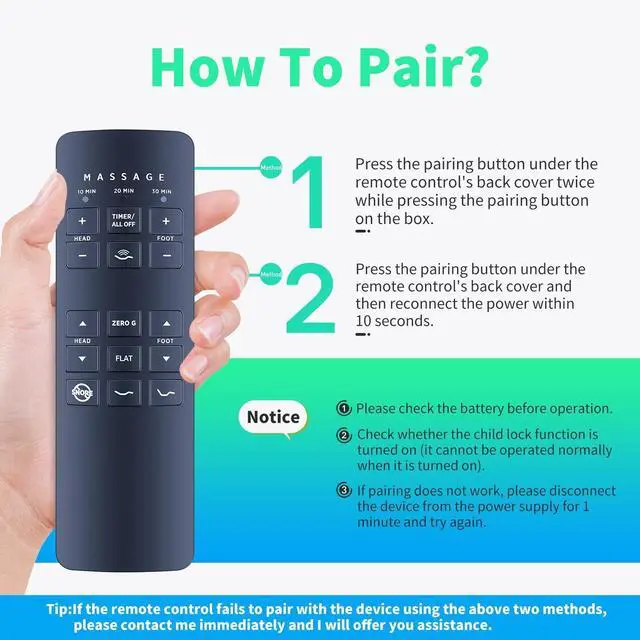
    • How to Pair: Pairing Method 1: 1. Press the pairing button on the control box twice. The green light will illuminate, indicating pairing preparation. 2. Open the battery cover on the back of the remote control, press and hold the pairing button. The LED light will flash, indicating pairing is in progress. 3. Once the LED lights on both the control box and remote control turn off, release the pairing button on the remote control. Pairing is complete.
    • How to Pair: Pairing Method 2: 1. Disconnect the power cord from the control box, wait 1 minute, and then plug it back i
    +
    +
    Overview
    Specs
    Reviews
    avatar

    Any questions? Our AI beta will help you find out quickly.

    Genuine Replacement for Smart Motion 3.0
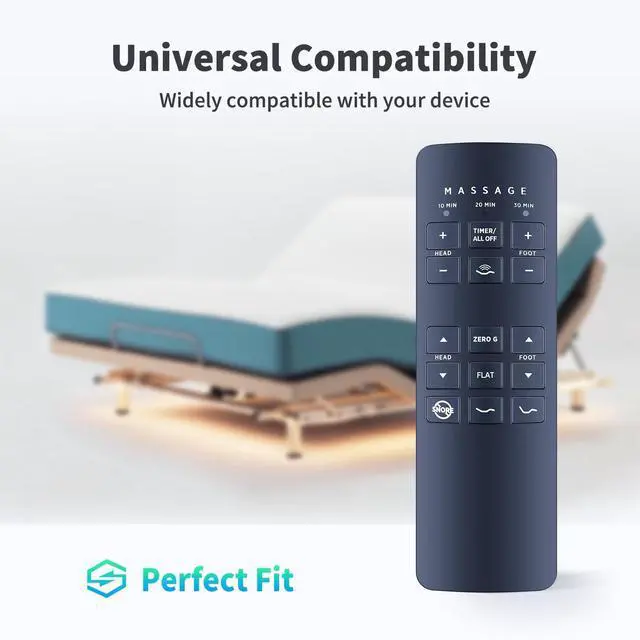
    Beds: This compatible remote is designed specifically for Smart Motion 3.0 adjustable bed systems (models RF258C & JLDK. 28.01. 02). Restore full control over your bed's positioning, massage functions. Complete Bed Control at Your Fingertips. Enjoy full command of your adjustable bed including: Head/foot articulation controls Massage intensity adjustment One-touch flat position ^^ How to
    Pair: Pairing
    Method 1:
    1. Press the pairing button on the control box twice. The green light will illuminate, indicating pairing preparation.
    2. Open the battery cover on the back of the remote control, press and hold the pairing button. The LED light will flash, indicating pairing is in progress.
    3. Once the LED lights on both the control box and remote control turn off, release the pairing button on the remote control. Pairing is complete.
    ^^ How to Pair: Pairing
    Method 2:
    1. Disconnect the power cord from the control box, wait 1 minute, and then plug it back in. The green LED light on the control box will illuminate, indicating pairing preparation (usually within 10 seconds).
    2. Open the battery cover on the back of the remote control, press and hold the pairing button. The LED light will flash, indicating pairing is in progress (please perform this operation while the control box light is on).
    3. Once the LED lights on both the control box and remote control turn off, release the pairing button on the remote control. Pairing is complete. ^^ Premium Build Quality with Backlit Buttons.
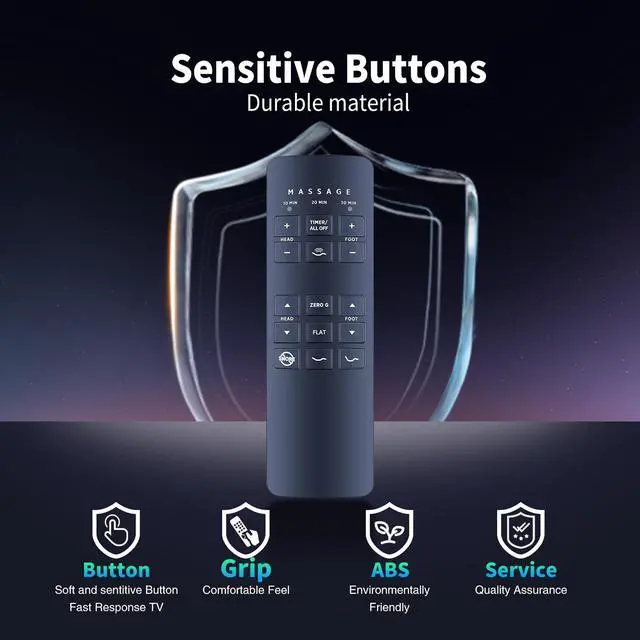
    Featuring: Large, backlit buttons for easy nighttime use Ergonomic, non-slip grip design Durable construction that withstands daily use ^^ Reliable Quality with Dedicated SupportPlease feel free to contact us if you have any query, thanks.

    Warranty & Returns

    Warranty, Returns, And Additional Information

    Warranty

    • Please contact the Seller directly for warranty information. Warranty information may also be found on the Manufacturer's website.
    • CONTACT

    Return Policies

    • Return for refund within: 30 days
    • Return for replacement within: 30 days
    • This item is covered by LingGo Return Policy

    Manufacturer Contact Info

    LOADING...