Your Browsing History
- Free 30-day Returns
$74.99
Meet Your Seller
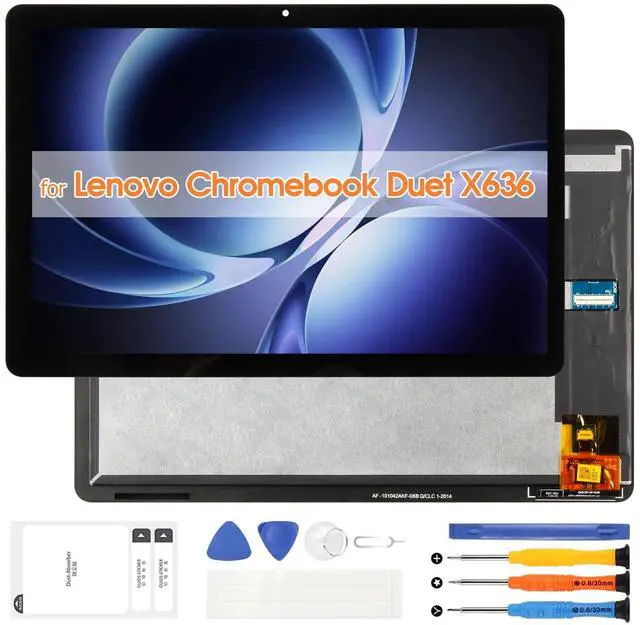
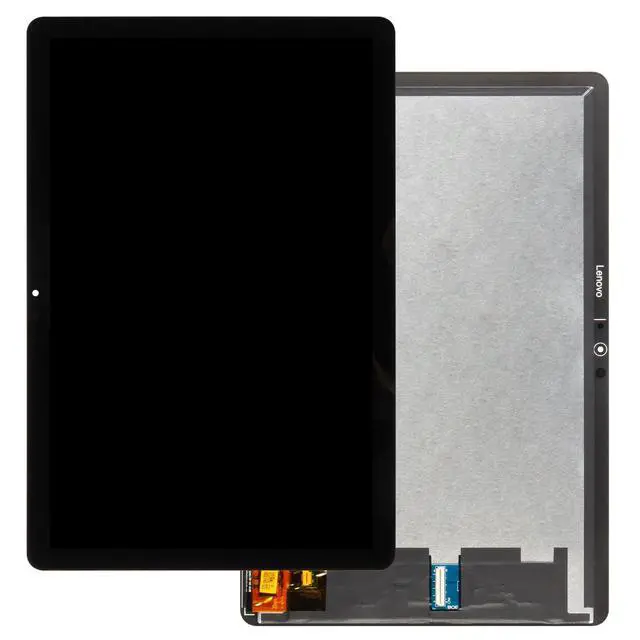
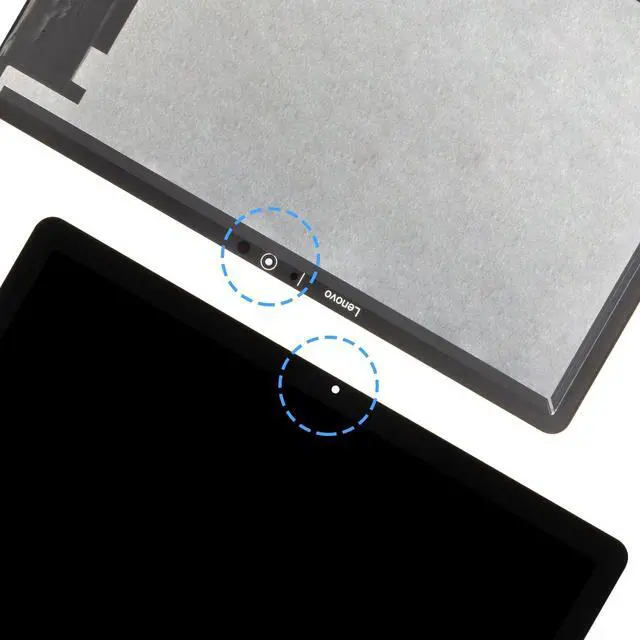
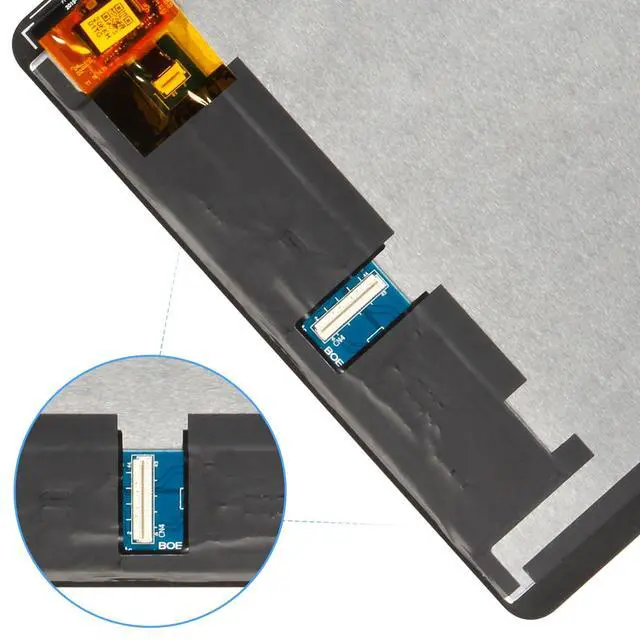
Screen Replacement for Lenovo Chromebook Duet X636 LCD Display CT-X636F CT-X636N Digitizer for Lenovo CT-X636 Touch Screen Panel Full Assembly with Tools (Black,10.1 inch)
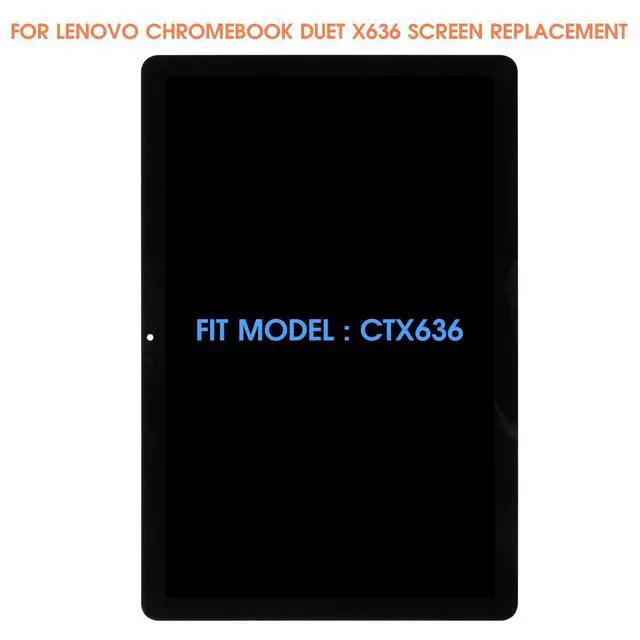
- COMPATIBILITY -- Only for Lenovo Chromebook Duet X636 screen replacement, model number is CT-X636F CT-X636N. NOT suitable for Lenovo Chromebook Duet 3 or other models, please kindly confirm the model number before ordering, just check it on your phone through "General Settings-Model Name Information".
- Easy to install even first-timers can handle it with ease! Our product does not include an installation tutorial. To replace the LCD screen for Lenovo Chromebook Duet X636 more efficiently, we recommend searching for and watching some detailed screen replacement tutorial videos on YouTube before installation. Parts damaged during installation will not be accepted for return.
- Superior Quality All Revofix products undergo rigorous quality inspections before being shipped to you to ensure product quality. Our screen replacement kit for Lenovo Chromebook Duet X636 features exclusive colors, high brightness, high saturation and high resolution. In addition, this LCD
+
+
Overview
Specs
Reviews
Any questions? Our AI beta will help you find out quickly.
Try me now
Thank you for choosing us. Please take note of the following crucial points to ensure a smooth screen replacement process: 1.
Confirm Compatibility: Prior to purchasing, verify your device's exact model. This product is specifically designed for Lenovo Chromebook Duet X636 Screen Replacement, model number is CT-X636F CT-X636N, and is incompatible with others. Should you have any doubts, consult official channels or check the model number in your phone settings. 2.
Prepare Sufficient Tools: Ensure you possess specialized disassembly tools to replace our for Lenovo Chromebook Duet X636 LCD display, including precision screwdrivers, suction cups, spudgers, etc. which facilitate a safer and more efficient screen replacement process. 3.
Power Off: Before commencing disassembly, completely shut down your phone and, if applicable, remove the battery or disconnect power to prevent electrostatic damage to internal components. 4.
Handle with Care: Gently dismantle your old screen for Lenovo Chromebook Duet X636 display, refraining from applying excessive force to avoid damaging the screen connectors or the phone chassis. 5.
Functionality Test: Prior to full reassembly, connect the new screen replacement kits for Lenovo Chromebook Duet X636 digitizer LCD and boot up your phone to test all functions, such as touch sensitivity, display quality, front/rear cameras, sensors, and so forth, to confirm everything operates as intended. 6.
Professional Installation Consideration: If you lack confidence in DIY replacement, it's advisable to seek professional repair services to prevent more severe device damage or safety hazards from improper handling. Adhering to these guidelines will minimize potential issues during the screen replacement process, ensuring your phone emerges refreshed and fully functional.

Confirm Compatibility: Prior to purchasing, verify your device's exact model. This product is specifically designed for Lenovo Chromebook Duet X636 Screen Replacement, model number is CT-X636F CT-X636N, and is incompatible with others. Should you have any doubts, consult official channels or check the model number in your phone settings. 2.
Prepare Sufficient Tools: Ensure you possess specialized disassembly tools to replace our for Lenovo Chromebook Duet X636 LCD display, including precision screwdrivers, suction cups, spudgers, etc. which facilitate a safer and more efficient screen replacement process. 3.
Power Off: Before commencing disassembly, completely shut down your phone and, if applicable, remove the battery or disconnect power to prevent electrostatic damage to internal components. 4.
Handle with Care: Gently dismantle your old screen for Lenovo Chromebook Duet X636 display, refraining from applying excessive force to avoid damaging the screen connectors or the phone chassis. 5.
Functionality Test: Prior to full reassembly, connect the new screen replacement kits for Lenovo Chromebook Duet X636 digitizer LCD and boot up your phone to test all functions, such as touch sensitivity, display quality, front/rear cameras, sensors, and so forth, to confirm everything operates as intended. 6.
Professional Installation Consideration: If you lack confidence in DIY replacement, it's advisable to seek professional repair services to prevent more severe device damage or safety hazards from improper handling. Adhering to these guidelines will minimize potential issues during the screen replacement process, ensuring your phone emerges refreshed and fully functional.
Warranty & Returns
Warranty, Returns, And Additional Information
Warranty
- Please contact the Seller directly for warranty information. Warranty information may also be found on the Manufacturer's website.
- CONTACT
Return Policies
- Return for refund within: 30 days
- Return for replacement within: non-replaceable
- This item is covered by SIMPLIZED Return Policy
Manufacturer Contact Info
- For a directory of all our manufacturers, please click below.
- Manufacturers Directory
LOADING...