Your Browsing History
- Free 30-day Returns
$43.99
Meet Your Seller
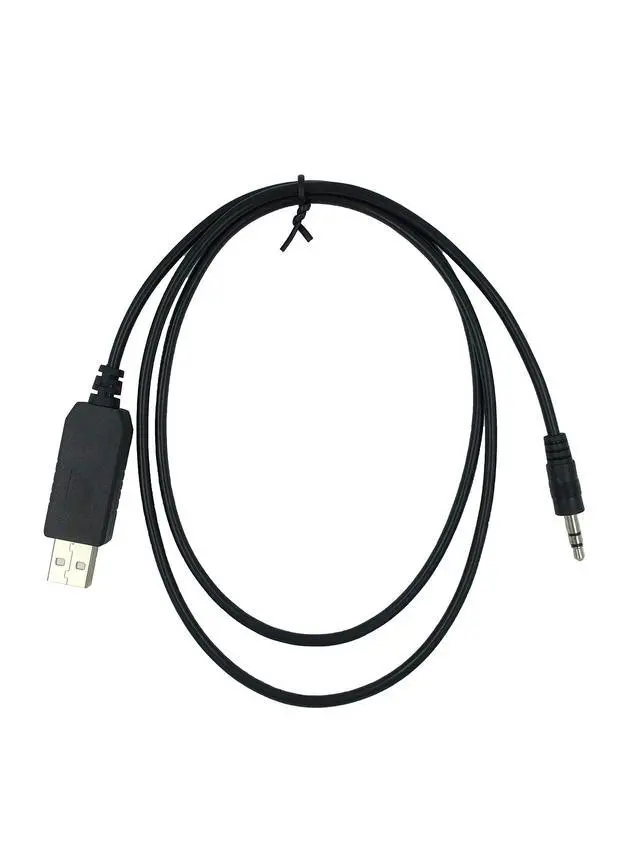
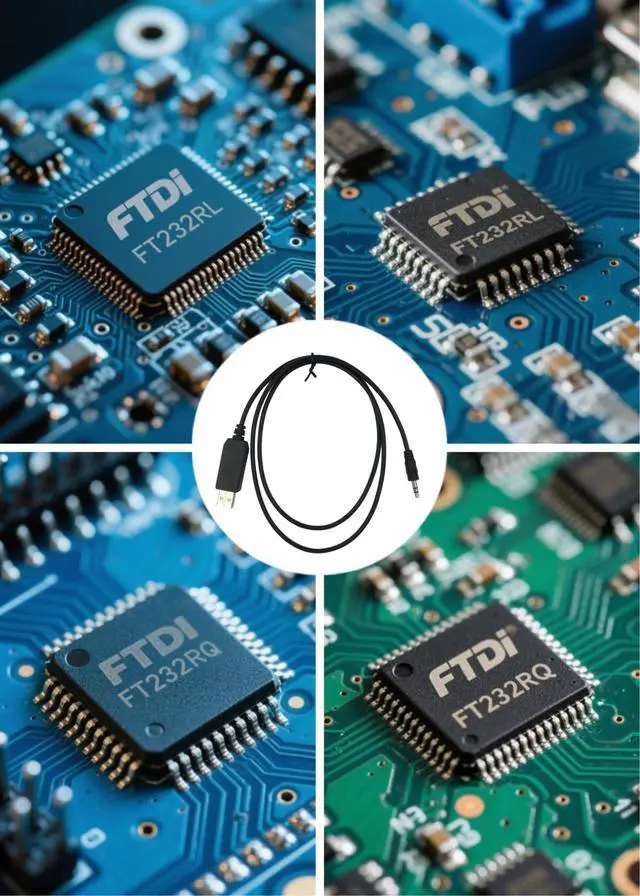
Washinglee USB Data Cable for Abbott Glucose Diabetes Meter, Copilot Freestyle Freedom, Freestyle Lite, Freestyle Freedom lite and Freestyle Flash. Driver Should Be Installed. 3 FT
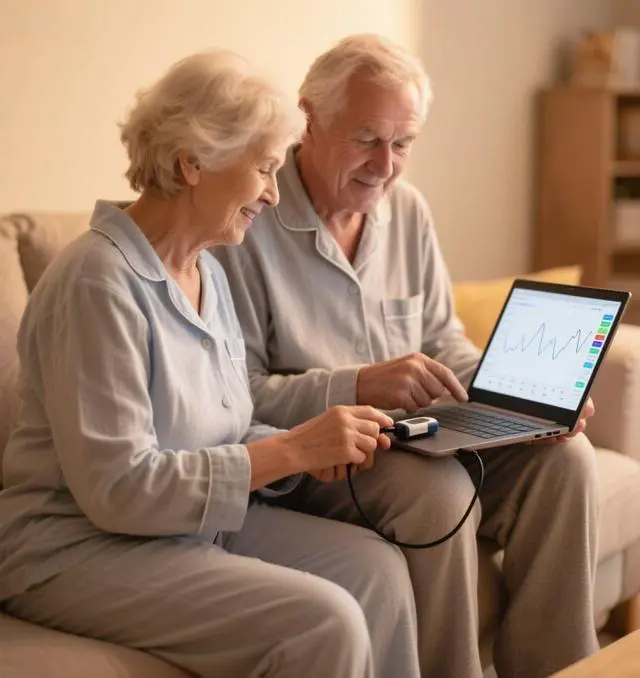
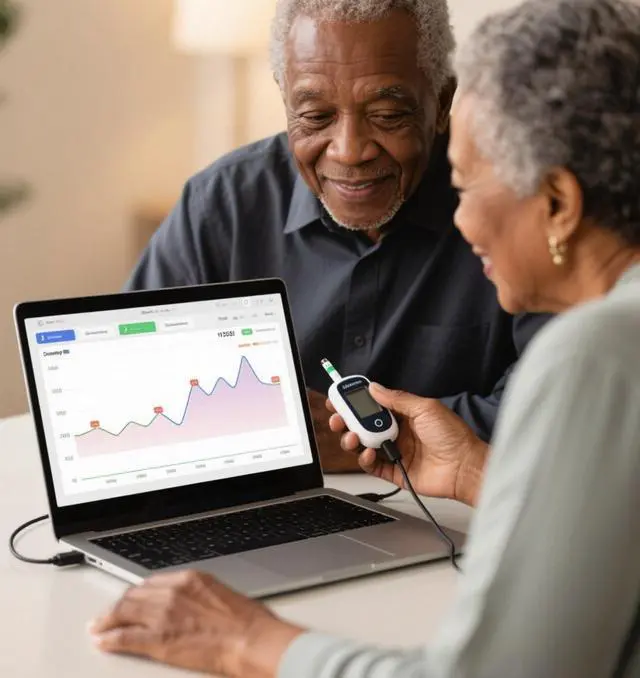
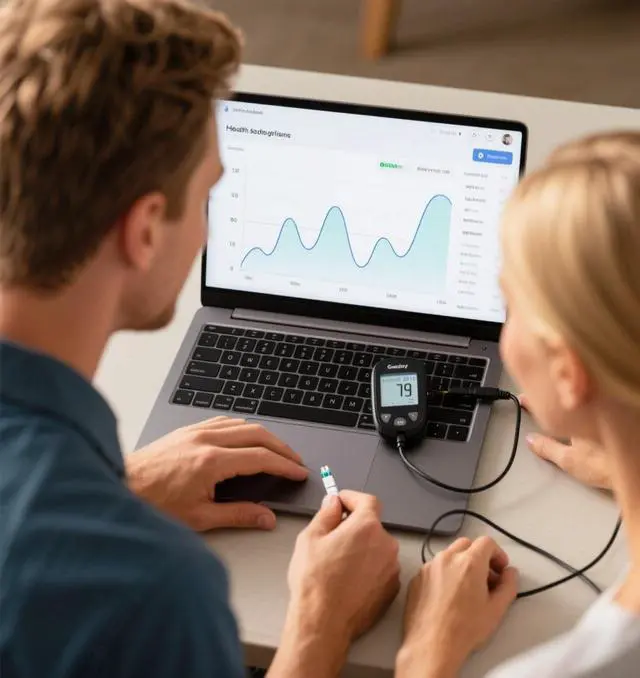
- Application Scenes. Upload glucose data to your computer from a variety of Glucose Diabetes Meters, compatible for Abbott Co-pilot Freestyle, Freestyle Freedom, Freestyle Lite, Freestyle Freedom lite and Freestyle flash glucose meters. (More Usage) Also compatible for AlphaTrak 2 pet glucose meter, to download data and keep tracking on your pets glycemic indices. But it can NOT charge your glucose meter.
- APP Supported. Made by Washinglee. Support: 1. On Windows platform, compatible for Freestyle Co-pilot, Carelink and SiDiary. 2.But on Mac platform, only compatible for a third party software Carelink. 3.For the Freedom Lite FreeStyle meter, you need to use copilot software. Please note that NO APP included in package, buyers should find APP for their glucose meter.
- Not Compatible. NOT for Diasend, Tconnect or Freestyle Auto-Assist. DO NOT use the driver from Abbott, Only the driver from us can make the cable work for you. Please double check your computer OS, driver and your mete
+
+
Overview
Specs
Reviews
Any questions? Our AI beta will help you find out quickly.
Try me now
Technical SupportUser Manual and Cable Driver will be sent to you by Email via platform, if you didnt receive it, please contact our engineers by Email for technical support. Made by Washinglee, 1 year warranty. Product Summary1. USB data cable compatible for Abbott Freestyle Freedom, Freestyle Lite, Freestyle Freedom lite and Freestyle flash glucose meters. 2. Intelligent chip built inside. Support hot-plug. 3. Plug and Play. Generally no driver installation required for Win11/10/8/7, if necessary, the latest driver and Freestyle Copilot Health Management System could be downloaded directly and freely from the Internet.
Important Note1. Basic computer skill is required for you to use this cable. 2. According to the experience from our customers, having the right software version is the key to success with this cable, the PC or laptop OS version, driver versionand data management software. 3. For the Freedom Lite FreeStyle meter, you need to use copilot software. 4. NOT compatible for meters like Diasend, Tconnect and Freestyle Auto-Assist. 5. NOT compatible for Auto Assist software. 6. This cable does NOT work on Mac unless you want to use a third party software.
On Mac platform It only works with Carelink. 7. 15-second is enough to upload 2-month data from meter to PC/laptop. 8. Try not to use the driver from Abbott, which may not work with this cable. Please contact our engineers for driver and technical support. TroubleshootingIf it doesnt work normally, please try following steps.
Step 1: Unplug the USB cable from PC or laptop, plug it again. Or try another USB port.
Step 2: Check if the driver installed correctly. Make sure that you are using right data management software.
Step 3: Restart the computer, and plug the USB cable.
Step 4: Try the cable on other computer.
Step 5: Contact us for technical support.

Important Note1. Basic computer skill is required for you to use this cable. 2. According to the experience from our customers, having the right software version is the key to success with this cable, the PC or laptop OS version, driver versionand data management software. 3. For the Freedom Lite FreeStyle meter, you need to use copilot software. 4. NOT compatible for meters like Diasend, Tconnect and Freestyle Auto-Assist. 5. NOT compatible for Auto Assist software. 6. This cable does NOT work on Mac unless you want to use a third party software.
On Mac platform It only works with Carelink. 7. 15-second is enough to upload 2-month data from meter to PC/laptop. 8. Try not to use the driver from Abbott, which may not work with this cable. Please contact our engineers for driver and technical support. TroubleshootingIf it doesnt work normally, please try following steps.
Step 1: Unplug the USB cable from PC or laptop, plug it again. Or try another USB port.
Step 2: Check if the driver installed correctly. Make sure that you are using right data management software.
Step 3: Restart the computer, and plug the USB cable.
Step 4: Try the cable on other computer.
Step 5: Contact us for technical support.
Warranty & Returns
Warranty, Returns, And Additional Information
Warranty
- Please contact the Seller directly for warranty information. Warranty information may also be found on the Manufacturer's website.
- CONTACT
Return Policies
- Return for refund within: 30 days
- Return for replacement within: non-replaceable
- This item is covered by SIMPLIZED Return Policy
Manufacturer Contact Info
- For a directory of all our manufacturers, please click below.
- Manufacturers Directory
LOADING...