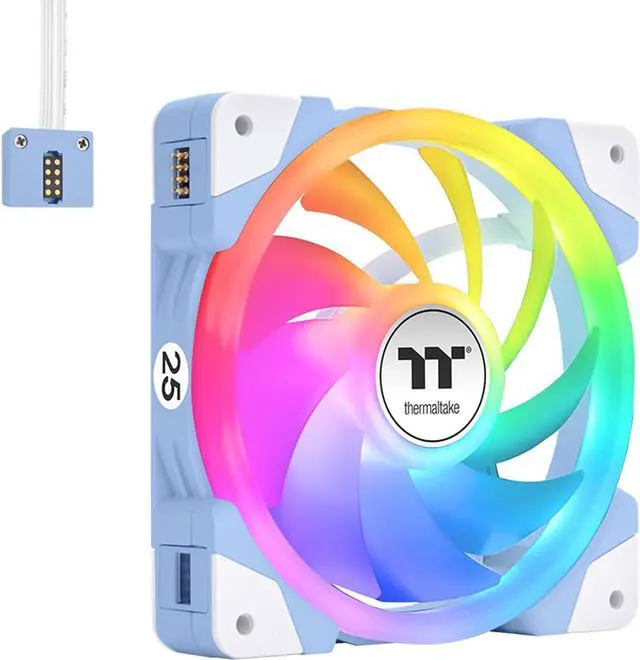
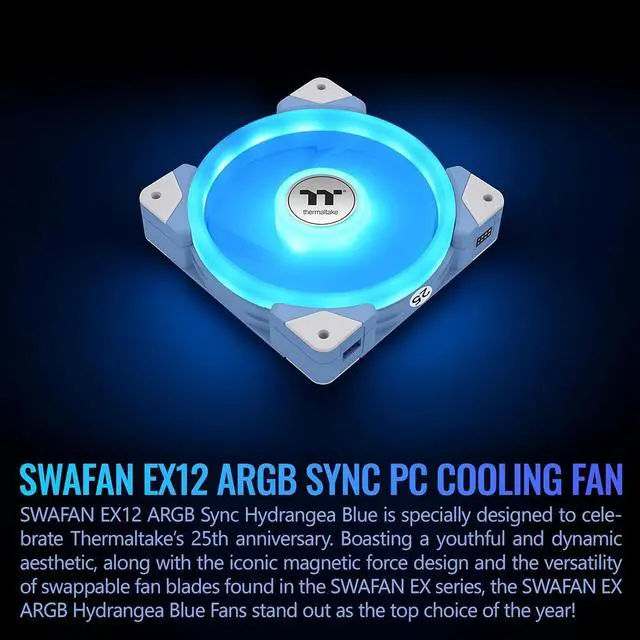
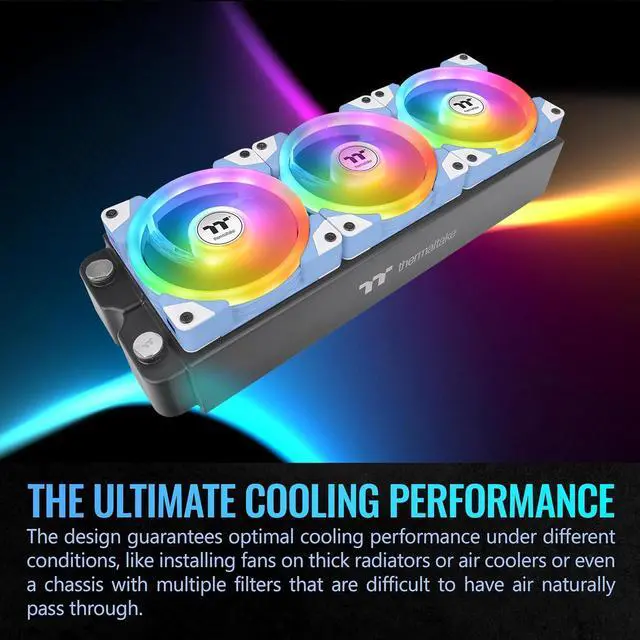
The SWAFAN EX 12 ARGB is a three-fan, Hydrangea Blue desktop case-fan kit for PC builders seeking customizable lighting and adjustable cooling, with speeds from 500 to 2,000 RPM and motherboard RGB software sync.
Recommended For
- Showcase-PC builders coordinating a blue color theme can use the Hydrangea Blue frames and addressable RGB lighting as visible parts of the build.
- Builders who want the fan’s support struts hidden on the visible side can swap in the reverse blades to change airflow direction without turning the fan around.
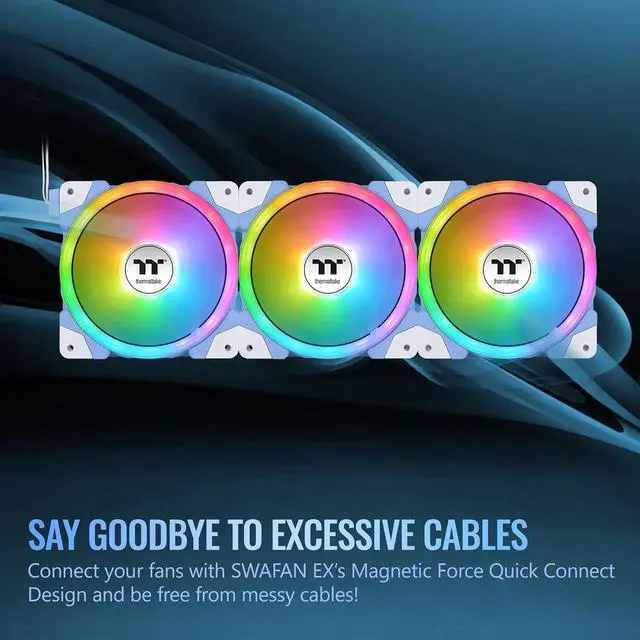
- Multi-fan PC builders seeking a tidier installation can use the magnetic connections to join adjacent fans and reduce separate cable runs; Thermaltake recommends no more than five fans per cable.
- PC owners who prefer hands-on fan upkeep can remove the blades for cleaning; Thermaltake says they can be rinsed, dried thoroughly, and relubricated if needed.
Real-World Use Scenarios
- When arranging case intake and exhaust, swap the blades to choose the airflow direction without turning the fan frame around; this can help keep the preferred fan face visible in a showcase build.
- When installing several fans together in a case, connect them side by side with the magnetic links; the shared connection can reduce loose power and lighting cables to route behind the motherboard tray.
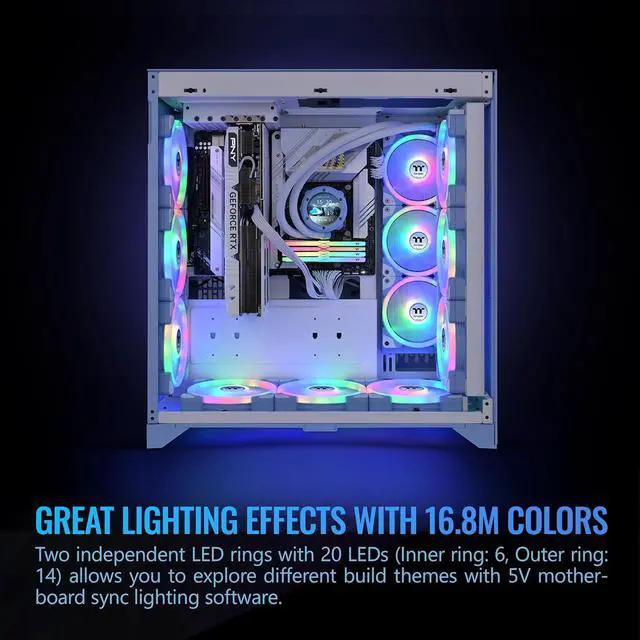
- For a blue-themed PC build, use the Hydrangea Blue frames and connect the ARGB lighting to a compatible motherboard header; lighting can then be coordinated through the motherboard’s RGB software.
- For everyday case ventilation during gaming or other PC workloads, use the fans as standard intake or exhaust and adjust their speed with PWM control; independent testing found airflow is available, but performance-focused buyers should compare other options, especially for quiet radiator or heatsink cooling.




 here!