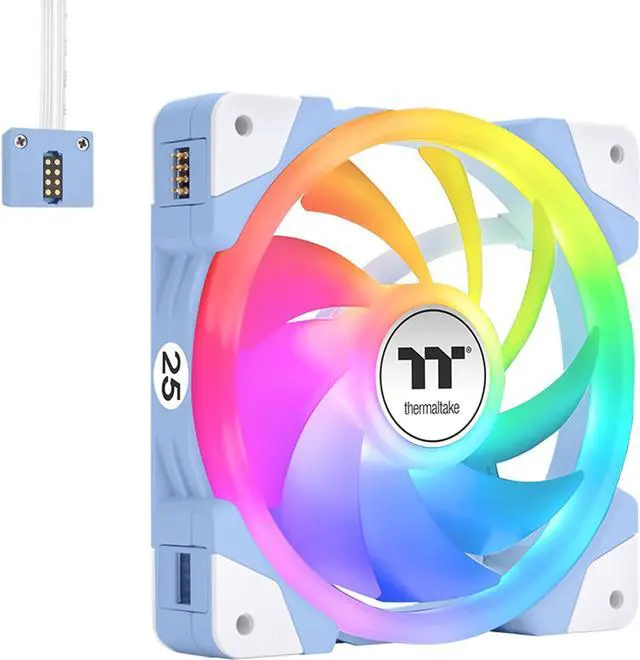
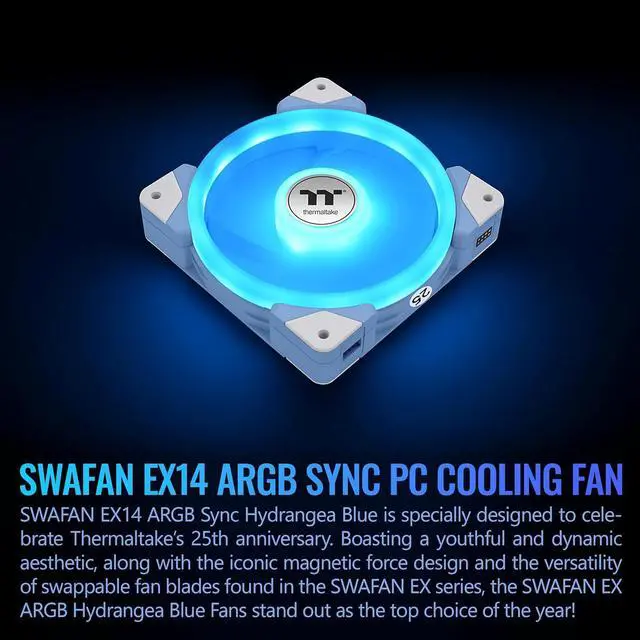
The Thermaltake SWAFAN EX 14 ARGB Hydrangea Blue is a three-fan set for desktop PCs, suited to builders who want customizable airflow, coordinated lighting, and magnetic fan-to-fan connections. Its swappable blades support different airflow directions, and the fans run from 500 to 2000 RPM.
Recommended For
- PC builders who want reverse-intake airflow while keeping the fan’s RGB visible from a glass side panel; the included reverse blades change airflow direction without flipping the fan’s visible side.
- Builders installing several fans together who want fewer visible connection cables: the magnetic connections support daisy-chaining up to three fans per cable.
- Showcase-focused PC builders who want addressable RGB lighting in a 140 mm fan setup, with standard and reverse blades to suit different case airflow layouts.
- Users planning a 140 mm case-fan or radiator installation who want a fan option that can move air while keeping its lighting visible in different push/pull arrangements.
Real-World Use Scenarios
- When adding 140 mm case fans to a desktop build, use the standard blades for intake or exhaust to circulate air through the case; a review found the fans provided sufficient airflow to cool components, though maximum speed was noticeably loud.
- When mounting an intake fan where its front side will be visible, fit the included reverse blade to change airflow direction without turning the fan frame around; this helps keep the preferred side facing the interior of the build.
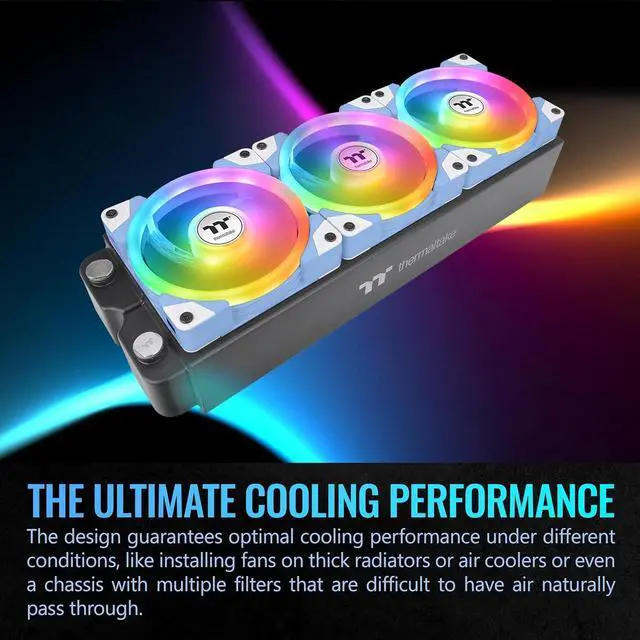
- When installing a row of three fans in a case or radiator, connect the fans magnetically to daisy-chain them; this can reduce cable clutter compared with wiring each fan separately.
- When fitting fans to a compatible radiator, use the standard blades for airflow through the radiator and the included screws for mounting; expect fan noise to be more noticeable if they run at full speed.
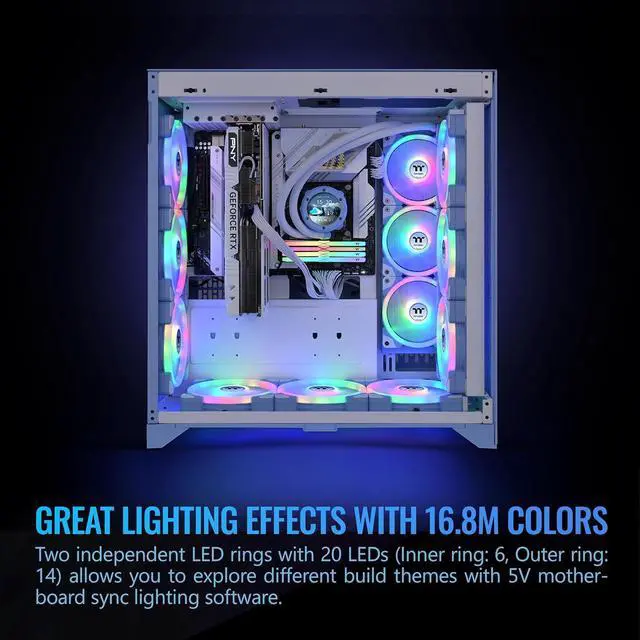
- When coordinating a themed PC build, connect the fans' ARGB lighting to compatible motherboard software to synchronize their lighting with the rest of the system.




 here!