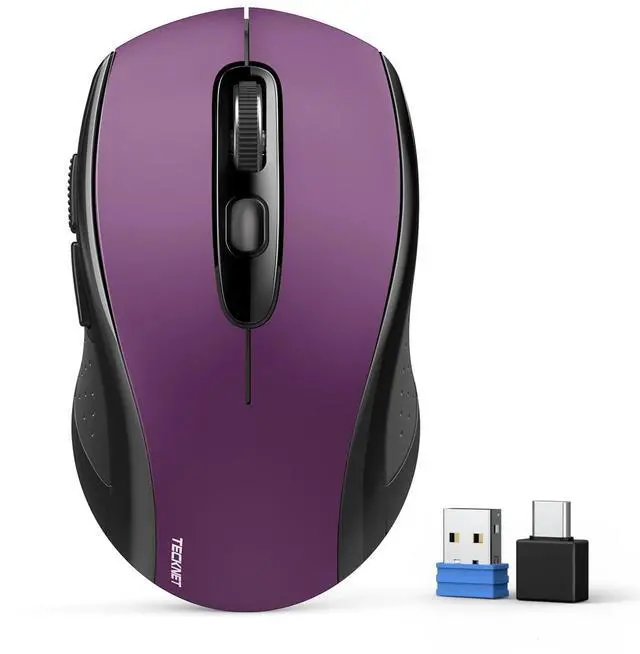
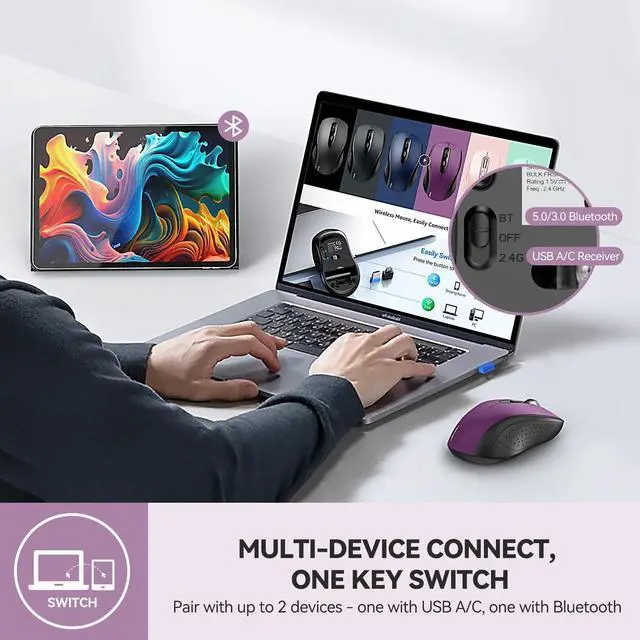
Multi-Mode Connectivity: wireless mouse switches between 2 devices via BT 5.0 /BT 3.0 / 2.4GH z. Compatible with laptops/tablets/MacBooks, realizes free switches between 2 devices(with Bluetooth mode and 2.4G mode) in a switch button on the computer mouse wireless. ^^ 2 in 1(Bluetooth+ 2.4G hz USB)
Connection Options: Use Bluetooth (Windows/macOS/Android) or 2.4GH z USB receiver. Store adapter in mouse, and no WiFi support ^^
Dual-Device Control: Switch between laptop/tablet instantly. MacBooks require Bluetooth (no USB port). Supports control 2 devices(one with usb-a, one with bluetooth), without the trouble of plugging and pairing ^^
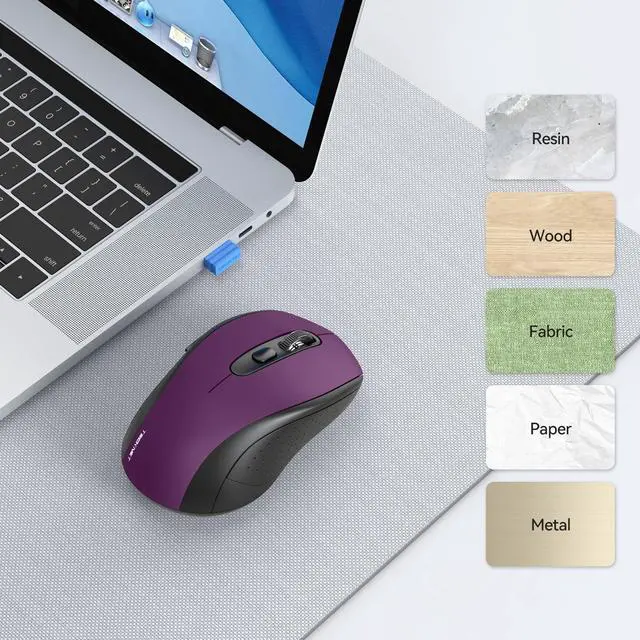
Customizable DPI: 6 adjustable levels (800/1200/1600/2400/3200/4000). Tru-Wave tracking works on most surfaces. Plug-and-play with Nano receiver storage (stored in the back of the wireless mouse for laptop) ^^
Ergonomic Build: Contoured design for comfort. 10 million times click durability. Compact size for travel. Computer mouse wireless is not ideal for large hands.
^^ Smart Features: Auto-sleep extends battery (18 months, 2 AA required). Back/Forward buttons make moving quickly forward or back between documents or browsing websites a breeze (Windows/Android only, Mac not suitable) ^^
Warranty & Note: 36-month warranty with registration. Troubleshoot via battery replacement/LED indicators (green= 2.4G, blue=BT). (247 characters). No USB-C support and not rechargeable, iPad shows round cursor, Mac disables side buttons.
^^ Usage Reminders: Audible clicks (not silent). Sleep mode activates after 10min (double-click to wake).
Windows 7/XP note: Manual driver install required for USB adapter. Contact the seller for damaged/missing parts.
^^ 2.4G Mode: Insert batteries Toggle switch to 2.4G (green LED) Plug receiver into USB-A Press any button to connect ^^
Bluetooth Mode: Insert batteries Toggle to BT mode (blue LED) Hold pairing button 3s Enable device Bluetooth Search "BM20X- 3.0" or "BM20X- 5.0" Connect