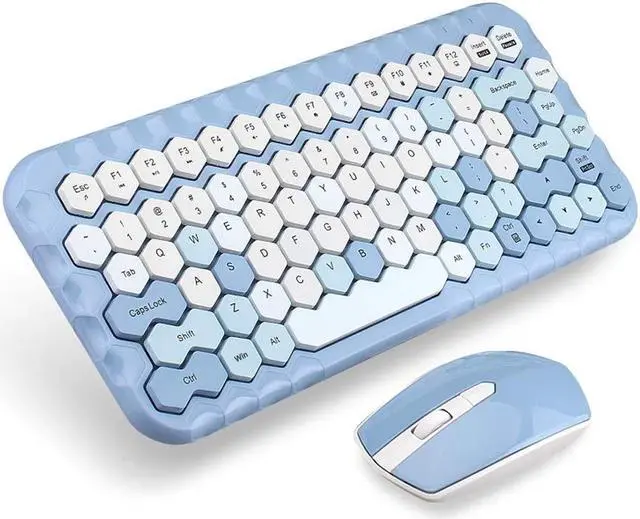
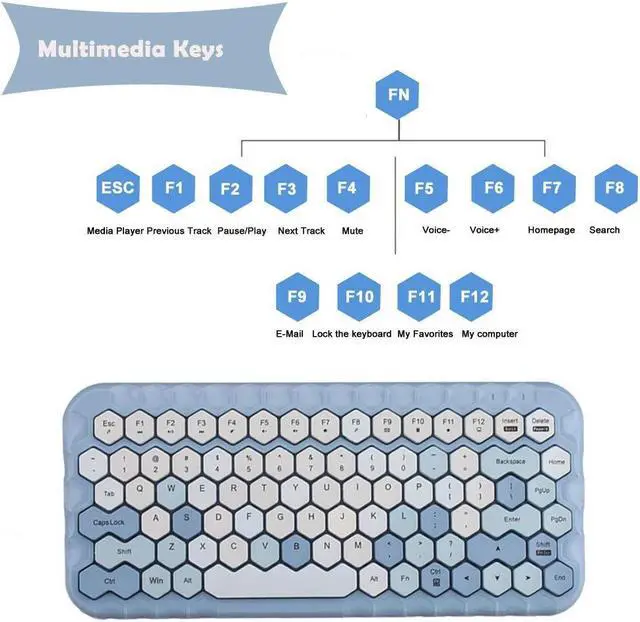
1Multimedia shortcut keys, work & entertainment more comfortable
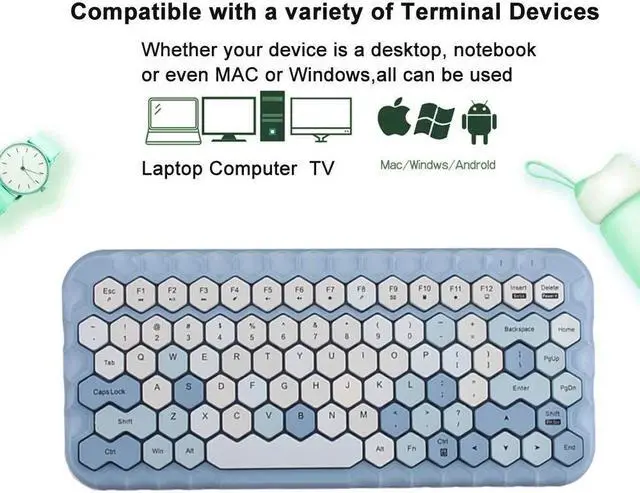
[(FN+Esc=Media Player)] [(FN+F1=Previous Track)]
[(FN+F2=Pause/Play)] [(FN+F3=Next Track)]
[(FN+F4=Mute )] [(FN+F5= Voice-)]
[(FN+F6=Voice+)] [(FN+F7=Homepage)]
[(FN+F8=Search )] [(FN+F9=E-Mail)]
[(FN+F10=Lock the keyboard)] [( FN+F11=My Favorites)]
[(FN+F12=My computer)]
2Plug and Play, Easy to Set up
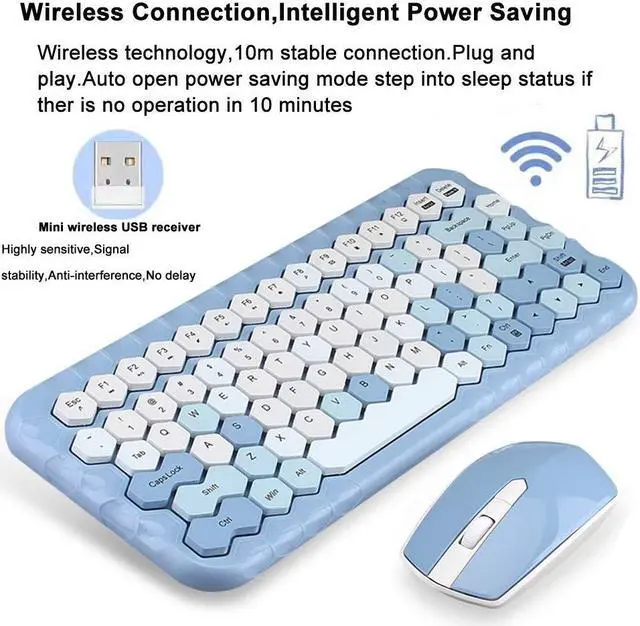
1. Take out the USB receiver from the rear side of the mouse and plug it into the computer's USB port
2. Remove the battery compartment cover on the rear side of the mouse, insert 1*AA battery with correct polarity into it
(observe plus/+and minus/-); When connected, the LED on bottom will be lighted up
3. Remove the battery compartment cover on the bottom of the keyboard, insert 2*AAA battery with correct polarity into it,
When connected, the keyboard can be used properly 4. When not using this set, pls take out the nano receiver from USB port and insert it into receiver curve of mouse
3Product Parameter
Connection: 2.4G Wireless
-Keyboard
Size: 331 x 148 x 29mm
Weight: 465g
Keys number: 83
Battery require: 2*AAA battery (not include)
-Mouse
Resolution: 800-1200-1600
Buttons number: 4
Size: 110 x 62 x 30mm
Weight: 81g
Battery require: 1*AA battery (not include)
-Package
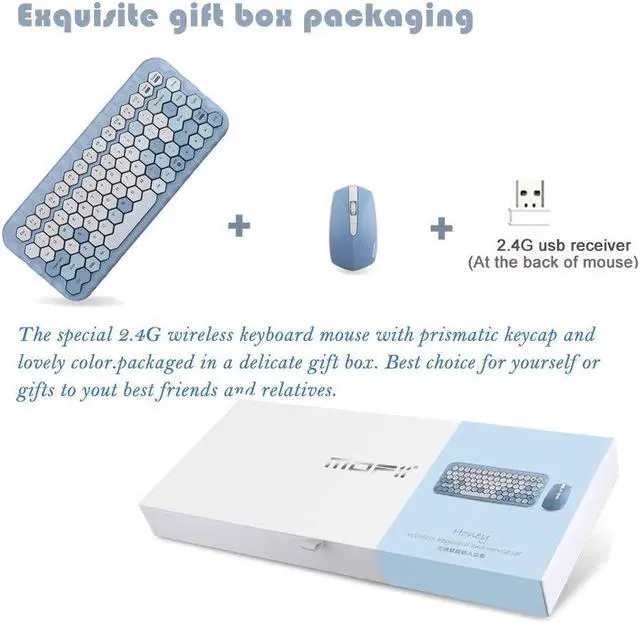
1* 2.4G wireless keyboard
1* 2.4G wireless mouse
1*USB receiver
1* User Instruction manual (Chinese and English)
Shop Service
-We aim to offer customer satisfaction for all of our customers and will do whatever it takes to take care of you. So if have any questions, pls feel free to contact with us
-Thank you for visiting Onlywe store, if you love it, ADD TO CART and Buy now with 1-Click!