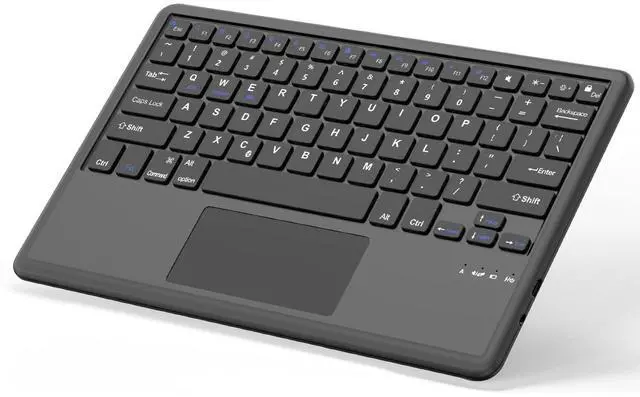
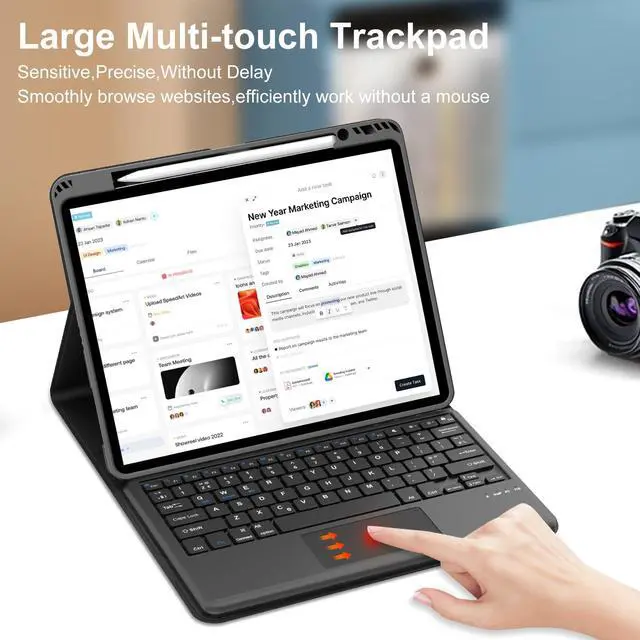
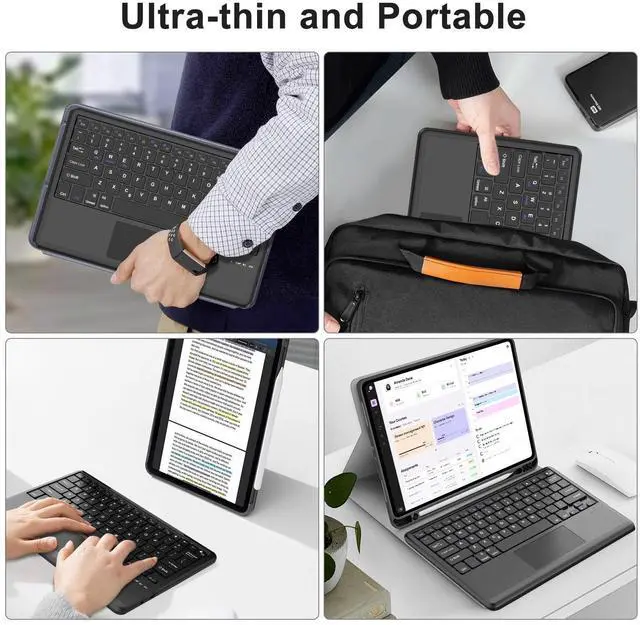
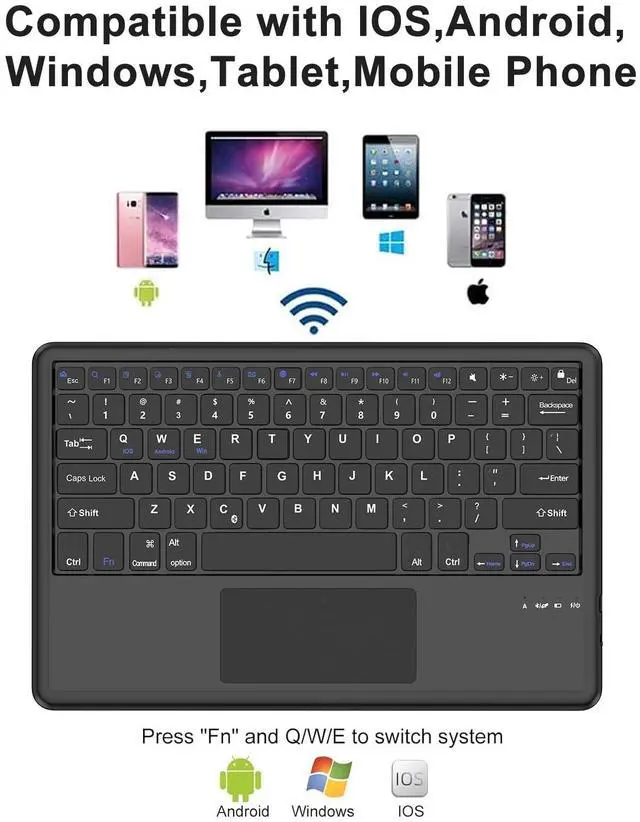
Slim Wireless Keyboard with Trackpad
Specifications
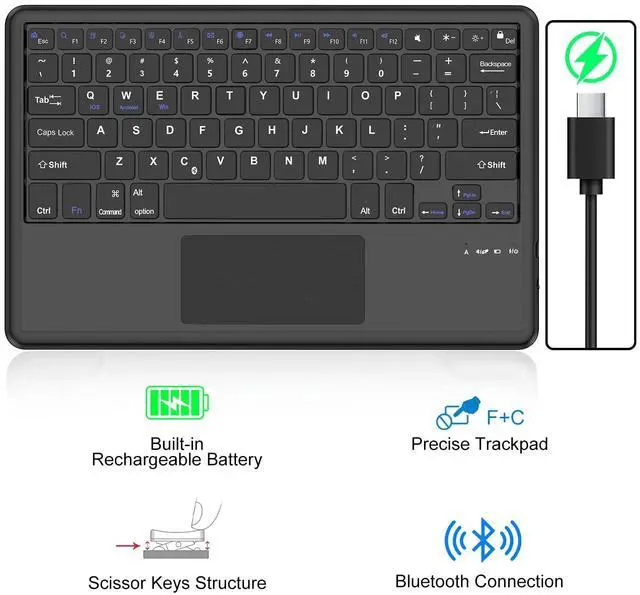
Connection Method: Bluetooth
Keyboard Buttons: 81 keys
Keyboard Layout: US QWERTY layout
Distance of use: Up to 10m
Multimedia Shortcuts: Press FN+"F1-F12" function keys
Material: Plastic and aluminum alloy
How to Link the Bluetooth Keyboard
1. Push the switch button to "ON position, the breathing light of Power light up bule
2. Press "FN+C, Bluetooth indicator will blink and wait for pairing.
3. Search and click to connect "Bluetooth 5.0 keyboard" on your iPad.
Package included:
1 x Wireless Keyboard with Touchpad
1 x Type-C fast charging cable (No Charger)
1 x User Manual