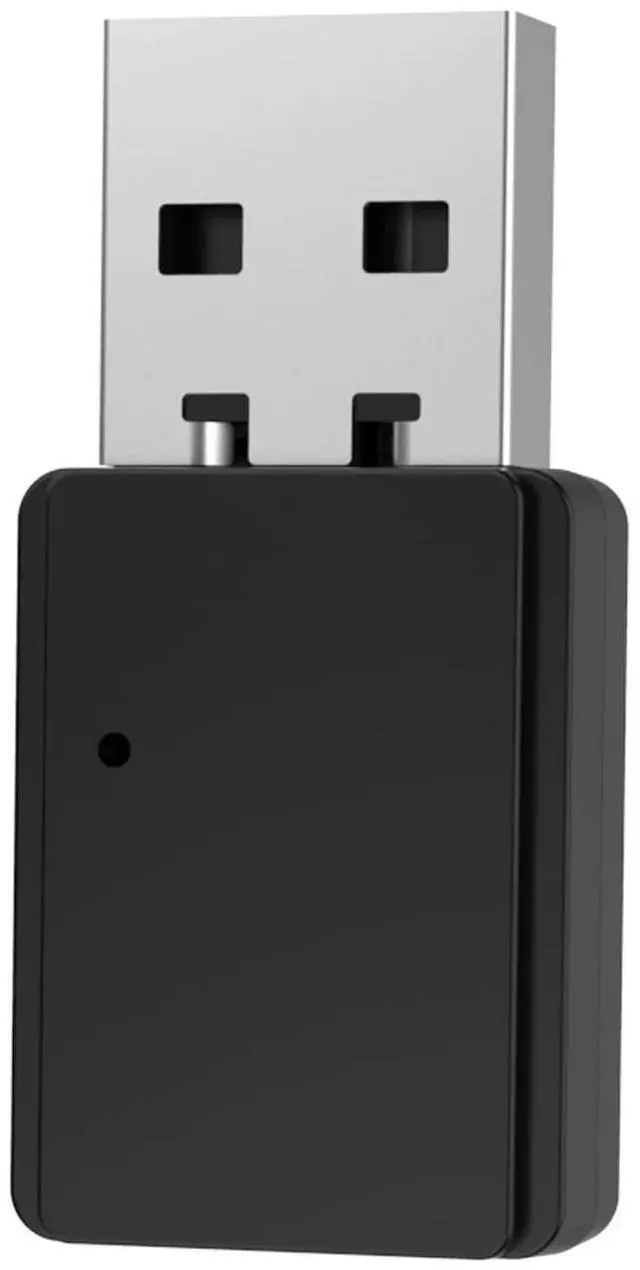
1. Plug the Vonztek USB dongle into your PC/MAC/laptop USB-A port. 2.The dongle will enter the Pair mode, LED flashes Red/Blue.
3. Long press the MFB for 5 SECS to turn on the BT-68 headset and enter the Pair MODE of the Vonztek headset (HEADSET LED flashes Blue/Red light).
4. Wait for 3-5 secs,Normally they would pair automaticallv.
5.The Vonztek dongle will shows LED solid blue, and the headset will both flashing only Blue light, meaning paired successfully.
6. Click PC sound icon(on the bottom right side of Windows/Topright side of MAC), choose BT-68 Dongle.
7.IF you need to Connect with 2 devices: First pair with the dongle or your cellphone, make sure when you pair with the second device, the first devices Bluetooth function should be turn off.
+
+
Overview
Specs
Reviews
Any questions? Our AI beta will help you find out quickly.
Try me now
bluetooth
Learn more about the Detailed Specifications
Additional Information
First Listed on Newegg
December 28, 2025
There are no reviews yet.
Do you own this product?
Warranty & Returns
Warranty, Returns, And Additional Information
Warranty
Please contact the Seller directly for warranty information. Warranty information may also be found on the Manufacturer's website.