

Your Browsing History
- Free 30-day Returns
- $5.99 Shipping ()
$67.99
Most customers receive within 7-9 days.

Meet Your Seller

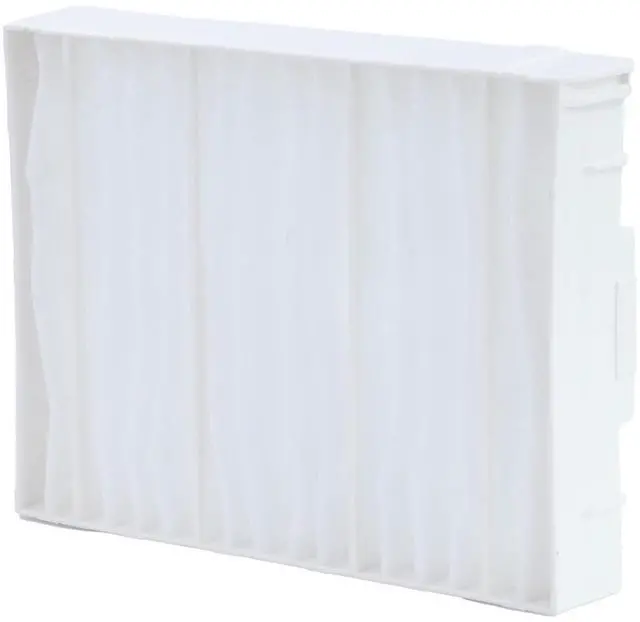
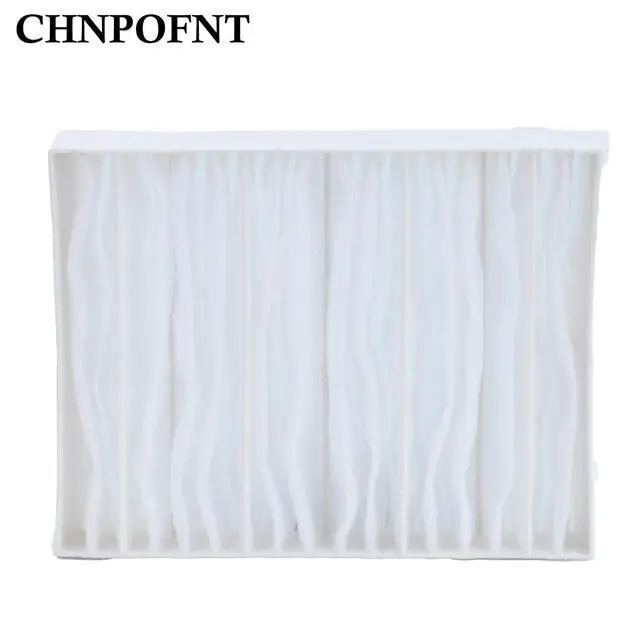
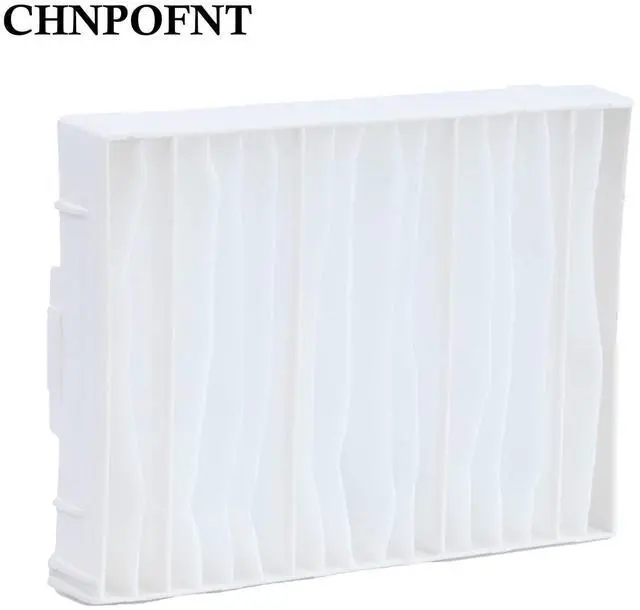
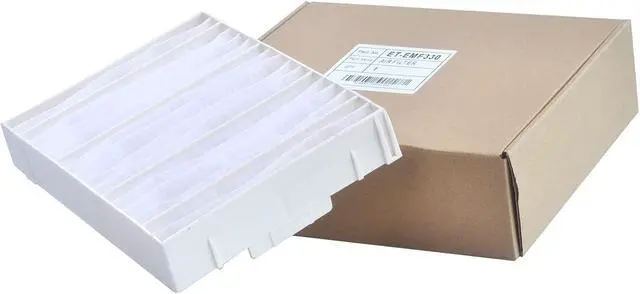
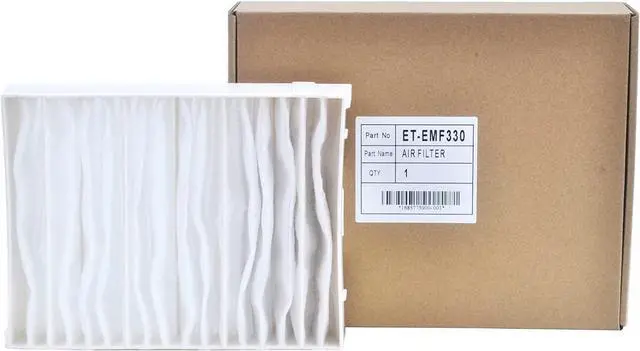


CHNPOFNT ET-EMF330 ET-SFR330 New Air Filter for PANASONIC PT-SRQ32KC PT-RQ32K PT-SRZ31KC PT-RZ31K PR-RQ13K PT-RS11K PT-RZ12K PT-RS30K.
- 1.CHNPOFNT ET-EMF330 ET-SFR330 New Air Filter
- 2.Works with projector models PANASONIC PT-SRQ32KC PT-RQ32K PT-SRZ31KC PT-RZ31K PR-RQ13K PT-RS11K PT-RZ12K PT-RS30K.
- 3.Advantages of high-quality filter screen: Reduce the entry of dust in the air, prevent dust from entering, improve the brightness of light bulb, extend the service life of the bulb, and extend the service life of the projector. Use our filter screen to provide clearer pictures
- 4.Each Projector Air Filter will be Test before Ship Out From the Factory.
- 5.Provide the best quality customer service with a 6-month warranty. If you have any problems, send us an email immediately and solve all problems within 12 hours.
+
+
Overview
Specs
Reviews

Any questions? Our AI mode will help you find out quickly.
Try me now
CHNPOFNT ET-EMF330 ET-SFR330 New Air Filter for PANASONIC PT-SRQ32KC PT-RQ32K PT-SRZ31KC PT-RZ31K PR-RQ13K PT-RS11K PT-RZ12K PT-RS30K.
Filter replacement steps: 1. Turn off the projector and unplug the power cord. 2. Open the air filter cover. (Release the latch and pull the cover upwards. )3. Remove the air filter that needs to be replaced. 4. Insert the new air filter and gently push it into the solid clip (with the groove facing to the right during installation) 5. Close the air filter cover.
Attention: Please regularly maintain your projector to avoid excessive internal temperature, which may shorten the lifespan of the projector and projector bulbs.
Filter replacement steps: 1. Turn off the projector and unplug the power cord. 2. Open the air filter cover. (Release the latch and pull the cover upwards. )3. Remove the air filter that needs to be replaced. 4. Insert the new air filter and gently push it into the solid clip (with the groove facing to the right during installation) 5. Close the air filter cover.
Attention: Please regularly maintain your projector to avoid excessive internal temperature, which may shorten the lifespan of the projector and projector bulbs.
Warranty & Returns
Warranty, Returns, And Additional Information
Warranty
- Please contact the Seller directly for warranty information. Warranty information may also be found on the Manufacturer's website.
- CONTACT
Return Policies
- Return for refund within: 30 days
- Return for replacement within: non-replaceable
- This item is covered by VersaCom Return Policy
Manufacturer Contact Info
- For a directory of all our manufacturers, please click below.
- Manufacturers Directory
LOADING...