Upgrade Your TH9800 /
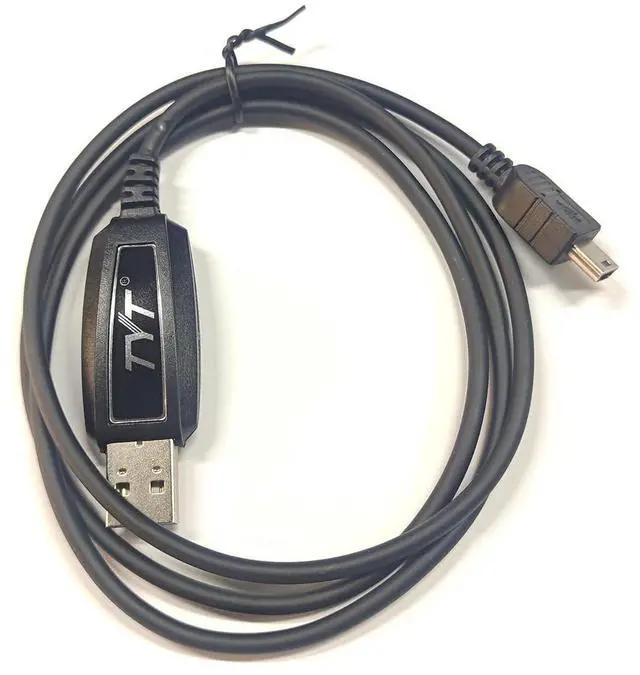
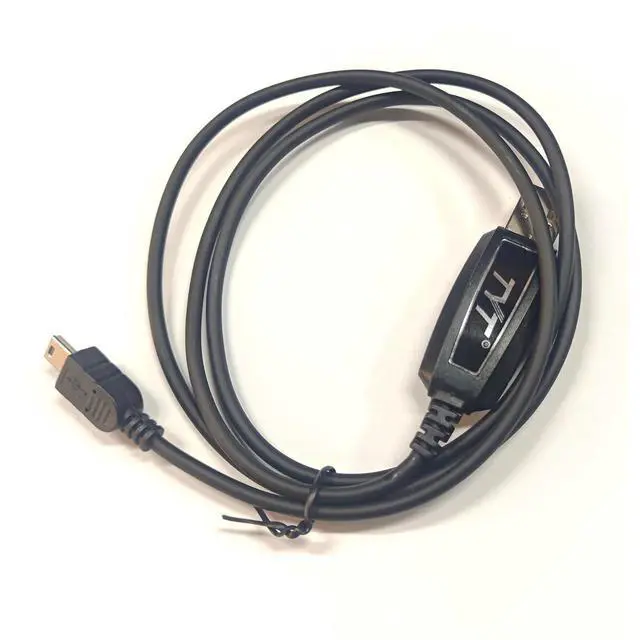
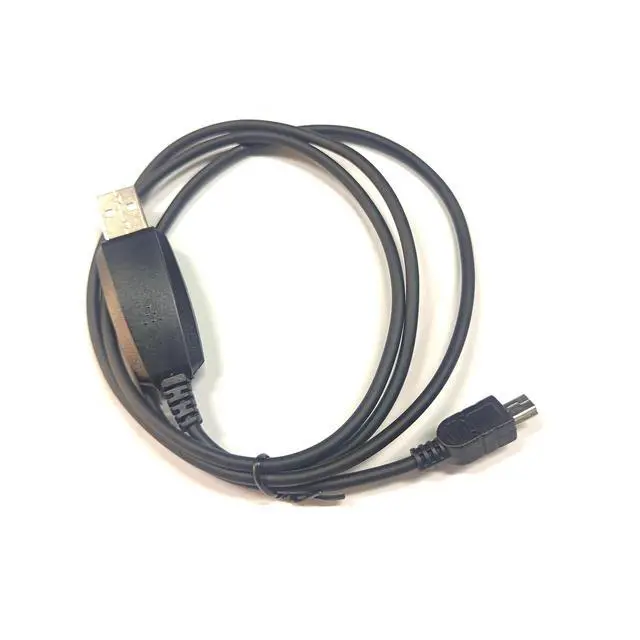
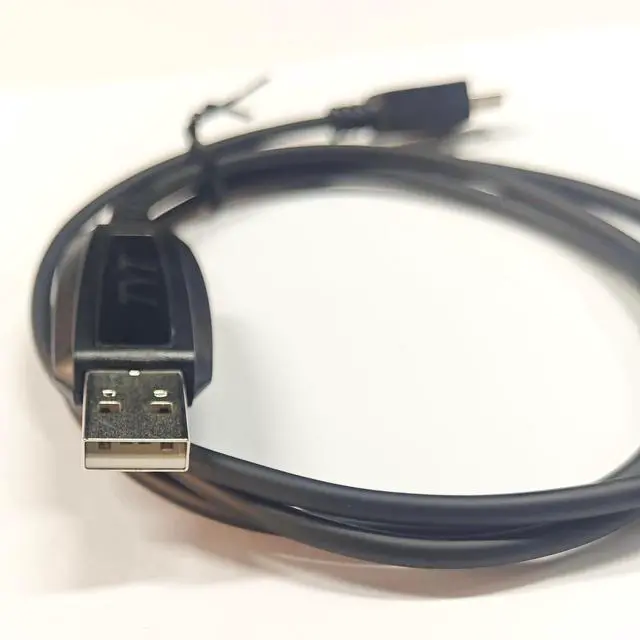
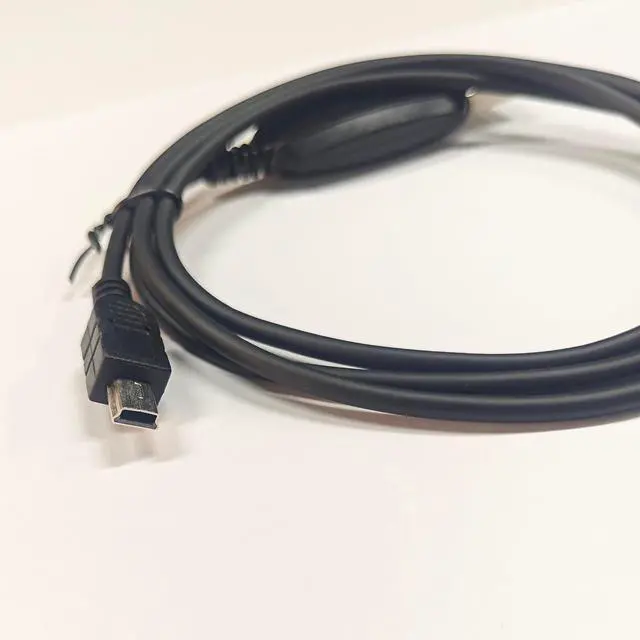
TH9800D Programming Experience: Stop struggling with tiny buttons and confusing menus on your mobile radio. This USB Programming Cable lets you manage all settings from your computer in minutes fast, accurate, and repeatable.
Software Compatibility: CHIRP (free, opensource most popular for radios)Official programming softwareOperating
System Support: Windows 11 / 10 / 8 / 7 driver included via download link. Whats Included in the
Package: 1 USB Programming CableHow to Use (Simple
Steps): Download and install the appropriate driver for your computer. Connect the USBA end to your computer, and the Mini USB end to your TH9800 / TH9800D radio. Turn on the radio. Open CHIRP or your preferred programming software, select the correct COM port, and read data from the radio. Edit frequencies, names, or settings, etc, then write back to the radio.
Important Notes: This cable is NOT a charging cable it will not power your radio.
Customer Support: We stand behind our product. If you encounter any compatibility or driver issues, please contact us via BuyerSeller Messaging. We typically respond within 24 hours and provide free troubleshooting assistance.
Perfect for: Ham radio operators who own a TH9800, TH9800D. Users who want to backup their radio configuration before experimenting. Clubs or groups needing to clone the same settings across multiple radios. Anyone tired of manual frequency entry errors. Order your cable today and take full control of your mobile radio!





 here!
here!