Your Browsing History
Meet Your Seller
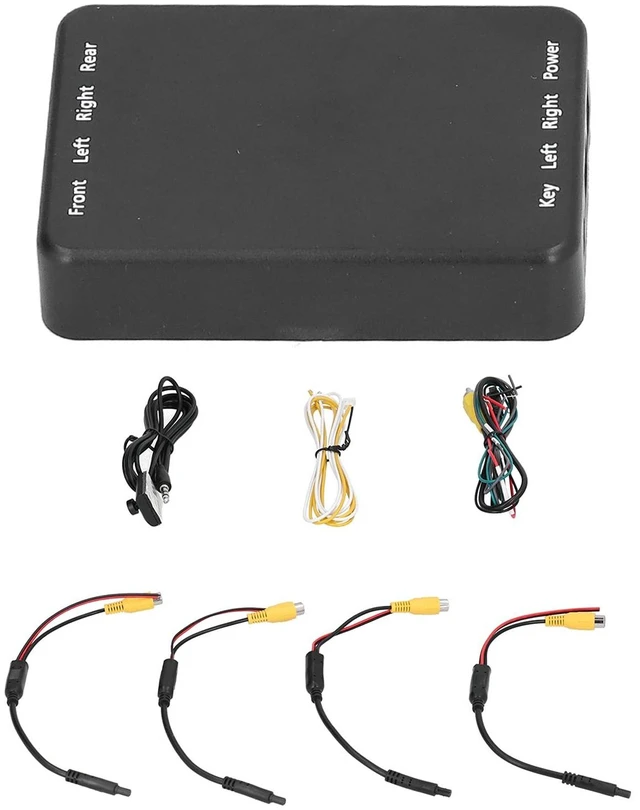
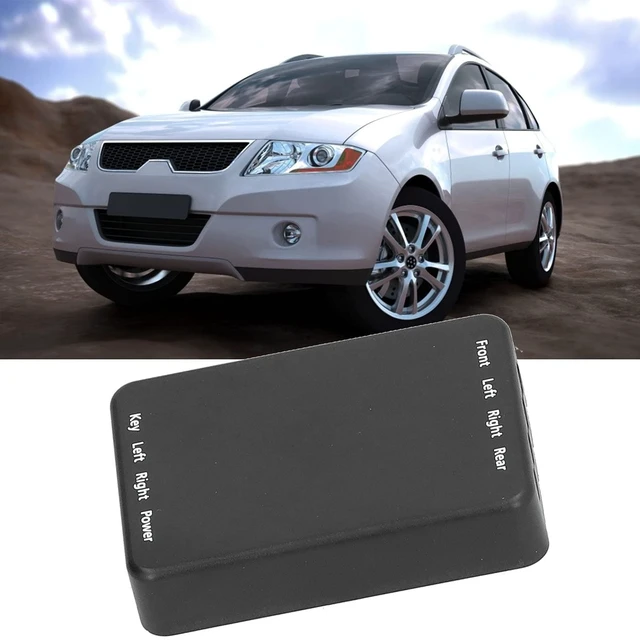
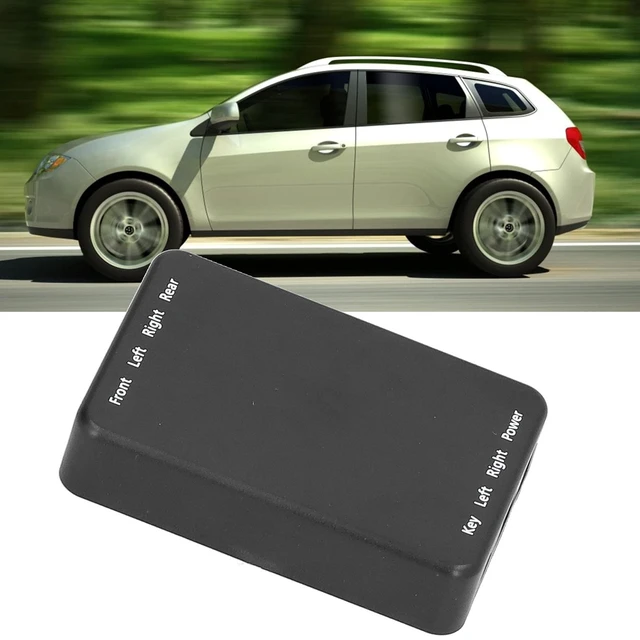
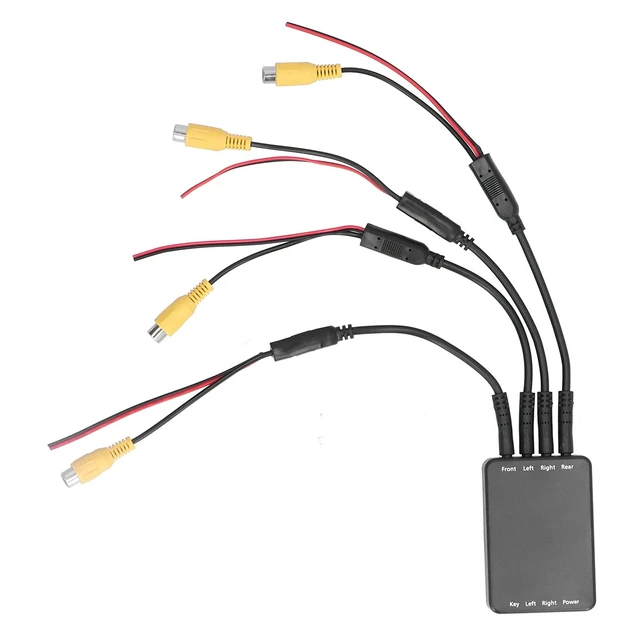
4 Way Car Video Switch Panoramic Camera Control Switch 360 Degree Camera Control Switch Box Universal Reversing Camera Control Switch for Vehicle Backup
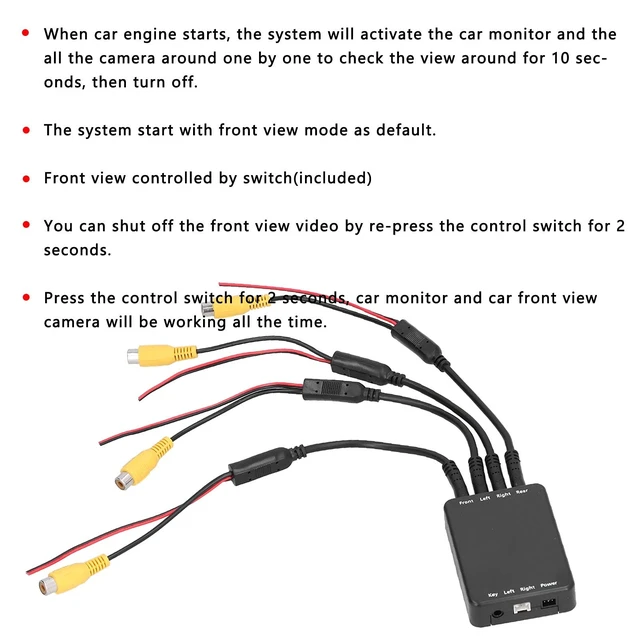
- APPLICATION: 360 panoramic car camera starts in front view mode by default. The front view is controlled by the included switch, and you can turn off the front view video by pressing and holding the control switch for 2 seconds
- FUNCTION: When the car video switch is activated, the system will turn on the car monitor and sequentially activate all surrounding cameras to check the surroundings for 10 seconds. After that, the side view camera controller will turn off
- EXCELLENT PERFORMANCE: Press and hold the parking camera video switch for 2 seconds to keep the vehicle safety systems monitor and front view camera active continuously. This mode remains on unless another function is triggered, making it more convenient to use
- SAFETY SYSTEM CONTROL: Car video box's auto accessories monitor and camera will turn off 1.5 seconds after the steering turn is completed. Press the control switch again for less than 1 second to enter front view mode
- WIDE APPLICATION: Car camera control box
+
+
Overview
Specs
Reviews
Any questions? Our AI mode will help you find out quickly.
Try me now
APPLICATION: 360 panoramic car camera starts in front view mode by default. The front view is controlled by the included switch, and you can turn off the front view video by pressing and holding the control switch for 2 seconds ^^
FUNCTION: When the car video switch is activated, the system will turn on the car monitor and sequentially activate all surrounding cameras to check the surroundings for 10 seconds. After that, the side view camera controller will turn off ^^
EXCELLENT PERFORMANCE: Press and hold the parking camera video switch for 2 seconds to keep the vehicle safety systems monitor and front view camera active continuously. This mode remains on unless another function is triggered, making it more convenient to use ^^
SAFETY SYSTEM CONTROL: Car video box's auto accessories monitor and camera will turn off 1.5 seconds after the steering turn is completed. Press the control switch again for less than 1 second to enter front view mode ^^
WIDE APPLICATION: Car camera control box for less than 1 second to enter side view mode. When you activate the turn signal, the system will automatically turn on the monitor and the corresponding side view camera, controlled by the left or right turn signal

FUNCTION: When the car video switch is activated, the system will turn on the car monitor and sequentially activate all surrounding cameras to check the surroundings for 10 seconds. After that, the side view camera controller will turn off ^^
EXCELLENT PERFORMANCE: Press and hold the parking camera video switch for 2 seconds to keep the vehicle safety systems monitor and front view camera active continuously. This mode remains on unless another function is triggered, making it more convenient to use ^^
SAFETY SYSTEM CONTROL: Car video box's auto accessories monitor and camera will turn off 1.5 seconds after the steering turn is completed. Press the control switch again for less than 1 second to enter front view mode ^^
WIDE APPLICATION: Car camera control box for less than 1 second to enter side view mode. When you activate the turn signal, the system will automatically turn on the monitor and the corresponding side view camera, controlled by the left or right turn signal
Warranty & Returns
Warranty, Returns, And Additional Information
Warranty
- Please contact the Seller directly for warranty information. Warranty information may also be found on the Manufacturer's website.
- CONTACT
Return Policies
- Return for refund within: 30 days
- Return for replacement within: 30 days
- This item is covered by UsaLogic Return Policy
Manufacturer Contact Info
- For a directory of all our manufacturers, please click below.
- Manufacturers Directory
LOADING...