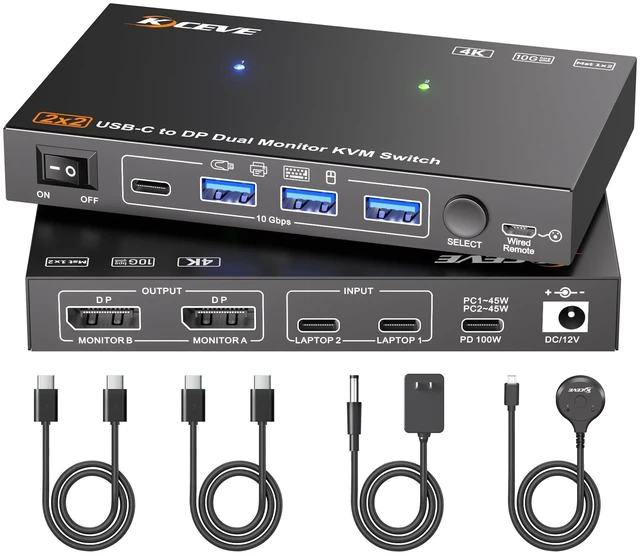
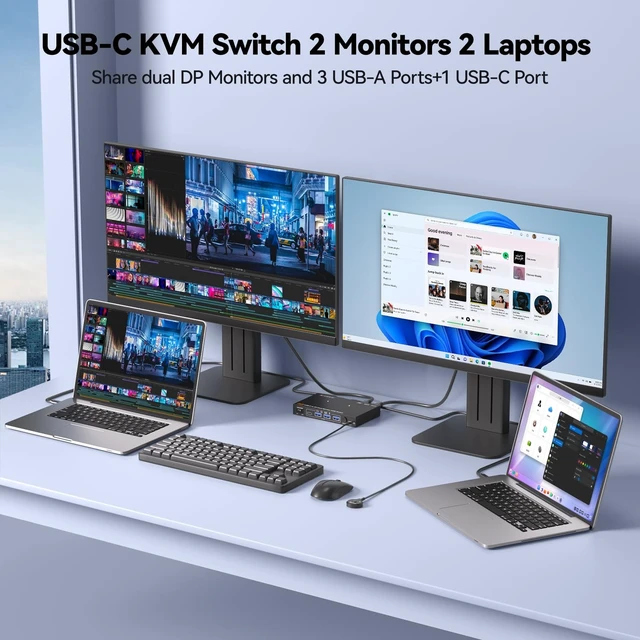
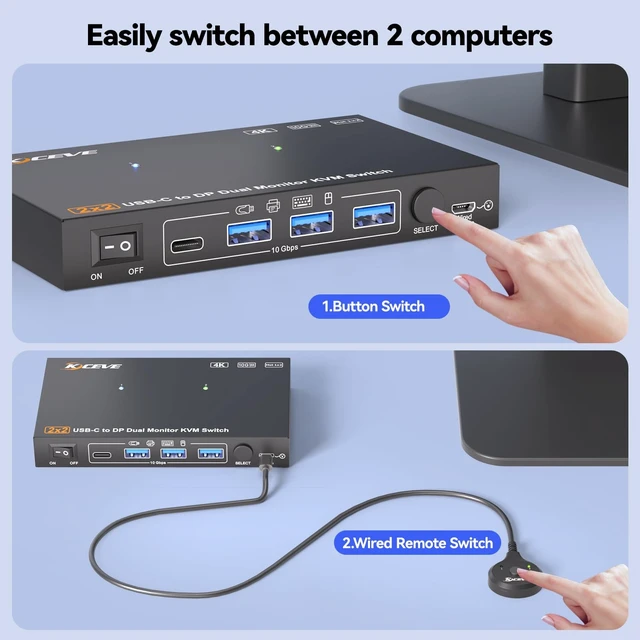
Dual Monitor KVM Switch Docking Station This all-in-one USB C KVM switch combines dual-monitor docking station capabilities with KVM switch functions in a single compact unit. With the 2 monitor KVM switch, you can swiftly switch between two laptops to share 2 external monitors and 4 USB 3.2 ports for your USB peripherals.
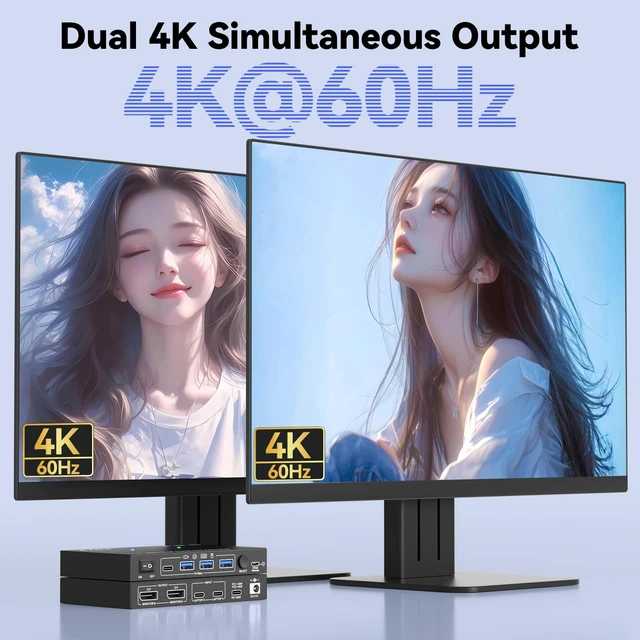
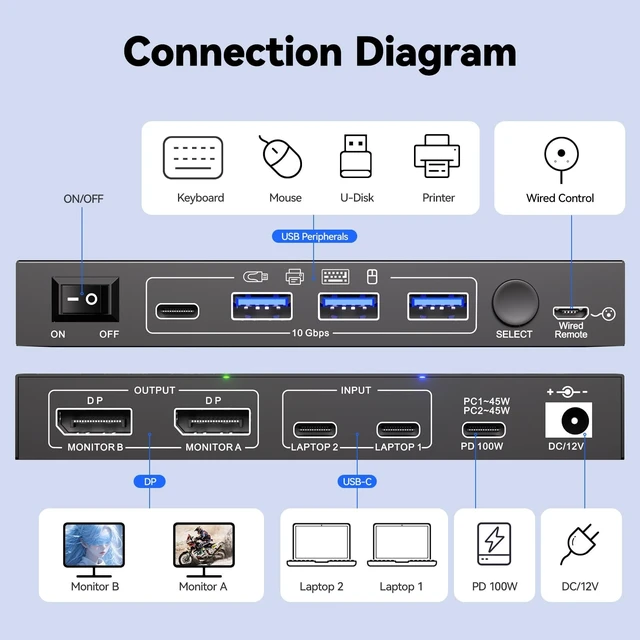
Note: Mac OS only supports mirror display mode (duplicate screen) and does not support extended display mode. ^^ MST Dual 4K@60Hz The 2 laptops 2 monitors USB-C KVM switch supports dual external monitor simultaneous 4K@60Hz output, turning one laptop screen into three, switch between personal and work laptops with a single press. Plug & Play No drivers required.: Use the included USBC cable to connect your laptops to the KVM. For HDMI monitors, an 8K DPtoHDMI cable is recommended. ^^ USB C KVM Switch with 4 USB 3.2 Port The MST USB-C docking KVM switch has 4 USB 3.2 ports(1*USB-C+3*USB-A) for USB peripherals like keyboards, mice, printers and external drives. It offers transfer speeds up to 10Gbps for faster and more stable performance than USB 3.0. ^^ 100W PD Fast Charging Builtin 100W PD port on this 2 laptops USB C KVM switch enables simultaneous charging for two laptops (45W per device). Simply plug your laptop charger into the KVMs PD port. ^^ Wide Compatibility & Flexible Switching 2 monitors 2 laptops KVM switch works seamlessly Windows, macOS, Linux and Chrome OS. Easily switch between 2 laptops instantly via panel button or the included wired remote, Blue/Green LED indicators showing which computer is active. ^^ Please read before purchasing/using (1) Please ensure that the USB-C port of the laptop supports DP Alt Mode (video, data and PD); The CPU of your laptops should be 11th generation or above; (2) To avoid flickering or black screen, please use the USB-C cable (40Gbps) included in the package, the length of DP cable should be within 1.5M; (3) FreeSync, G-SYNC, EDID emulation and hotkey switching are not supported.
(4) Recommend using 8K DP to HDMI cable for HDMI monitors.





 here!
here!