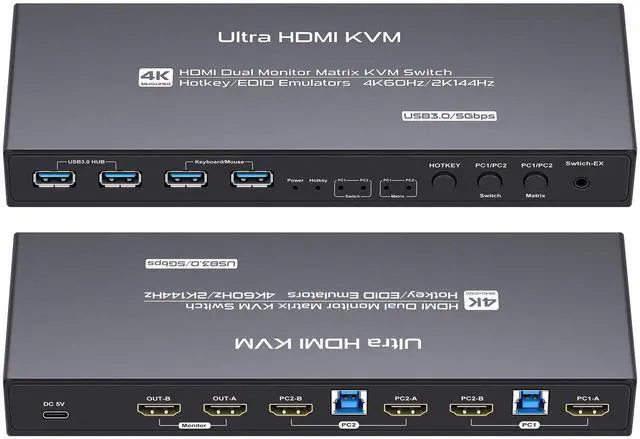
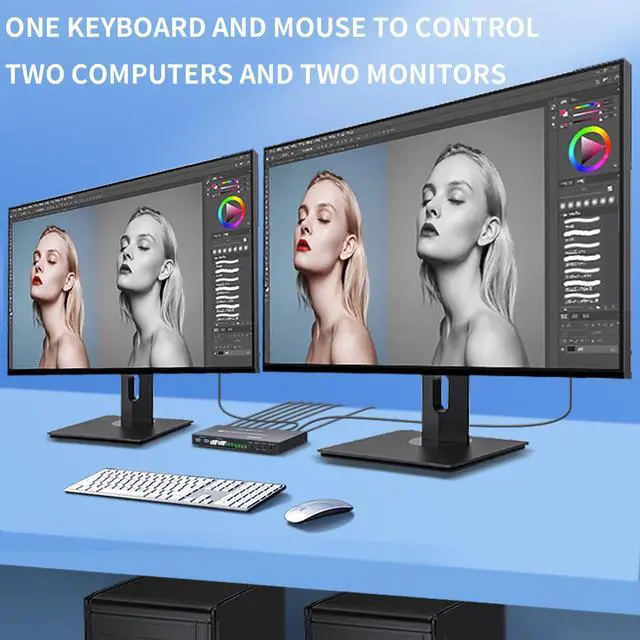
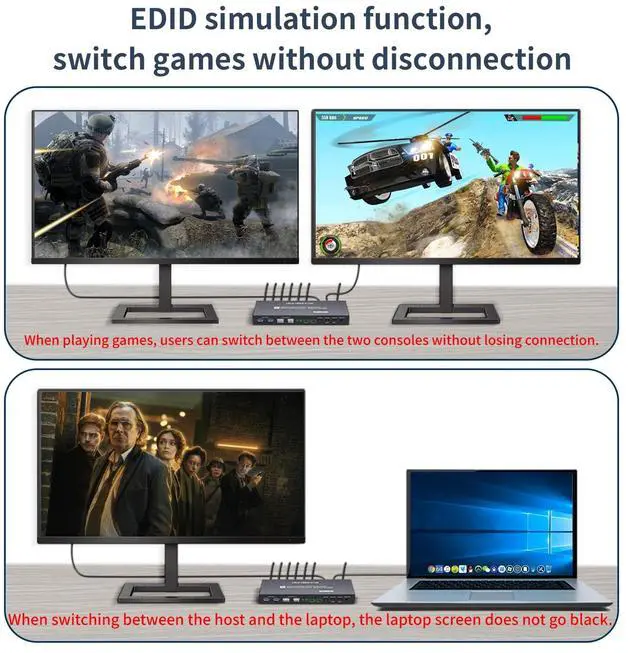
hdmi matrix kvm 2 monitors 2 computers edid 4k 60hz hdmi kvm switch 2 monitor 2 computers edid emulator cross out 4k 60hz
Detailed hotkeys: It is recommended to control the completion of the hotkey combination within 1.5 -2 seconds. If there is no special requirement, use the mouse as much as possible Hotkeys are more convenient and fast.
Mouse hotkey: Double-click the wheel key+left or right button (switch between two computers)
Note: Mouse hotkey can only control the KVM switching mode, cannot control the KVMmatrix mode matrix mode can only be achieved by keyboard hotkeys or device keys.
Keyboard hotkeys: The initial default hotkey is right CTRL, if using right CTRL will conflict with other functions, the hotkey can be changed to: CTRL left, NUMLOCK, SCROLLLOCK
Method of changing hotkeys: Current hotkey+current hotkey+specified hotkey+Enter For example, if the hotkey is set to [Numlock] and the current hotkey is right CTRL, Right Ctrl+Right Ctrl+Numlock +ENTER
Hotkey combination description:
1: Right Ctrl+Right Ctrl+[1]+Enter The PC1 Switch mode 2: Right Ctrl+Right Ctrl+[2]+Enter Switch to
PC2 Switch mode 3: Right Ctrl+Right Ctrl+[3]+Enter Switch to PC1A+PC2A Matrix mode, hdmi Cross output and USB follows
PC1 4: Right Ctrl+Right Ctrl+[4]+Enter Switch to PC2A+PC1A Matrix mode, hdmi Cross output and USB follows
PC2 5: Right Ctrl+Right Ctrl+[B]+Enter Enables or disables the buzzer sound 6: Right Ctrl+Right Ctrl+[S]+Enter Enables or disables the automatic scanning function
7. Right Ctrl+Right Ctrl+[S]+[Number]+Enter Set automatic scanning time (8 to 999 5S) The default value is 8 seconds