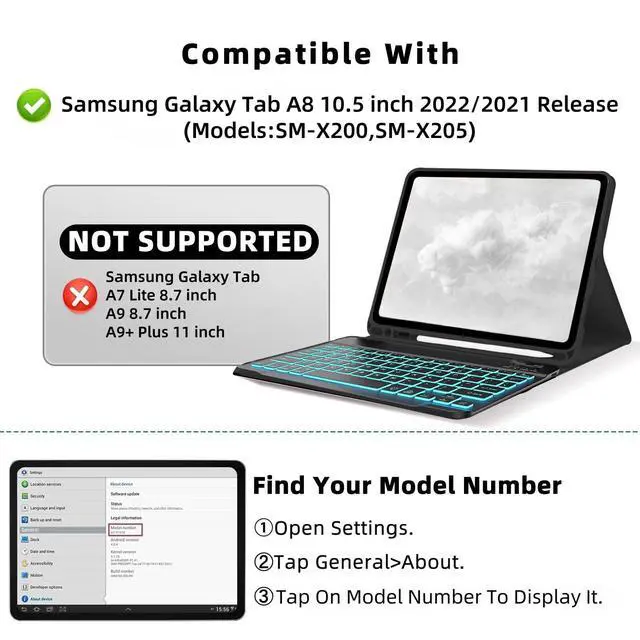
Compatible ModelsThis keyboard case is compatible with Samsung Galaxy Tab A8 10.5 inch 2022/2021 version (Model: SM-X200, SM-X205).
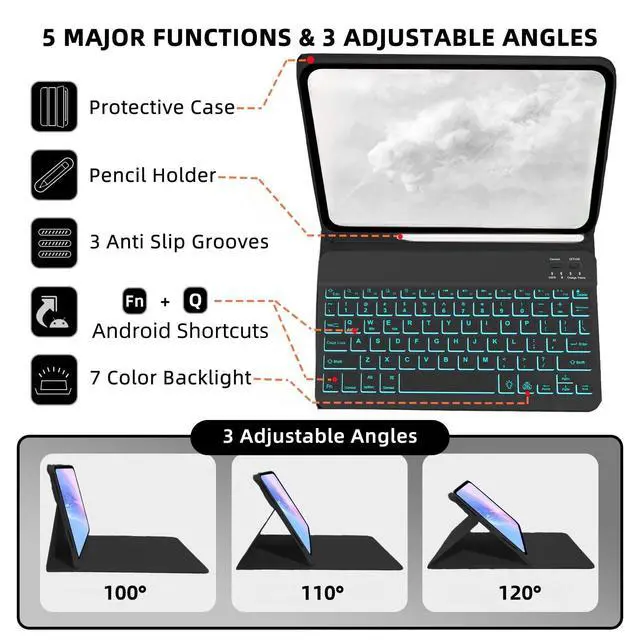
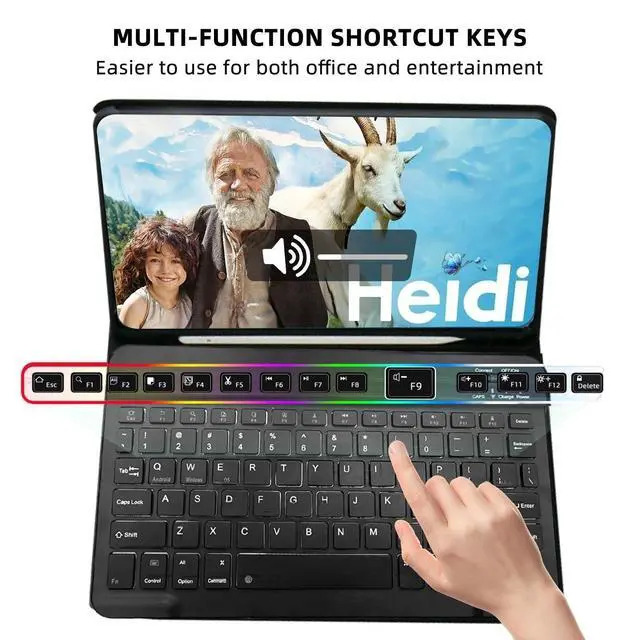
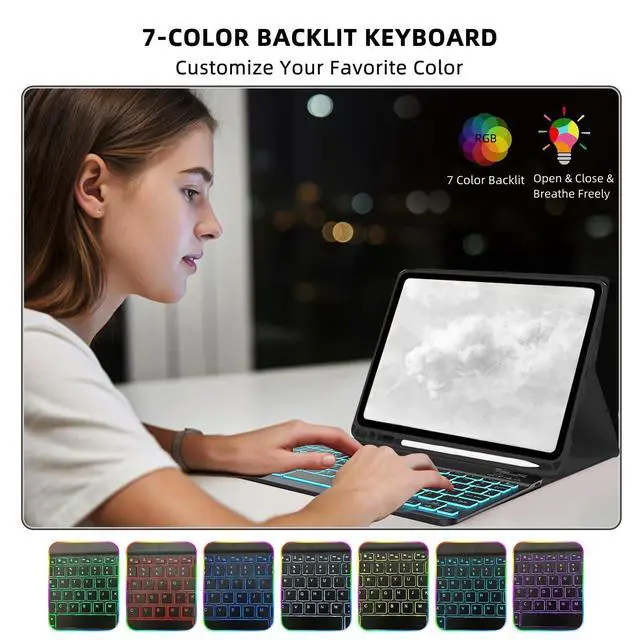
Note: Please check whether your for Galaxy Tab tablet model is compatible before purchasing. (Click "Settings-System-About Tablet Model") ^^ 7-Color Backlit KeyboardJust press the light control button to easily adjust to your favorite different colors, and there is also a breathing light backlight mode that can be switched automatically. The Tab A8 tablet case provides an excellent visual experience when typing in a dark environment. This keyboard features a scissor mechanism for a quiet, responsive, and comfortable typing experience. Its magnetism base allows for easy detachment, and it's equipped with shortcut keys, making it ideal for work and travel ^^ with Pen Slot and MouseBxomteng Tab A8 10.5 inch protective case provides the best protection. Built-in Pen Slot holds the stylus securely, always ensuring it is as safe as the tablet. The mouse has a comfortable and non-slip wheel that slides smoothly, whether it is clicking, scrolling or browsing the web, it can easily cope with it. Slim body, easy to carry. (This product does not include: pencil, tablet! ) ^^ Multiple Viewing Angles, Folding CaseThe case has three built-in anti-slip grooves and supports 100110 and 120 tilts, which can fix the tablet at three angles and provide strong support. The case folds like a book, leaving your hands free for typing, reading or watching ^^ Precise CutoutsIts precise cutouts allow easy access to all controls and features, which provides all-around protection for Galaxy Tab A8 10.5 inch tablet, greatly reduces the damage to your tablet caused by collisions. The soft TPU inner shell adopts a honeycomb design to facilitate the heat dissipation of the tablet and extend the use time ^^ Magnetism ClosureThe case is magnetism, which keeps the case firmly closed while traveling. The tablet will automatically sleep or wake up when the case is closed or opened.
Note: To cancel this function, you can turn it off on your tablet (click "Settings-Accessibility-Case Operation")