

Your Browsing History
- Free 30-day Returns
$44.99

Meet Your Seller

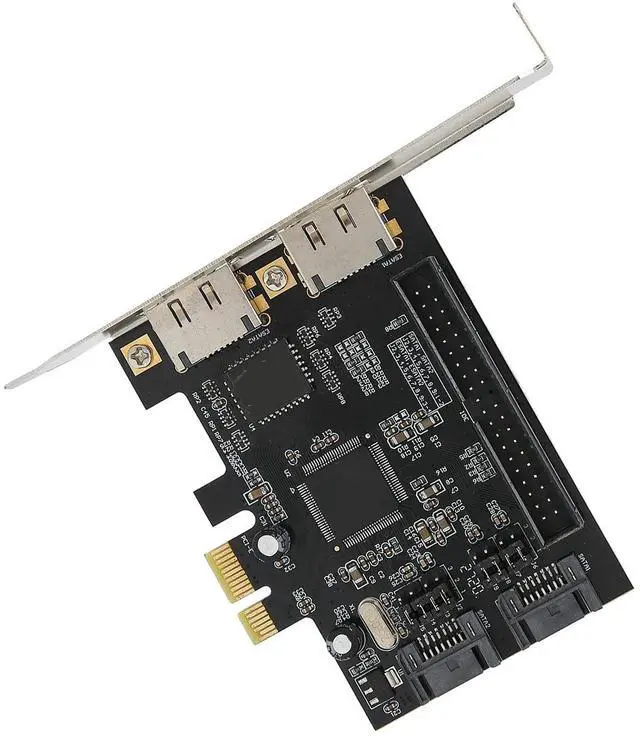
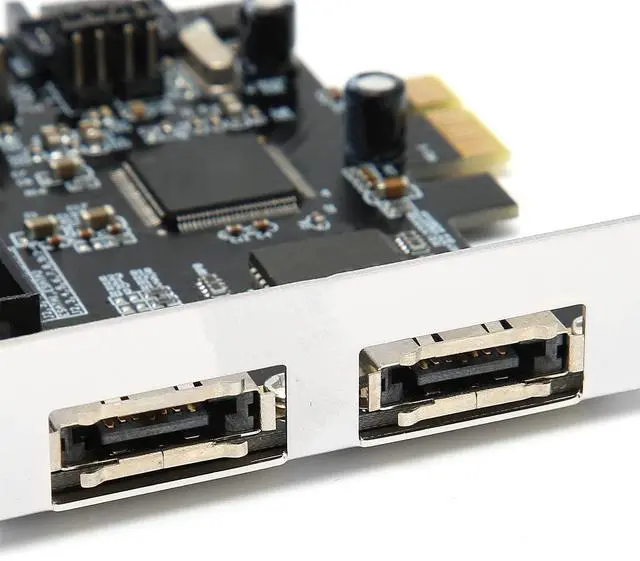


SATA IDE PCI Express Adapter Card, 2 Port PCIe to SATA ESATA IDE Controller Adapter Card, Support ATA Hard Drives, 3Gbs Speed
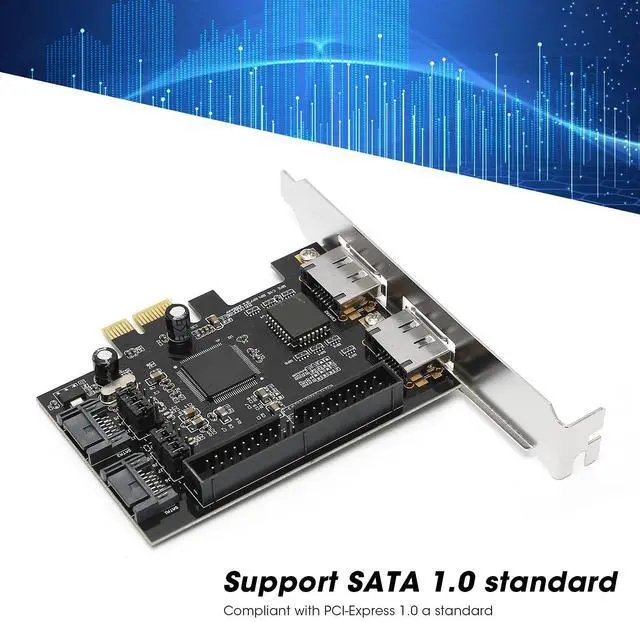
- with PCI-Express 1.0 a standard, support for Ultra ATA 133 hard drive, and downward support for Ultra ATA 100/66/33 standard.
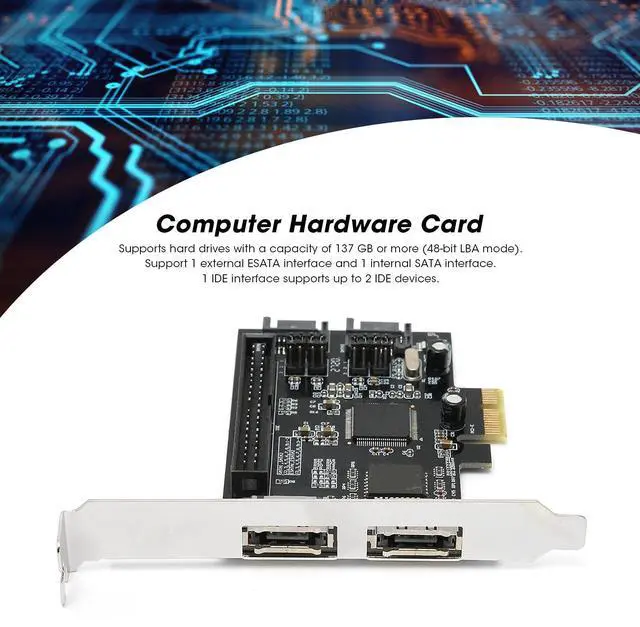
- The adapter card supports hard drives with a capacity of 137 GB or more (48-bit LBA mode).
- Support 1 external ESATA interface and 1 internal interface, the transfer rate can be up to 3Gb/s.
- Support for 0/ 1/ 0+1 mode, support JBOD, with various storage methods.
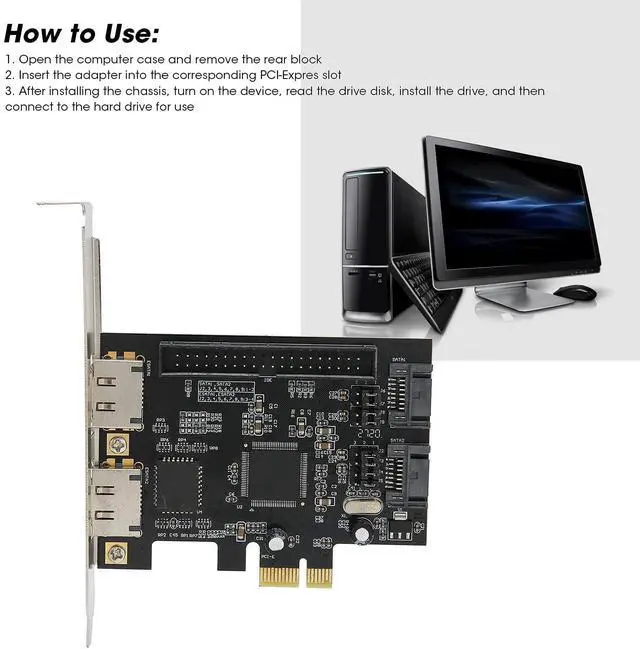
- The is simple, insert the adapter into the corresponding PCI-Expres slot, read the drive disk and insert the hard disk to use.
+
+
Overview
Specs
Reviews

Any questions? Our AI mode will help you find out quickly.
Try me now
Specification: Item
Type: Adapter
CardMaterial: PCB
Color: Black
boardChip: For
JMB363Transfer Type: PCIe to 2 internal + IDE + 2 external ESATA (external ESATA and internal can only use 2 at the same time, select by jumper, the default is 2 internal interfaces)Transfer
Rate: Up to 3Gb/sSupports hard drives with a capacity of 137 GB or more (48-bit LBA mode)1 IDE interface supports up to 2 IDE devicesHow to
Use: 1. Open the computer case and remove the rear block2. Insert the adapter into the corresponding PCI-Expres slot3. After installing the chassis, turn on the device, read the drive disk, install the drive, and then connect to the hard drive for usePackage
List: 1 x Adapter Card1 x
Driver CDNote: Please note that the new type and old type of this product will be sent randomly, and make sure you will not mind before ordering.
Type: Adapter
CardMaterial: PCB
Color: Black
boardChip: For
JMB363Transfer Type: PCIe to 2 internal + IDE + 2 external ESATA (external ESATA and internal can only use 2 at the same time, select by jumper, the default is 2 internal interfaces)Transfer
Rate: Up to 3Gb/sSupports hard drives with a capacity of 137 GB or more (48-bit LBA mode)1 IDE interface supports up to 2 IDE devicesHow to
Use: 1. Open the computer case and remove the rear block2. Insert the adapter into the corresponding PCI-Expres slot3. After installing the chassis, turn on the device, read the drive disk, install the drive, and then connect to the hard drive for usePackage
List: 1 x Adapter Card1 x
Driver CDNote: Please note that the new type and old type of this product will be sent randomly, and make sure you will not mind before ordering.
Warranty & Returns
Warranty, Returns, And Additional Information
Warranty
- Please contact the Seller directly for warranty information. Warranty information may also be found on the Manufacturer's website.
- CONTACT
Return Policies
- Return for refund within: 30 days
- Return for replacement within: non-replaceable
- This item is covered by FoundationSurge Return Policy
Manufacturer Contact Info
- For a directory of all our manufacturers, please click below.
- Manufacturers Directory
LOADING...