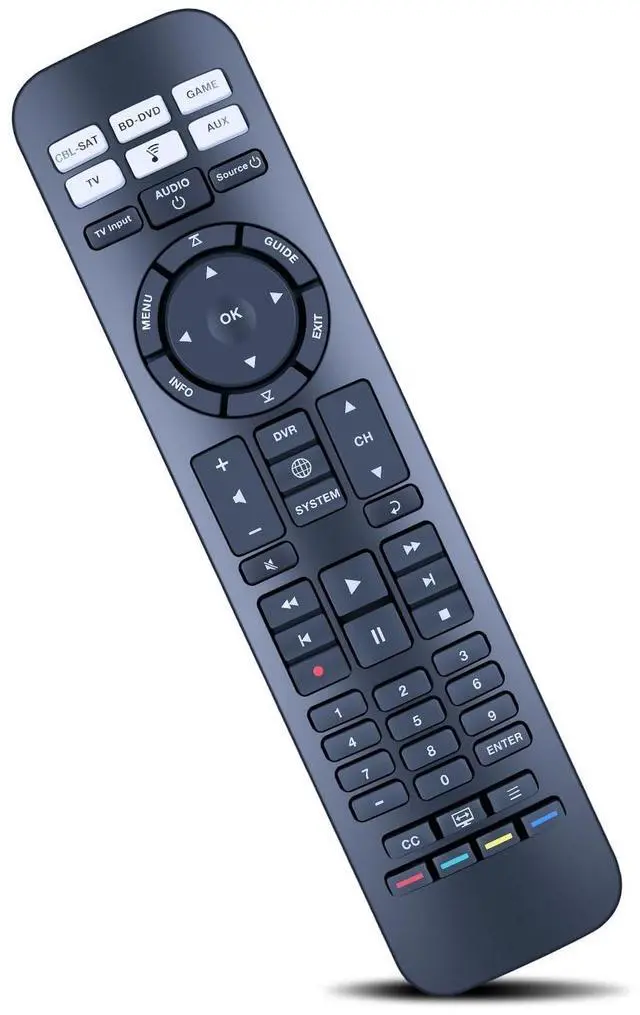
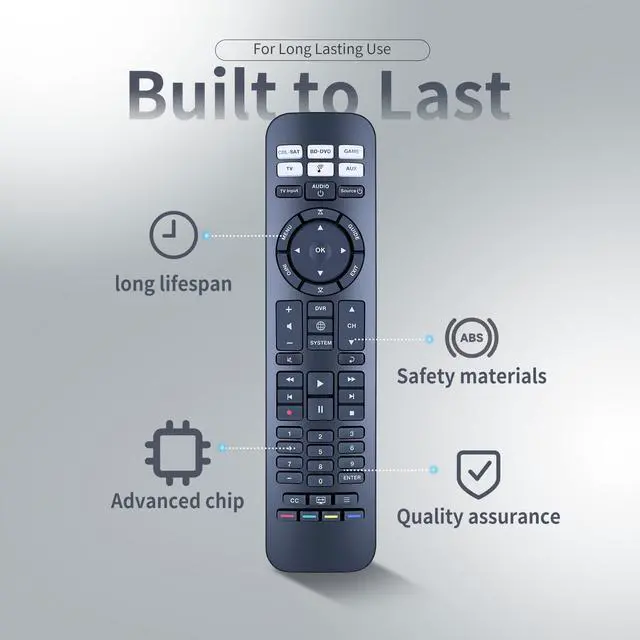
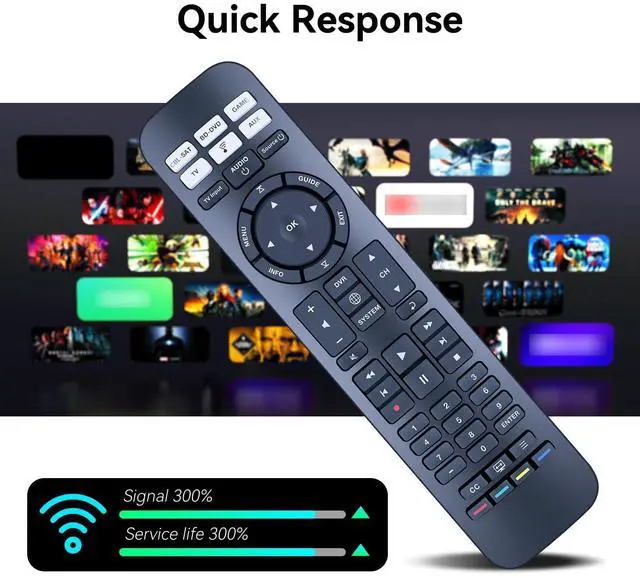
Compatible With Models:ZWP URC-15s Replacement Remote For Bose CineMate 520 , 220 , 130 & 120 SoundTouch
Audio device default keys: POWER, device key (signal input source switch key), VOL+, VOL-, BASS, TAIK(dialog key) EXiT: lf the current device has a code, send a frame of the current device's code followed by the audio de -vice's code Brand search mode.
1. Hold down the device key for about 3S and release the indicator after it is steady on.2. Enter the 4-digit brand code and the indicator flashes once.3. Press VOL+/- to switch the previous or next group of codes of the current brand, press the EXlT indicator to blink three times for saving, press the non-Bose audio key, and send the current key code of the current code.Note: lf no operation is performed in steps 1 and 2 for 30 seconds, all indicators blink three times to exit the search mode.
Step 3 Times out The current standby indicator blinks three times to save and exit.One-click shutdown 1. Press the "CPL-SAT" +
+
+
Overview
Specs
Reviews
Any questions? Our AI beta will help you find out quickly.
Try me now
ZWP URC-15s Replacement Remote Control Compatible for Bose CineMate 520, 220, 130 & 120 SoundTouch
Learn more about the Detailed Specifications
Additional Information
First Listed on Newegg
June 12, 2026
There are no reviews yet.
Do you own this product?
Warranty & Returns
Warranty, Returns, And Additional Information
Warranty
Please contact the Seller directly for warranty information. Warranty information may also be found on the Manufacturer's website.