Your Browsing History
- Free 30-day Returns
$111.99
Meet Your Seller
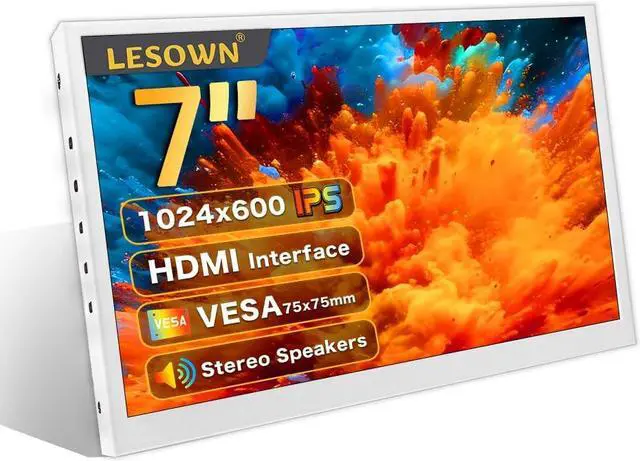
7 Inch Portable HDMI Monitor Small Mini Display Secondary Screen 1024x600 IPS LCD Screen VESA Wall Mount PC Temperature Display with Speakers for Camera CCTV Windows Raspberry Pi 4 3 (White)
- Excellent Color with IPS HD PanelWith IPS HD panel, this 7 inch portable monitor presents horizontal & vertical 178° full viewing angle and accurate color, displaying more vivid colors and contrast than VA and TN monitors. The resolution is 1024x600.
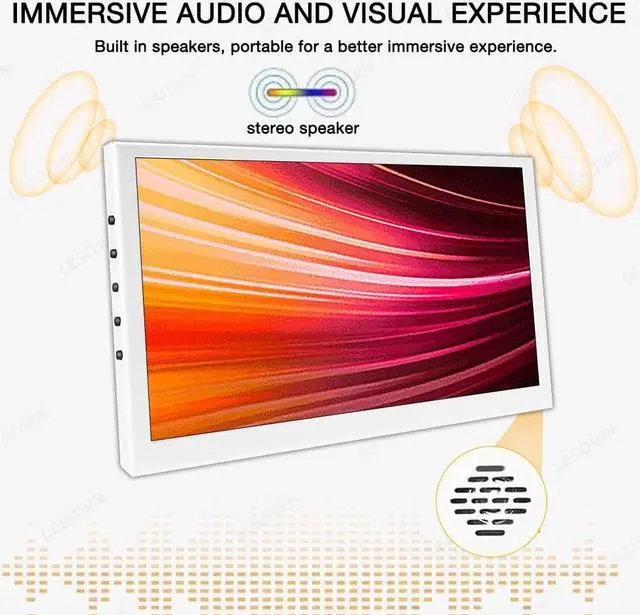
- Dual Built-in Speakers Designed with dual integrated speakers and audio jack, this 7inch USB monitor combines incredible screen performance with stereo sound for an immersive multimedia experience. Thanks to the two built-in speakers, you don't need an external speaker when working on a your project.
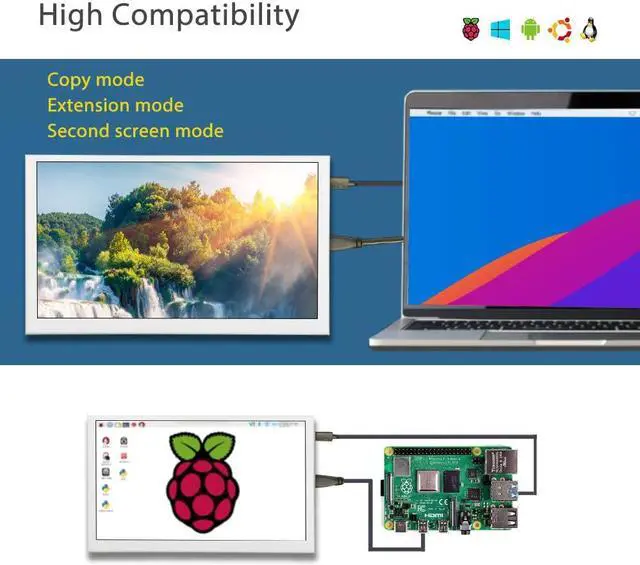
- Plug and Play & Widely Compatible Its not only a for Raspberry Pi 4/3/2/Zero/ B B+ A, Banana Pi. also compatible with like Ubuntu, Retro Pi, Debian, Kali, Windows 7/8/10, PC, Mac, Laptop, TV; Also compatible with Switch/XBOX/PS4. Windows & mac OS system plug and play, no program or software support is required.
- Metal Appearance, Light-weight and Thin The 7 inch small hdmi monitor outline dimension is: 171×1
+
+
Overview
Specs
Reviews
Any questions? Our AI beta will help you find out quickly.
Try me now
Specifications
:Product Type: 7inch Portable Monitor
Screen Size: 7inch
Resolution: 1024x600
Panel Type: IPS
Visual Angle: 178° Full View Angle
Level index: 16.7M (8-bit)
Color Gamut: 50% NTSC
Refresh Rate: 60Hz
Touch Function: NO
Outline Dimension: 171×103× 15.8 (mm)
Display Area: 154.21 (W) × 85.92 (H) mm
Size Ratio: 16:9
Contrast Ratio: 800:1
Brightness: 400cd/m²
Speakers: Yes
Audio Jack: Yes
Weight: 187g
Connect to PC
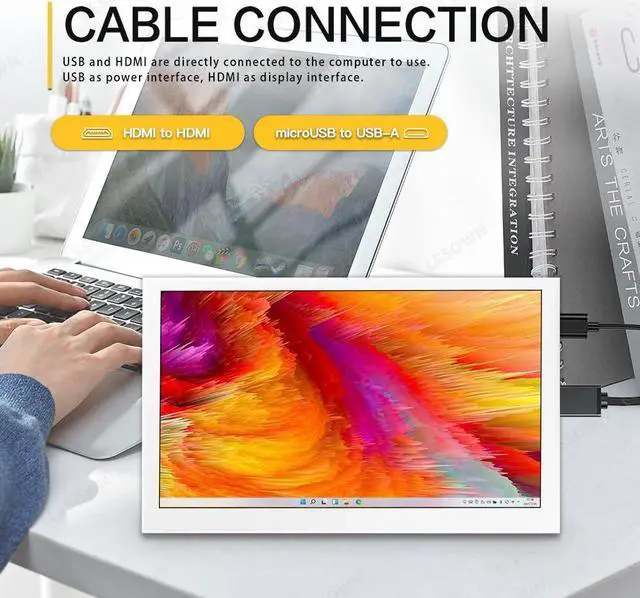
The display supports Windows 7/8/10/11 when working with Windows PC, and it is driver free.
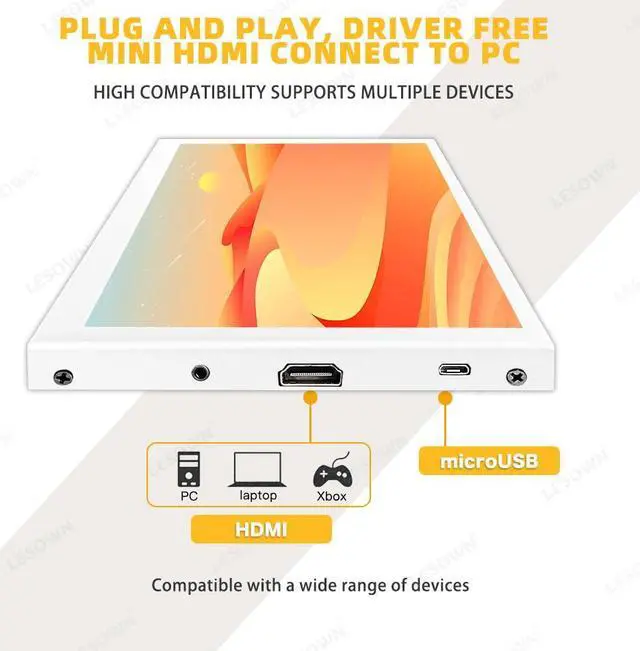
1. Connecting the USB-5V interface of display to USB port of PC by micro USB cable.
2. Connecting the interface of display to HDMI port of PC by standard HDMI cable.
3. Wait for displaying.
What's included?
7 inch Monitor x 1
HDMI Cable x 1
USB Cable x 1
Connect to PC, Plug and Play, Driver Free
The display supports Windows 7/8/10/11, mac OS.
1. Connecting the USB-5V to USB port of PC by micro USB cable.
2. Connecting the interface of display to HDMI port of PC by standard HDMI cable.
Connect to Raspberry Pi
1. Insert the TF card to Raspberry Pi.
2. Connecting USB-5V of the monitor to a USB port of Raspberry Pi.
3. Connecting HDMI of the monitor to HDMI port of Raspberry Pi.
4. Power on Raspberry Pi and the LCD will display.
Raspberry Pi doesn't support hot-plug and auto-recognized the resolution, you need to configure the resolution manually. There are specific operation methods in the user manual.

Warranty & Returns
Warranty, Returns, And Additional Information
Warranty
- Please contact the Seller directly for warranty information. Warranty information may also be found on the Manufacturer's website.
- CONTACT
Return Policies
- Return for refund within: 30 days
- Return for replacement within: 30 days
- This item is covered by Detail Driven Return Policy
Manufacturer Contact Info
- For a directory of all our manufacturers, please click below.
- Manufacturers Directory
LOADING...