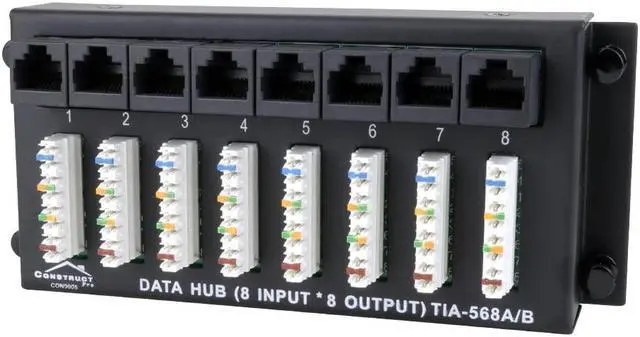
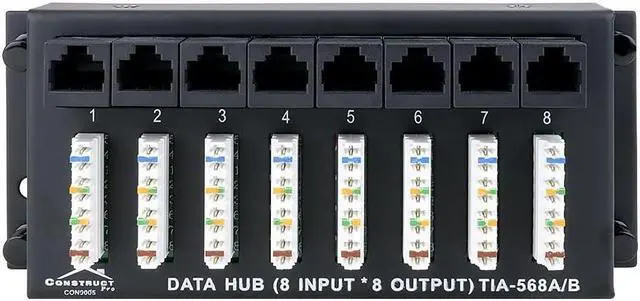
This data patch panel is able to connect eight Ethernet lines to eight ports on your internet router. The wires are ran to this module and terminated. Simply add patch cables from the RJ45 jacks on this module straight to your router. This is best way to keep all of those wires neat and clean.
Tech Tip: Remember, data terminals run independently and cant be split without a switch. Data terminals are unlike telephone terminals, as the telephone terminals run parallel and can be split to more than one jack.
Standard 110
This panel uses the industry standard 110 punch terminals which are color coded and simple to use. Be sure to not use any other type of tool other than the 110 punchdown, as it could damage the terminals.
Wiring Box Mountable
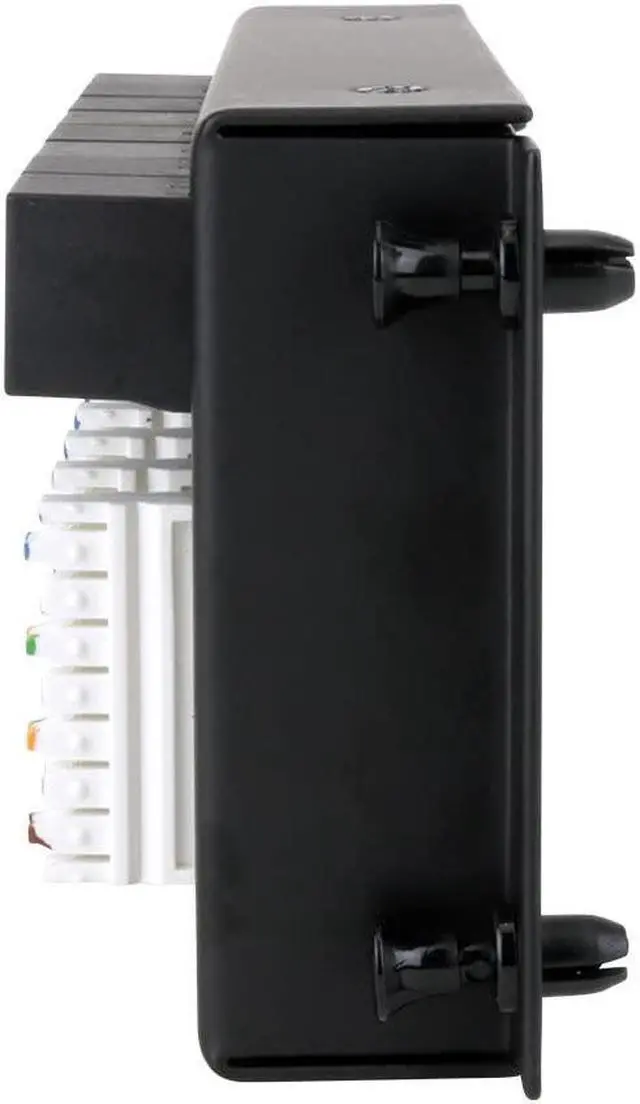
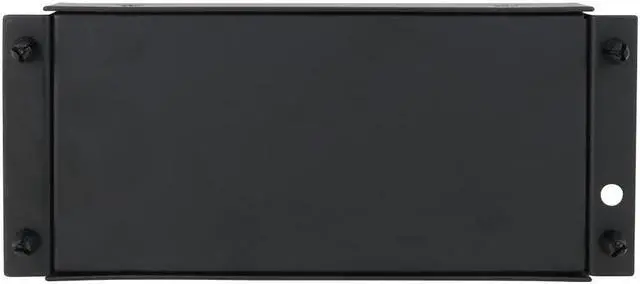
Since the high performance design is geared to fit most wiring enclosures, placement is simple. In the event your installation requires slight modifications, custom compatibility pins are included. Use these pins when you need to match the mounting pattern of other enclosures and/or equipment. If necessary, you can easily mount the splitter to a wall. Just remove the small tabs from the frame, place where you need it, and screw it in. Be sure to consider the routing of your wires in order to place the module in the best and most efficient manner.





 here!
here!