• $83.99
  • Free 30-day Returns
  • Price alert
    Shop it at NeweggBusiness.

    Meet Your Seller

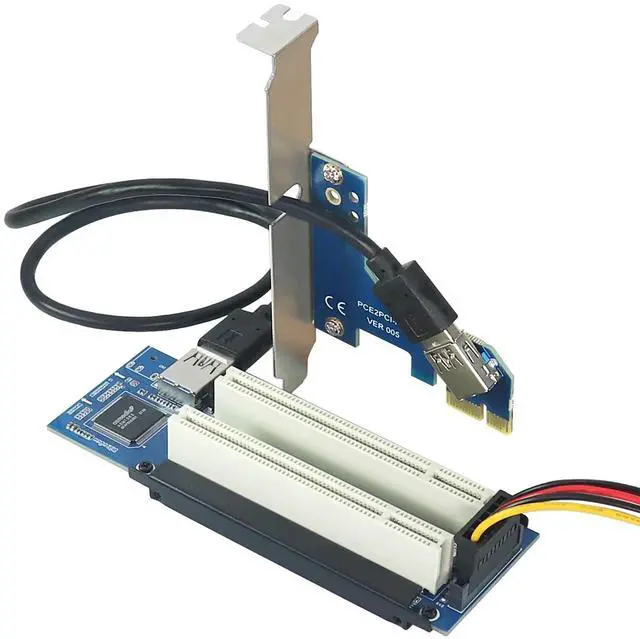
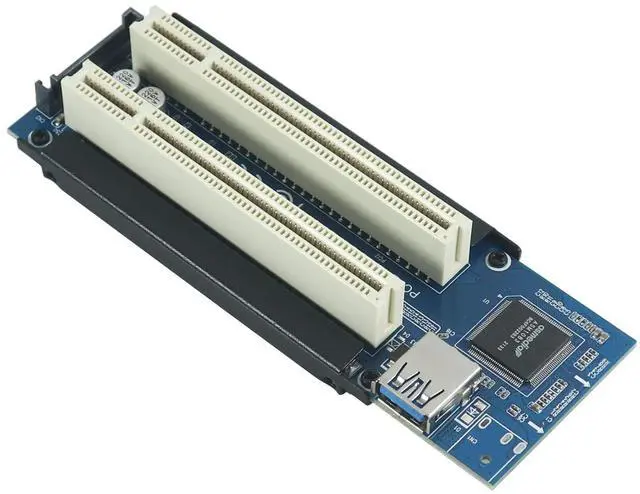
    PCIe to PCI Adapter ^^ x1 to Legacy PCI Converter with USB 3.0 Cable ^^ Desktop Audio Interface Expansion

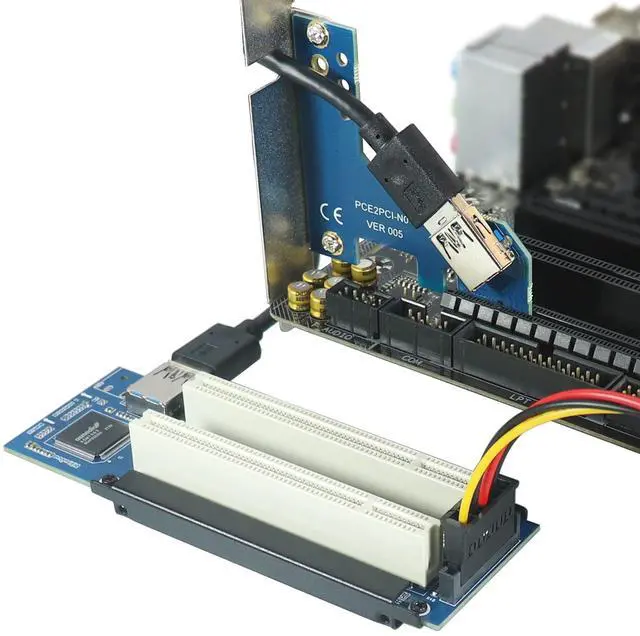
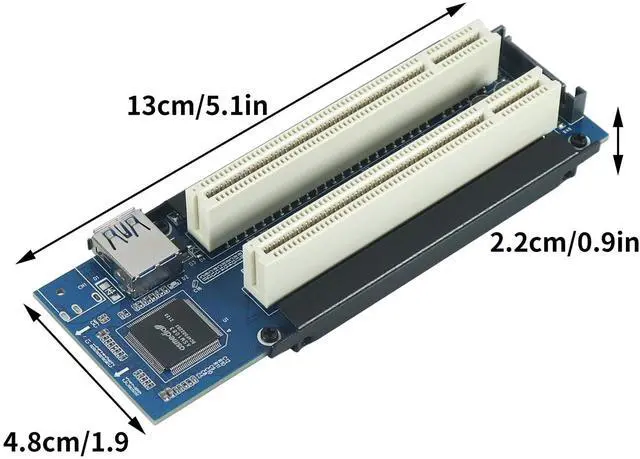
    • This PCIe to PCI Adapter Card converts the PCIe slot on the motherboard into a PCI slot, providing a PCI interface for sound cards, capture cards, graphics cards and other devices.
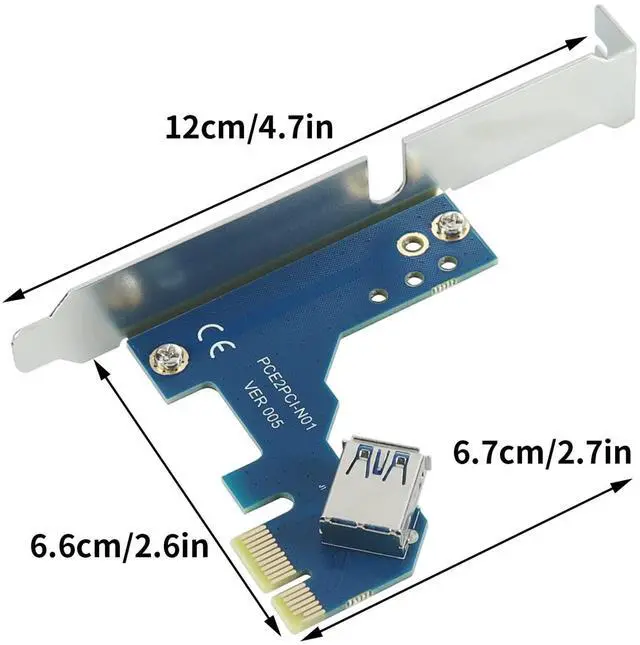
    • Connecting a 60cm USB cable through the 90 angle PCIe x1 interface can put the device outside the chassis, effectively solving the problem that the slot is blocked and the internal chassis of the device leads to insufficient space.
    • PCIe x1, x4, x8, x16 slots on the motherboard can be used.
    • Use the ASMedia ASM1083 chip to improve product compatibility and stability.
    • Please note: the USB cable of this riser card is specially customized, can not be replaced by ordinary USB3.0, can not be directly inserted into the motherboard's USB3.0 interface, to avoid burning out the motherboard and the Adapter card chip, because some PCI cards open two anti-stupid slots, gold fingers can be inserted into the PCI slot, so when installing PCI cards, we must pay attention to the direction, do not plug in the revers
    +
    +
    Overview
    Specs
    Reviews
    avatar

    Any questions? Our AI beta will help you find out quickly.

    This PCIe to PCI Adapter Card converts the PCIe slot on the motherboard into a PCI slot, providing a PCI interface for sound cards, capture cards, graphics cards and other devices. ^^ Connecting a 60cm USB cable through the 90 angle PCIe x1 interface can put the device outside the chassis, effectively solving the problem that the slot is blocked and the internal chassis of the device leads to insufficient space. ^^ PCIe x1, x4, x8, x16 slots on the motherboard can be used. ^^ Use the ASMedia ASM1083 chip to improve product compatibility and stability.

    ^^
    Please note: the USB cable of this riser card is specially customized, can not be replaced by ordinary USB 3.0, can not be directly inserted into the motherboard's USB 3.0 interface, to avoid burning out the motherboard and the Adapter card chip, because some PCI cards open two anti-stupid slots, gold fingers can be inserted into the PCI slot, so when installing PCI cards, we must pay attention to the direction, do not plug in the reverse.

    Warranty & Returns

    Warranty, Returns, And Additional Information

    Warranty

    • Please contact the Seller directly for warranty information. Warranty information may also be found on the Manufacturer's website.
    • CONTACT

    Return Policies

    • Return for refund within: 30 days
    • Return for replacement within: 30 days
    • This item is covered by StarDragon Return Policy

    Manufacturer Contact Info

    LOADING...