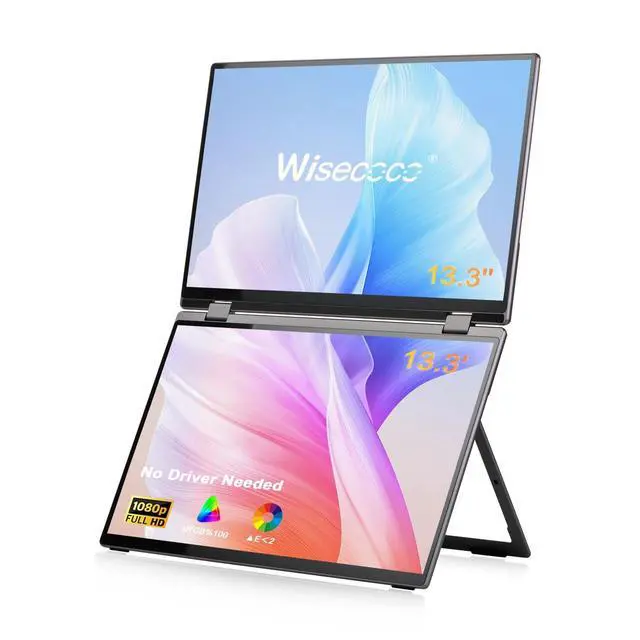
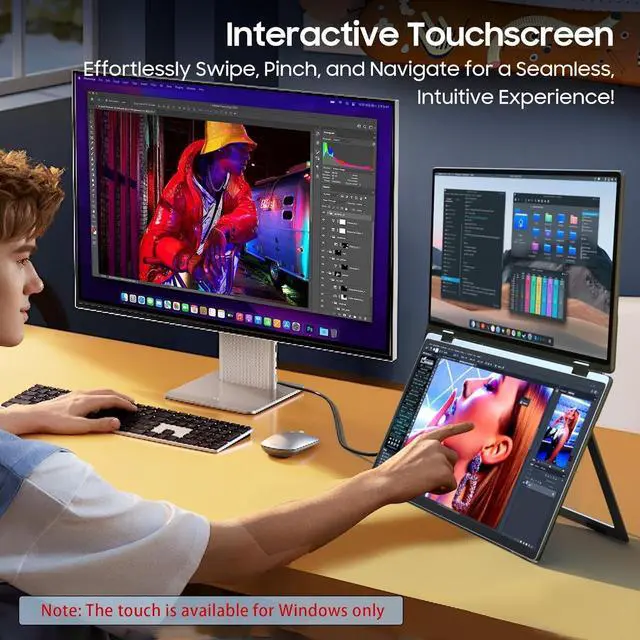
Innovative Interactive Touchscreen for
Enhanced Control: Navigate, swipe, and interact directly with your content thanks to the responsive touchscreen. Whether you're editing, sketching, or simply scrolling, the intuitive touch experience brings a new level of convenience and precision to your workflow, making this dual screen monitor a true laptop screen extender. IPS screen, 100% sRGB color gamut and E<2 guarantee accurate color reproduction. *The touch is available for Windows only* ^^ All-in-One Connectivity for
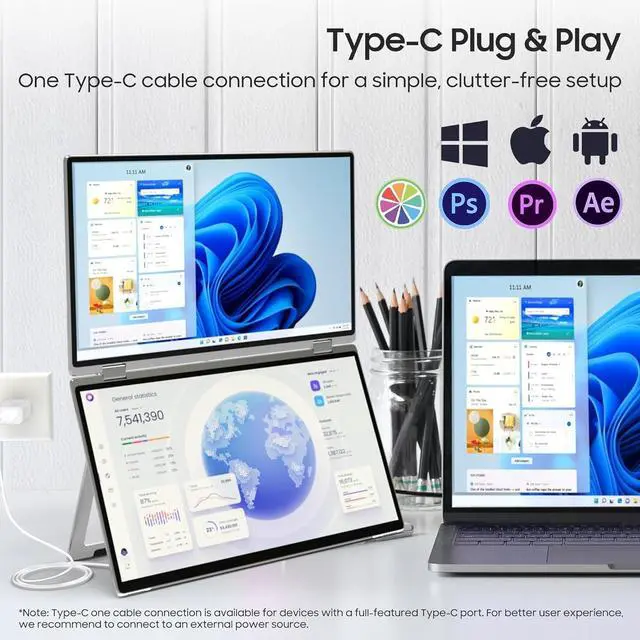
Modern Devices: Simplify your workspace with a single Type-C cable for both power and display. Whether you're using Windows, Mac OS, Linux, or connecting to a laptop, camera, game console, or even a Switchthis monitor seamlessly integrates with your favorite devices, no extra hassle.
Note: For Type-C one cable connection, please make sure your devices supports a full-featured Type-C port(USB 3.0 or above); ^^ Effortless Setup with
Plug-and-Play: Unlike traditional dual screen monitor that requires complex driver installation. Our driver-free dual screen monitor is truly plug-and-playjust connect it, and you're ready to go. Say goodbye to errors and complexities, dive right into productivity or entertainment. For better experience, we recommend you connect to an external power supply, the adapter is included in the package. ^^
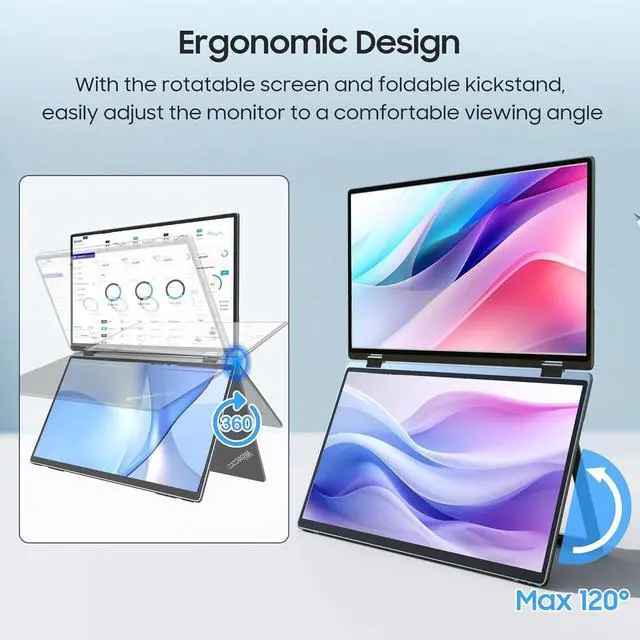
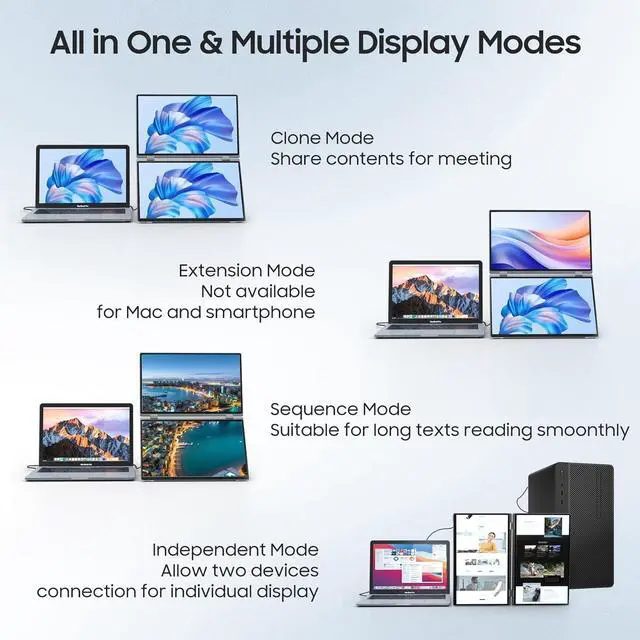
Ergonomic Design Meets Flexible Viewing: Work or play in comfort with the 90 foldable kickstand, designed to support the perfect viewing angle. Need even more flexibility? The screen rotates a full 360, giving you total control over your setup, whether you're collaborating with others or multitasking like a pro. Especially valuable for users looking to save desk space or create a multi-monitor setup. With VESA support, you can easily mount the monitor to a wall, monitor arm, or any VESA-compatible mounting system ^^ Dual-Device Mastery with 4 Dynamic
Display Modes: Connect two devices simultaneously for a multi-user experience. Effortlessly switch between four display modesclone, expansion, sequence, and stand-aloneto suit your needs, whether you're mirroring screens, expanding your workspace, or operating each screen independently.