

Your Browsing History

Meet Your Seller

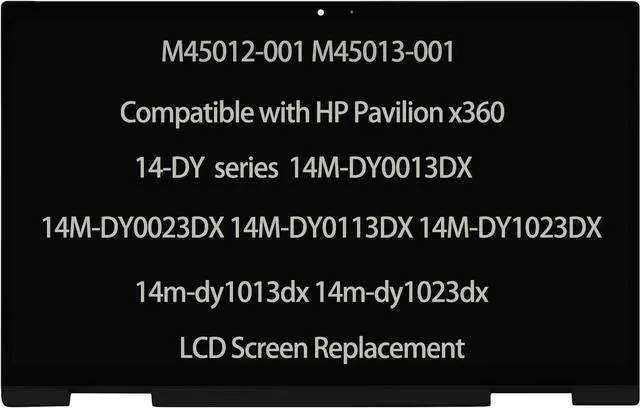

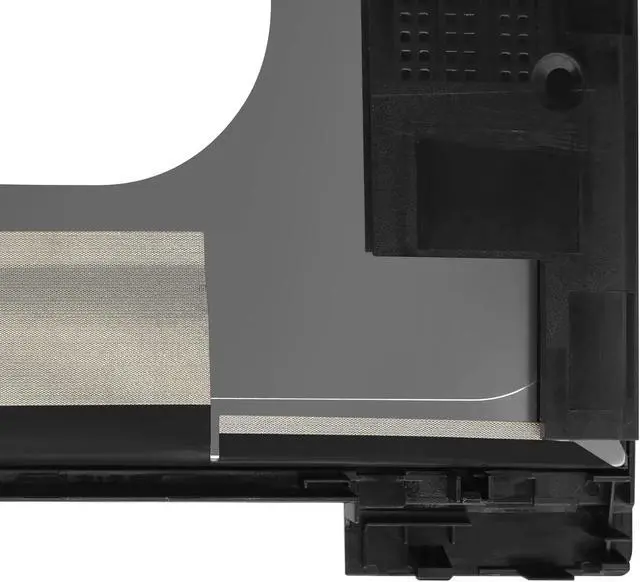
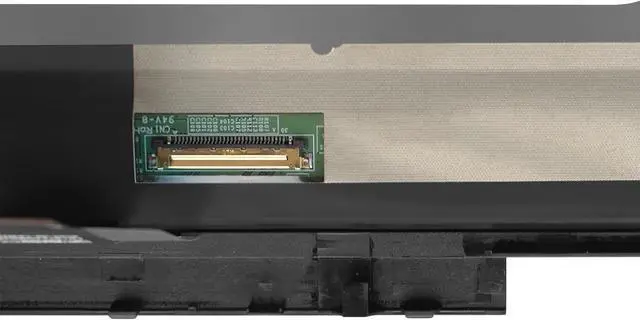


Daplinno M45012-001 M45013-001 LCD Compatible with HP Pavilion x360 14-DY 14M-DY0013DX 14M-DY0023DX 14M-DY0113DX 14M-DY1023DX 14-DY2050WM Screen Replacement Digitizer Display Assembly
- Compatible Model : M45012-001 M45013-001 Compatible With HP Pavilion x360 14-DY 14M-DY0013DX 14M-DY0023DX 14M-DY0113DX 14-DY2050WM 14M-DY1023DX 14m-dy1013dx 14m-dy1023dx lcd screen replacement display assembly
- Screen Resolution : 1920x1080(campatible for 1366*768); Screen Size : 14"; LCD Connector: EDP 30pins
- It will be tested and packed carefully before shipping. Please turn off the power before assembly. And we provide a 3-month warranty for quality problems.
- Note : Please turn off the power before assembly. And we provide a 3-month warranty for quality problems.
- Before purchasing, please reconfirm whether the product you choose is the model you need, if you have any doubts, please contact us in time.
+
+
Overview
Specs
Reviews

Any questions? Our AI mode will help you find out quickly.
Try me now
M45012-001 M45013-001 Compatible Compatible With HP Pavilion x360 14-DY 14M-DY0013DX 14M-DY0023DX 14-DY2050WM 14M-DY0113DX 14M-DY1023DX 14m-dy1013dx 14m-dy1023dx lcd screen replacement display assemblyScreen
Resolution: 1920x1080 (campatible for 1366*768);
Screen Size: 14"LCD
Connector: EDP
30pinsBacklight: LED
LCD
Note: Please install it Very Professionally, if Not, Please Do Not Try. (You need to Pull Off the Power Adaptor & Battery Cable when install)Images show actual product, please verify all connectors and specifications carefully. Be careful to take the screen out of the box. IF THE TOUCH SCREEN DOES NOT WORK, PLEASE FOLL OW THE STEPS BEL OW (ORCONTACT
CUSTOMER SERVICE): 1. Right-click "My Notebook" on the desktop, and first open the properties. 2. Right click on "Device Manager"3. Right click on "Manual Input Device"4. Right click on "i2C HID Device"5. Click "Uninstall Device"6. Refresh
Resolution: 1920x1080 (campatible for 1366*768);
Screen Size: 14"LCD
Connector: EDP
30pinsBacklight: LED
LCD
Note: Please install it Very Professionally, if Not, Please Do Not Try. (You need to Pull Off the Power Adaptor & Battery Cable when install)Images show actual product, please verify all connectors and specifications carefully. Be careful to take the screen out of the box. IF THE TOUCH SCREEN DOES NOT WORK, PLEASE FOLL OW THE STEPS BEL OW (ORCONTACT
CUSTOMER SERVICE): 1. Right-click "My Notebook" on the desktop, and first open the properties. 2. Right click on "Device Manager"3. Right click on "Manual Input Device"4. Right click on "i2C HID Device"5. Click "Uninstall Device"6. Refresh
Warranty & Returns
Warranty, Returns, And Additional Information
Warranty
- Please contact the Seller directly for warranty information. Warranty information may also be found on the Manufacturer's website.
- CONTACT
Return Policies
- Return for refund within: 30 days
- Return for replacement within: 30 days
- This item is covered by Qiangsheng kuajing (Hong Kong) Co., Limi Return Policy
Manufacturer Contact Info
- For a directory of all our manufacturers, please click below.
- Manufacturers Directory
LOADING...