Out of stock
  • $89.99
  • Free 30-day Returns
  • $5.99 Shipping ()
Most customers receive within 5-9 days.
Price alert
Shop it at NeweggBusiness.

Meet Your Seller

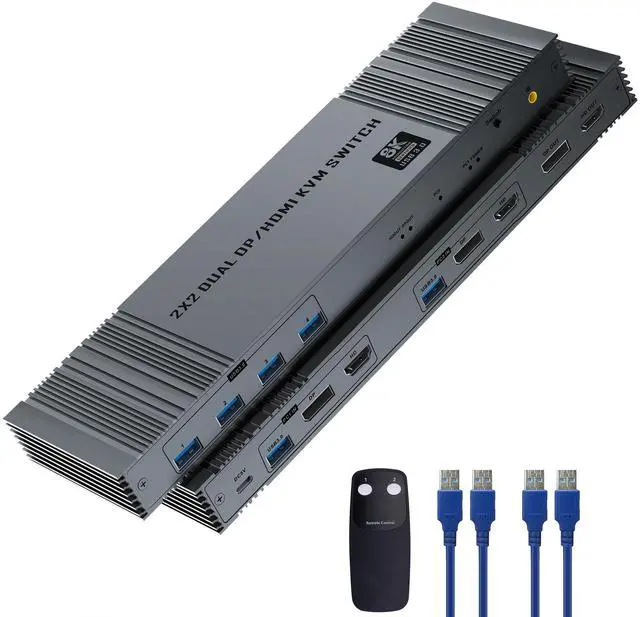
8K@60Hz KVM Switch Dual Monitors 2 Computers, 4K@120Hz HDMI DisplayPort KVM Switch with 4 USB 3.0 Ports, Supports Extended/Copy Mode, Includes 2 USB3.0 Cables and Remote Controller

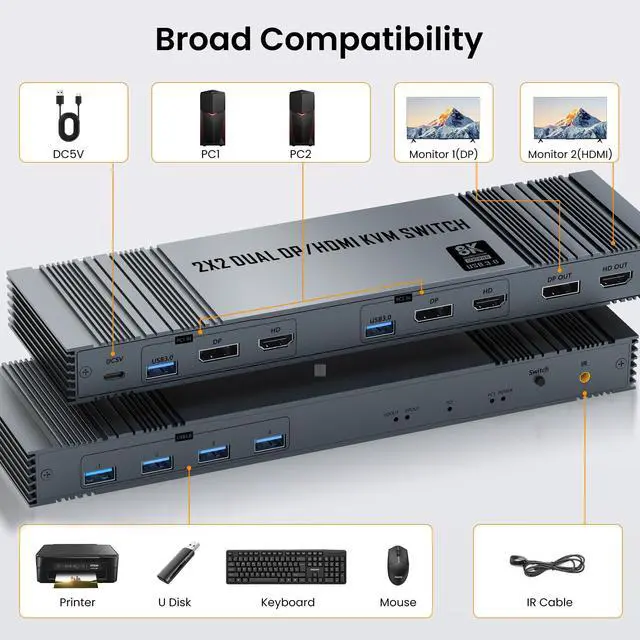
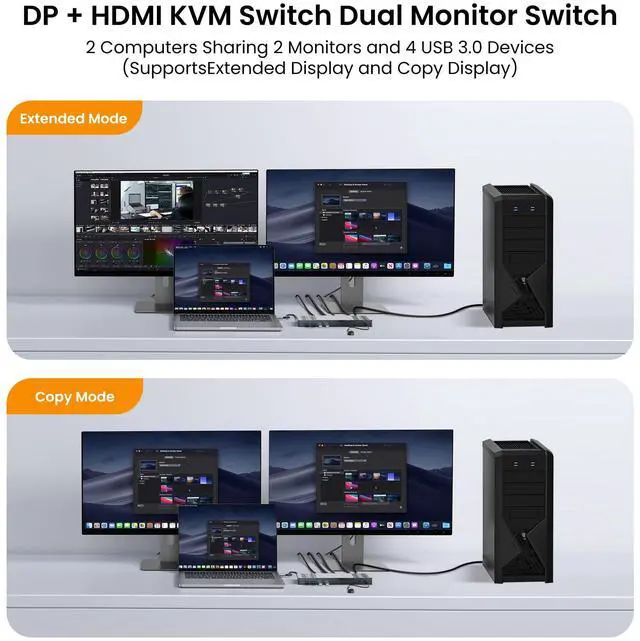
  • HDMI Displayport KVM Switch Dual Monitor: 8K@60Hz KVM Switch 2 monitors for 2 computers with DP 1.4 and HDMI 2.1 port devices with 4 USB 3.0 ports to share USB devices such as keyboard, mouse printer, USB flash drive, etc. The 2x2 DP HDMI KVM switcher supports extended and Copy modes. Note: Please make sure your computer/laptop has DP port and HDMI port and KVM does not support signal conversion function (HDMI input can only output to monitor with HDMI, DP input can only output to monitor with DP).
  • 8K Ultra High Definition: The KVM switch dual monitors supports up to 8K@60Hz/ 4K@144Hz and is backward compatible with 4K@120Hz, 2K@144Hz, 1080P@240Hz, 720P, etc.; Bringing you realistic visual enjoyment.The 2 computers 2 monitors switch supports connecting two different resolution sources and automatically recognizes the resolution when switching sources. (If you want to realize 8K@60Hz, please make sure the signal source, monitor and cable support 8K)
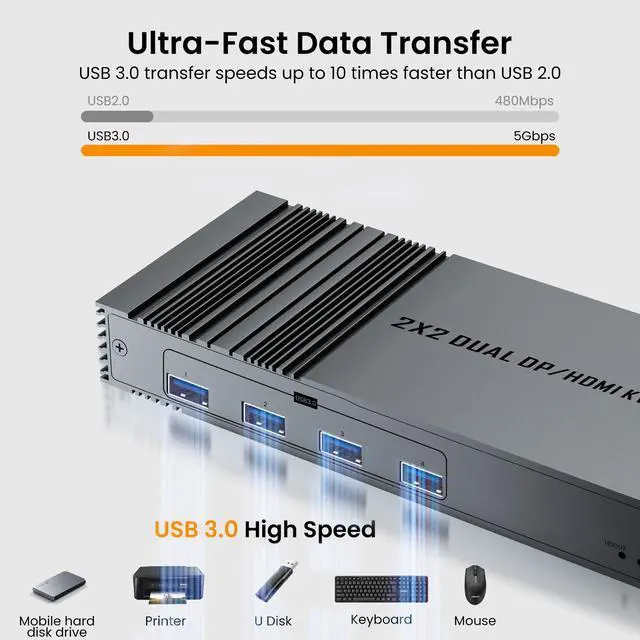
  • Ultra-High-Speed Tran
+
+
Overview
Specs
Reviews
avatar

Any questions? Our AI beta will help you find out quickly.

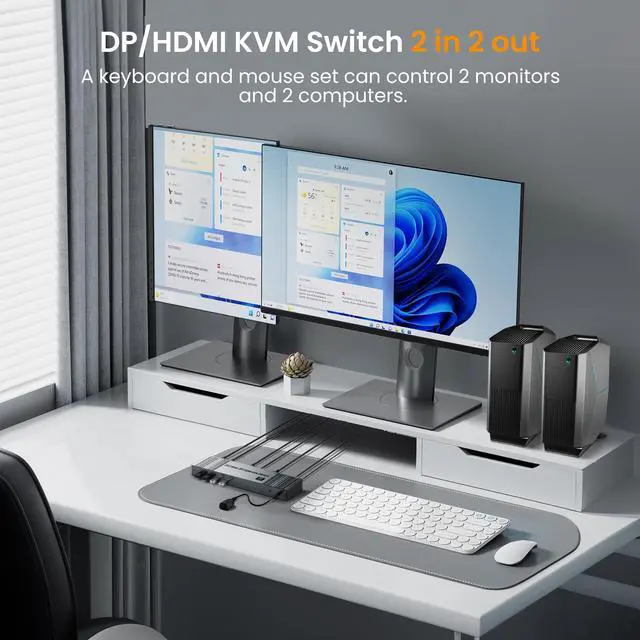
Features: 1. This DP HDMI KVM switcher allows you to control two computers sharing two monitors with one set of keyboard and mouse. 2. Supports 4 USB 3.0 ports to connect USB flash drives, printers, or other USB devices to the KVM.
Use Tips: 1. If the 2 Monitors 2 Computers KVM switch needs to handle 8K video signals, please use HDMI 2.1 cables. 2. If you need to connect 8K@60hz/4K@144Hz video, it is recommended that the total length of the HDMI cable is 3M; if you need to connect 4K@60hz video, it is recommended that the total length of the HDMI cable is 5M. 3. The dual monitor KVM switch 2 monitor supports Extended and Duplicate modes, click "Windows+P" to select "Duplicate" mode or "Extended" mode. Before using KVM, please make sure your computer supports dual screen output, each computer needs to connect 1 HDMI + 1 DP to KVM. HDMI displayport kvm switch 2 monitors 2 computers DP 8k@60hz 4k@144hz 4k@120hz hdmi 2.1 kvm switcher dual monitor kvm switch mouse and keyboard two computers dp 1.4 4 ports usb 3.0

Warranty & Returns

Warranty, Returns, And Additional Information

Warranty

  • Please contact the Seller directly for warranty information. Warranty information may also be found on the Manufacturer's website.
  • CONTACT

Return Policies

  • Return for refund within: 30 days
  • Return for replacement within: 30 days
  • This item is covered by StarDragon Return Policy

Manufacturer Contact Info

LOADING...