• $55.99
  • Free 30-day Returns
  • Price alert
    Shop it at NeweggBusiness.

    Meet Your Seller

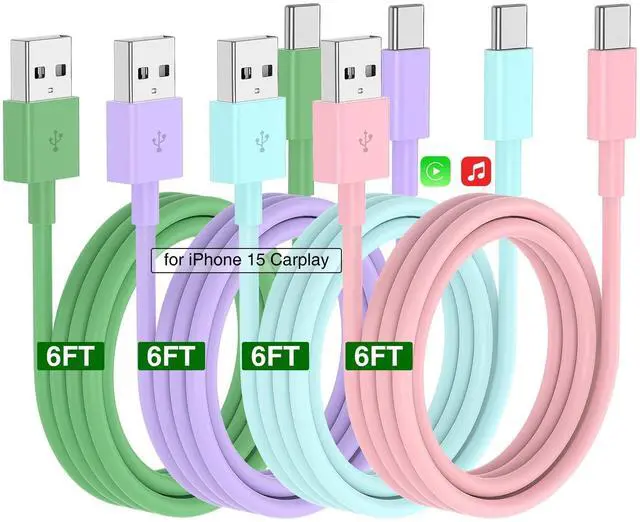
    Car Carplay Cable for iPhone 17 16 15 Charger Cord,3/3/6/6FT USB A to USB C Cable for iPhone 17 Pro Max/16 Pro/15 Plus Charger,USB C Car Charger for Apple 17 Air/16 Pro Max/16e/15/iPad Pro-PBPG

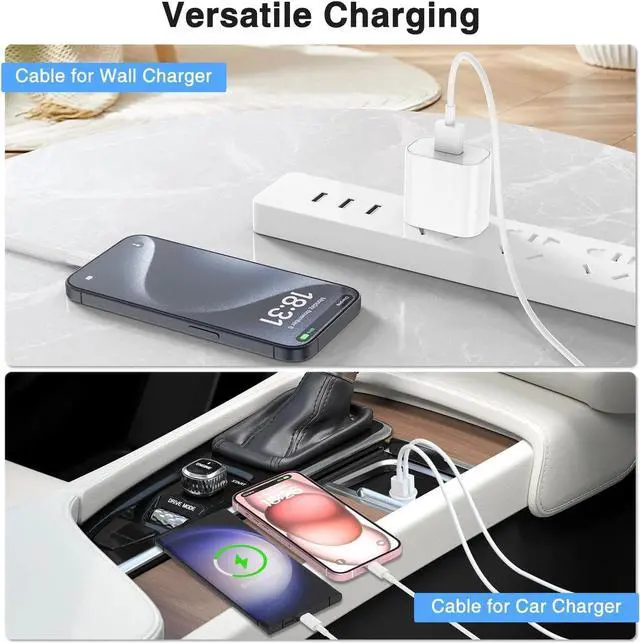
    • Car Carplay Cable for Car Charger: Built-in original chip,this car Carplay charging cable for iPhone 15 ensures that you can charge your devices while on the move, making it ideal for road trips and daily commutes.
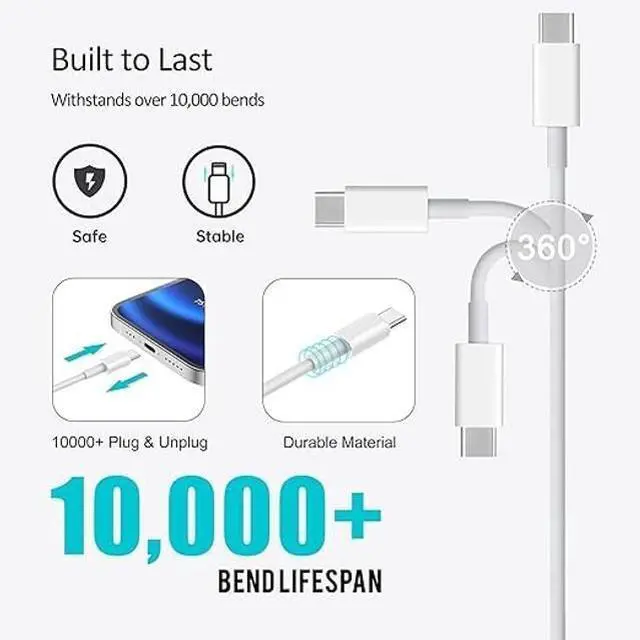
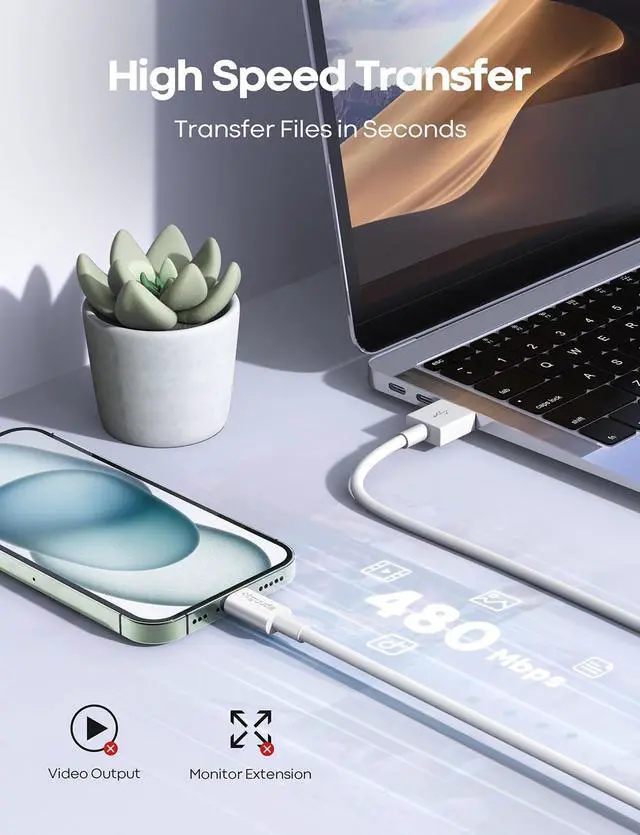
    • Fast Charging and Smooth Data Transfer: This USB A to type c charging cable for iPhone car Carplay made with reinforced joint design and the charger cable supports safe charging and stable data transfer which it can better and quick charge your device.
    • Safe and Stable: With the MFi Chip, Fast charging USB A to USB C cable equips automatic chip recognition function, full support with iOS versions. Multi-Charging Protection Keeps Your Device Safe From Over-Current Over-Voltage Over- Heating and Short-Circuiting.
    • Wide Compatibility: The iPhone 15 car charger cable access fast-charging compatible with iPhone 15/15 Plus/15 Pro/15 Pro Max; iPad Pro 12.9 in 5th/4th/3rd Generation, New iPad mini 6th Generation, 2021/2020/2018 iPad Pro 11 inch 3rd/2nd/1st Generation, iPad Ai
    +
    +
    Overview
    Specs
    Reviews
    avatar

    Any questions? Our AI beta will help you find out quickly.

    This is a cable specially designed for Apple. Fit for
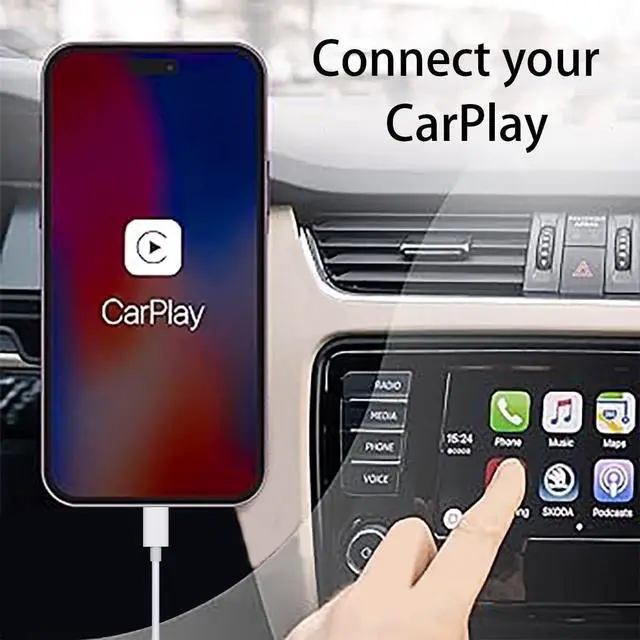
    Apple's latest generation of iphone: iPhone 15; iPhone 15 Plus; iPhone 15 Pro; iPhone 15 Pro Max; IPad Pro 2023/ 2022/ 2021/ 2020/ 2018; IPad Air 5th Gen/ 4th Gen; IPad 10th Gen; IPad Mini 6th Gen; USB A to USB C Cable. With USB Connector to your USB Cport for syncing and charging. Set up CarPlay1. Start your car, then make sure that Siri is on. 2. Connect your iPhone to your car: If your car supports CarPlay with a USB cable, plug your iPhone into the USB port in your car. The USB port might be labeled with a CarPlay icon or a smartphone icon. Be sure to use an Apple USB C to USB cable. If your car supports CarPlay both wirelessly and with a USB cable, plug your iPhone into the USB port in your car. An alert on your iPhone will offer to connect you wirelessly on your next drives.
    *Note: If you experience issues with CarPlay function, please try to reverse the USB C plug to try again. Feel free to contact us if any further problem. We will always be here to help.

    Warranty & Returns

    Warranty, Returns, And Additional Information

    Warranty

    • Please contact the Seller directly for warranty information. Warranty information may also be found on the Manufacturer's website.
    • CONTACT

    Return Policies

    • Return for refund within: 30 days
    • Return for replacement within: 30 days
    • This item is covered by NexusGear Return Policy

    Manufacturer Contact Info

    LOADING...