Your Browsing History
- Free 30-day Returns
$62.99
Meet Your Seller
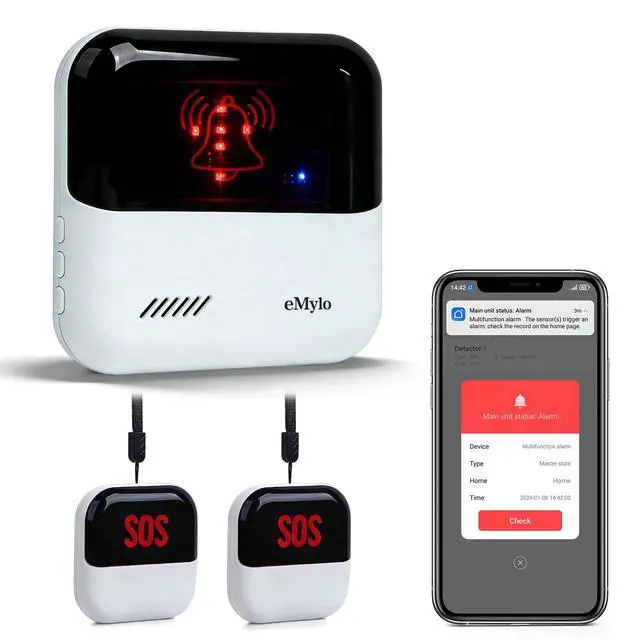
eMylo Smart WiFi Caregiver Pager Wireless Call Buttons with Medical Emergency Life Alarm System for Home Care Elderly Patient Seniors Disabled 2 SOS Panic Buttons/Transmitters 1 Receiver 426Ft
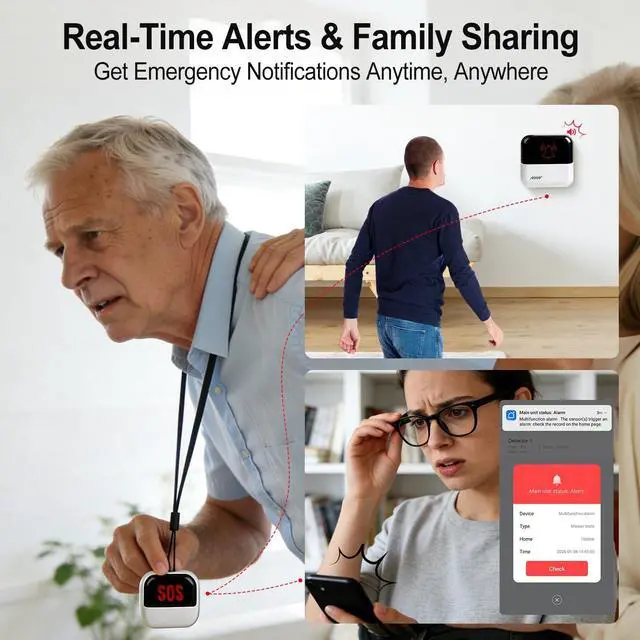
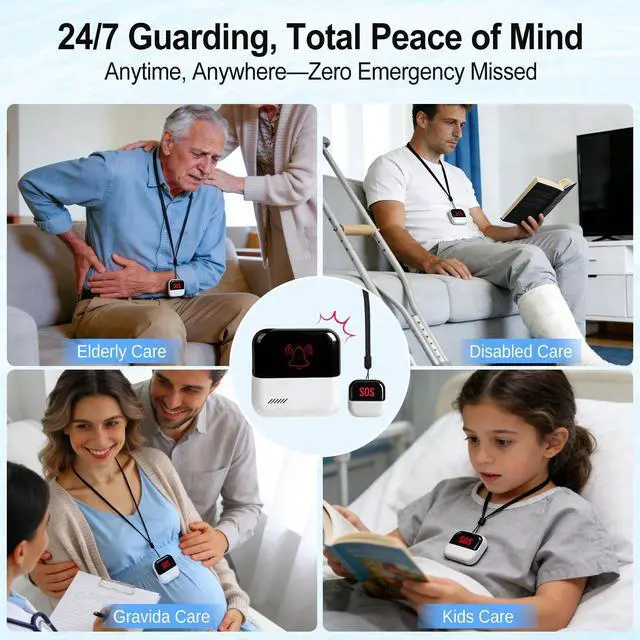
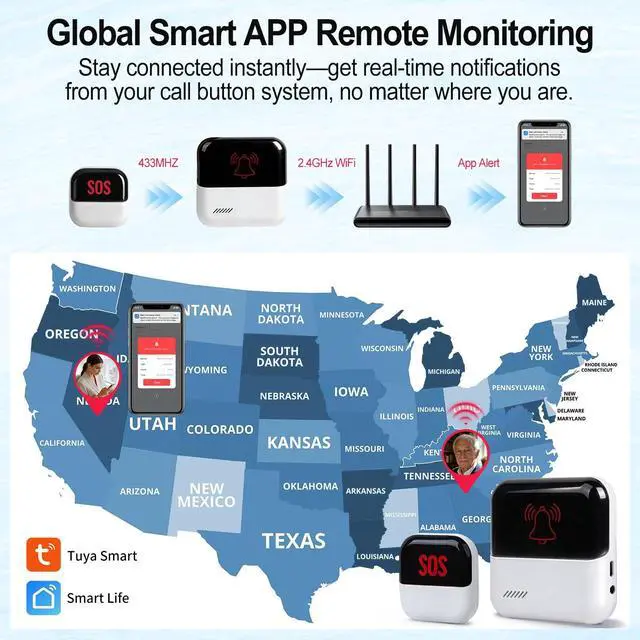
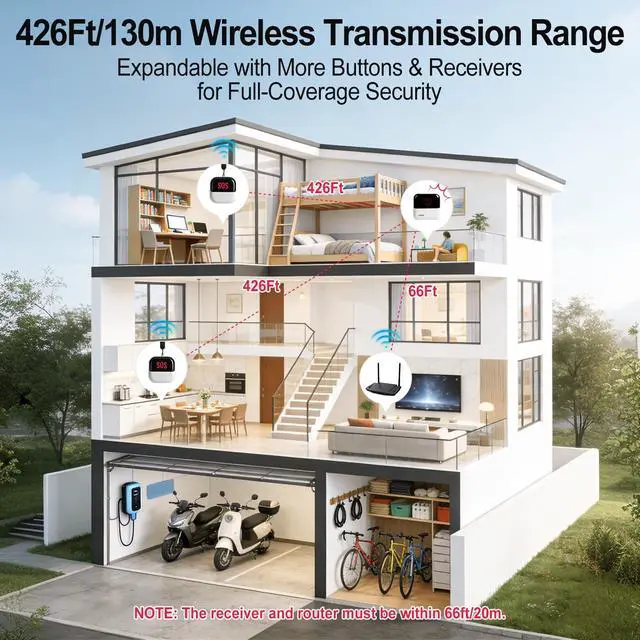
- Better Care for EldersWith WiFi channel connection medical alert systems for seniors and Wireless Signal (only supports 2.4GHz WiFi), fall detection for seniors signal can reach up to 426 feet (No obstacles). When the elderly/disabled/kids press the call button, the receiver will sound an alarm, at the same time, the smartphone APP will receive a warning alert, no matter the phone is in another cities, states, or even countries, you can receive a instant warning alert anywhere, and it will also record every calling record.
- Share Function & ExpandableYou can set the sharing function of the Smart Life/Tuya app so that when your loved one presses the panic button, everyone you share it with can receive APP alert notifications for better protection; In addition, this wireless call system is expandable, you can add more call buttons to meet the needs of various different usage scenarios.
- Smart RingtonesThe receiver of caregiver pager has 22 ringtones to choose from and 4 levels of adj
+
+
Overview
Specs
Reviews
Any questions? Our AI beta will help you find out quickly.
Try me now
"Q&AQ: Does the Receiver need to plug in USB power cable all the time?
A:
YesQ: What if the SOS Button cannot make the Receiver alarm?
A:
1. Please check the SOS Button to see if it has been paired with the Receiver successfully. 2. Please check if the SOS Button is still powered (Press the SOS Button to see if it can light up. )3. Please make sure the SOS Button use within 426ft/130m range of the Receiver.
Q: What if the Receiver cannot connect to smartphone?
A:
1. Please make sure the smartphone and Receiver are in the same WiFi Network. 2. The distance between the Receiver and WiFi Signal needs to be less than 66ft/20m (the closer the better).
Q: Can I take the SOS Button outside?
A: No, SOS Button need to be used within 426ft/130m range of the Receiver, and the Receiver need to be placed within 66ft/20m range of the router (the closer the better). "

A:
YesQ: What if the SOS Button cannot make the Receiver alarm?
A:
1. Please check the SOS Button to see if it has been paired with the Receiver successfully. 2. Please check if the SOS Button is still powered (Press the SOS Button to see if it can light up. )3. Please make sure the SOS Button use within 426ft/130m range of the Receiver.
Q: What if the Receiver cannot connect to smartphone?
A:
1. Please make sure the smartphone and Receiver are in the same WiFi Network. 2. The distance between the Receiver and WiFi Signal needs to be less than 66ft/20m (the closer the better).
Q: Can I take the SOS Button outside?
A: No, SOS Button need to be used within 426ft/130m range of the Receiver, and the Receiver need to be placed within 66ft/20m range of the router (the closer the better). "
Warranty & Returns
Warranty, Returns, And Additional Information
Warranty
- Please contact the Seller directly for warranty information. Warranty information may also be found on the Manufacturer's website.
- CONTACT
Return Policies
- Return for refund within: 30 days
- Return for replacement within: 30 days
- This item is covered by FortressTek Return Policy
Manufacturer Contact Info
- For a directory of all our manufacturers, please click below.
- Manufacturers Directory
LOADING...