Your Browsing History
Meet Your Seller
Sponsored Products
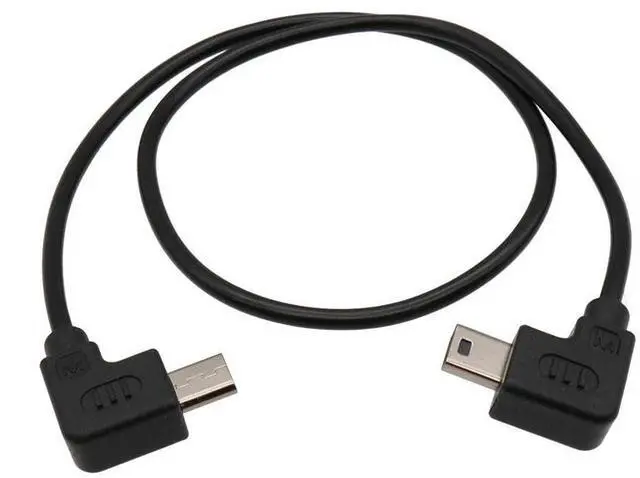
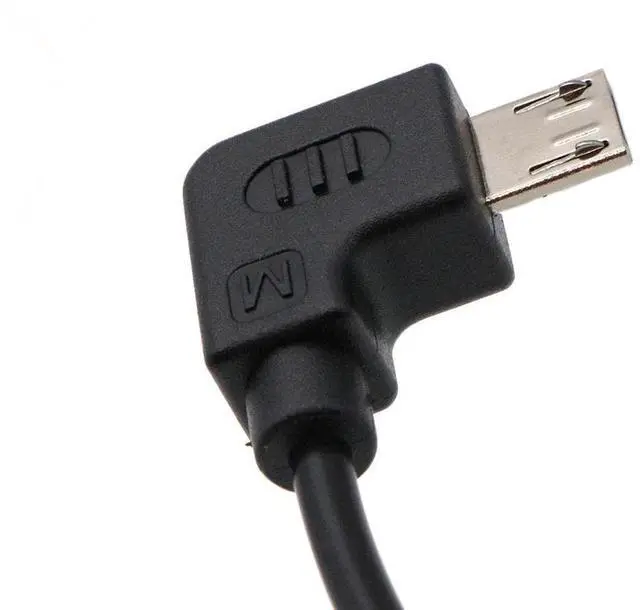
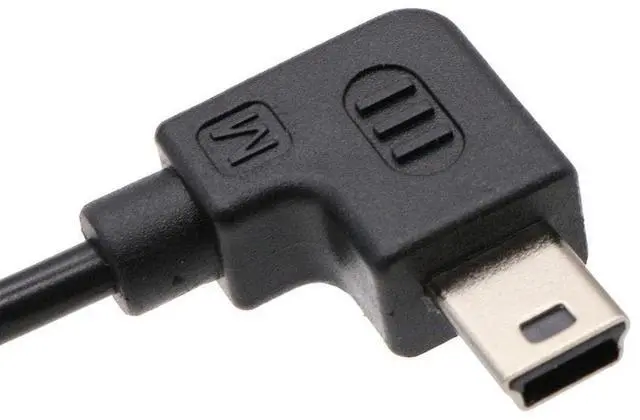
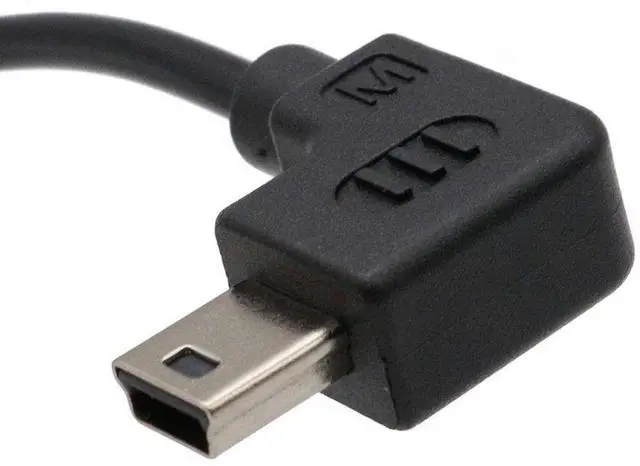
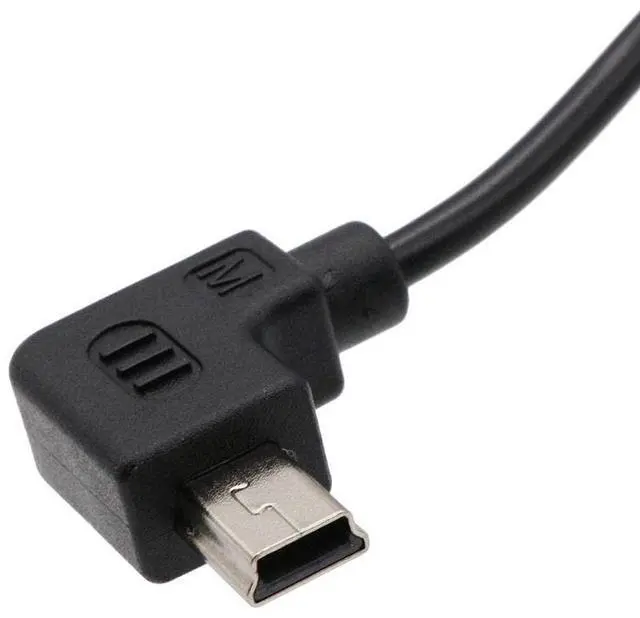
LingoFoto for Zhiyun Crane 2 for Weebill S Control Cable Micro USB to Mini USB Camera Control Cable for Canon 5D2, 5D3, 6D, 6DII, 7d, 750d 35cm
- FunctionThis cable is used to connect your camera and stabilizer which can avoid shaking in order to record the moving moment. Support shutter, video and zoom function.
- CompatibleMicro USB to Mini USB control cable is suitable for zhiyun crane2, for Weebill S stabilizer; Suitable for Canon camera: For Canon 1DXII,5D2 ,5D3 ,6D,6DII,7d,750d,800d
- LengthThis micro usb to mini usb cable total length is 35cm.
- MaterialIt is made of high quality material PVC which means it used for long time and it is much safe
- Package included1* Camera Control Cable for Canon (Micro USB- Mini USB)
+
+
Overview
Specs
Reviews
Any questions? Our AI beta will help you find out quickly.
Try me now
Description: This stabilizer control cable for camera is used to connect your camera and stabilizer which can avoid shaking in order to record the moving moment. This stabilizer camera control cable total length is 35cm. It is made of high quality material PVC which means it used for long time and it is much safe. Upwards Control Cable suitable for zhiyun crane2 and for Weebill S stabilizer;
Camera: For Canon 5D2, 5D3, 6D, 6DII, 7d, 750d, 800d
Suitable for:
Camera: for Canon 1DXII, 5D2, 5D3, 6D, 6DII, 7d, 750d, 800d and for EOS other series camera with mini USB port.
Stabilizer: for zhiyun crane 2, for
Weebill S How to use:
1. Please download the app (ZY PLAY), open and connect it with stabilizer
2. Use the cable to connect the stabilizer and camera, then choose "Canon" on the APP setting page
3. Turn off the camera and turn on again, please note that the stabilizer should be turn on firstly before the camera 4.
Notice: When you connect the cable to your camera, Set the "USB Connection" function of the camera to "Computer Remote".
Operation:
1.
Shutter: click "power button" to single shooting
2.
Video: double click "power button"
3.
Focus: push the hand strip to up and down
Package included: 1X control cable for Canon (Micro USB- Mini USB)

Camera: For Canon 5D2, 5D3, 6D, 6DII, 7d, 750d, 800d
Suitable for:
Camera: for Canon 1DXII, 5D2, 5D3, 6D, 6DII, 7d, 750d, 800d and for EOS other series camera with mini USB port.
Stabilizer: for zhiyun crane 2, for
Weebill S How to use:
1. Please download the app (ZY PLAY), open and connect it with stabilizer
2. Use the cable to connect the stabilizer and camera, then choose "Canon" on the APP setting page
3. Turn off the camera and turn on again, please note that the stabilizer should be turn on firstly before the camera 4.
Notice: When you connect the cable to your camera, Set the "USB Connection" function of the camera to "Computer Remote".
Operation:
1.
Shutter: click "power button" to single shooting
2.
Video: double click "power button"
3.
Focus: push the hand strip to up and down
Package included: 1X control cable for Canon (Micro USB- Mini USB)
Warranty & Returns
Warranty, Returns, And Additional Information
Warranty
- Please contact the Seller directly for warranty information. Warranty information may also be found on the Manufacturer's website.
- CONTACT
Return Policies
- Return for refund within: 30 days
- Return for replacement within: 30 days
- This item is covered by DuronTechnologies Return Policy
Manufacturer Contact Info
- For a directory of all our manufacturers, please click below.
- Manufacturers Directory
LOADING...