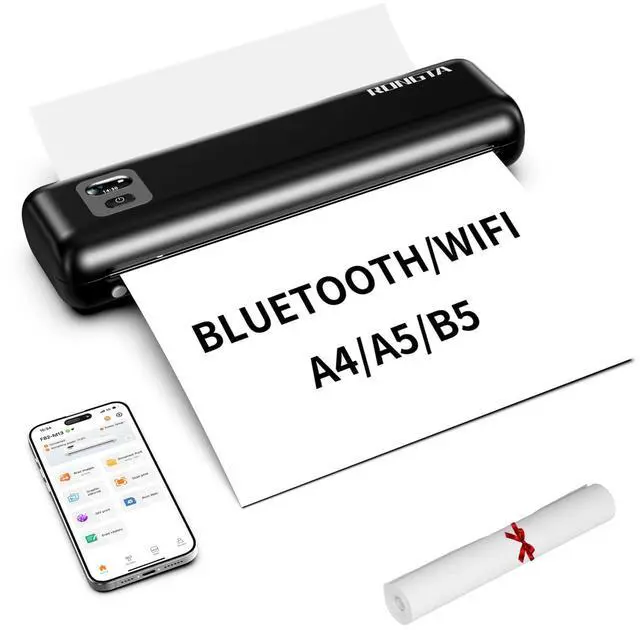
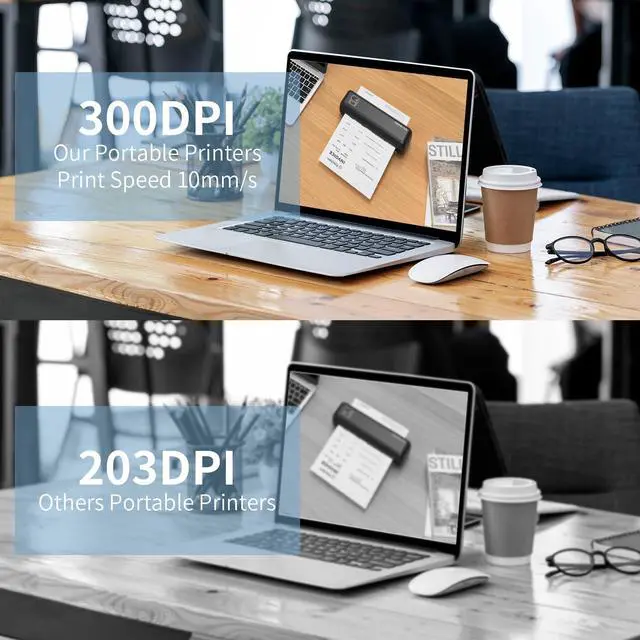
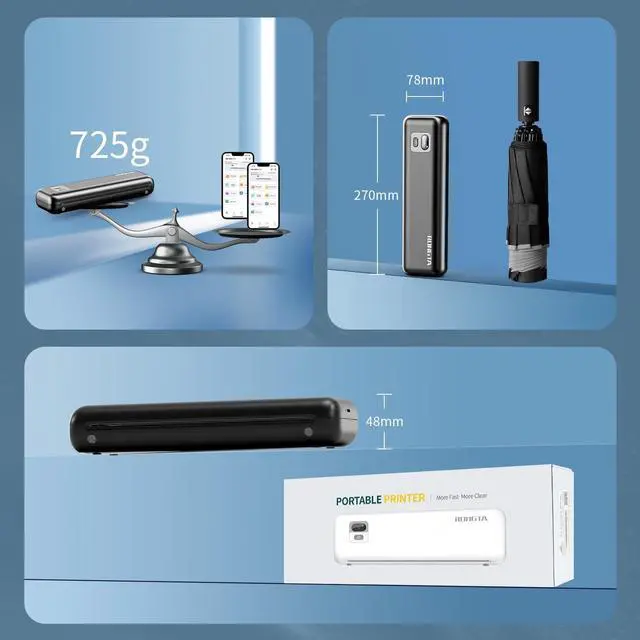
Rongta Portable Printer Wireless for Travel, F82 Inkless Bluetooth&WiFi Thermal Printers 300DPI, Compatible with iOS, Android, Laptop, Support 8.5"x11" US Letter&A4 for Office, Home, Car, Black
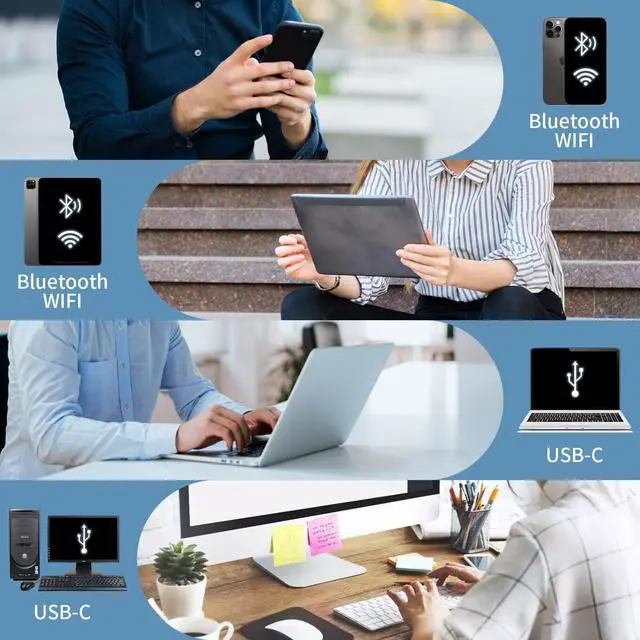
Phone/Tablet Start Print: Step 1: Download APP "SoPrint"; Step 2: Turn on the F82 and make a Bluetooth connection in the APP; Step 3: Click the "+" sign to complete the device connection, choose F82 for connect and select the file type to start print(Wifi connection please see the installation guide for more details)
PC Start Print: Step 1:Please download and install the F82 driver from the USB disk; Step 2: Use the USB cable to connect the F82 printer to your computer; Step 3: Select and open your document, and choose F82 in the printer list
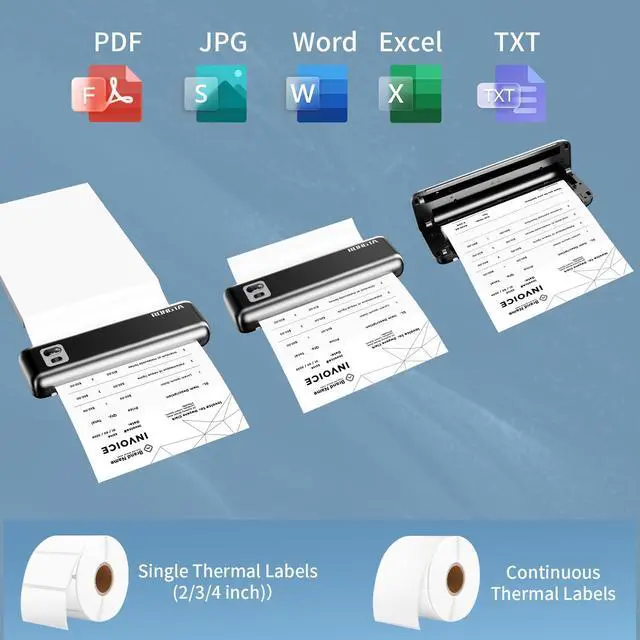
Triple Connectivity & Wide Compatibility F82 has WiFi/Bluetooth/USB Type C for seamless wireless/wired printing. Compatible with iPhone, iPad, Android Phone, Android Tablet, Laptop(Mac/Windows). "SoPrint" APP is free and can provide more creative printing experience to you, you can print in travel, vehicles anytime
Two paper feeding methods & Intelligent paper identification F82 support cassette loading and front-feed modes with
+
+
Overview
Specs
Reviews
Any questions? Our AI beta will help you find out quickly.
Try me now
Rongta Portable Printer Wireless for Travel, F82 Inkless Bluetooth&WiFi Thermal Printers 300DPI, Compatible with iOS, Android, Laptop, Support 8.5" x11" US Letter&A4 for Office, Home, Car, Black
Learn more about the Detailed Specifications
Additional Information
First Listed on Newegg
October 27, 2025
There are no reviews yet.
Do you own this product?
Warranty & Returns
Warranty, Returns, And Additional Information
Warranty
Please contact the Seller directly for warranty information. Warranty information may also be found on the Manufacturer's website.