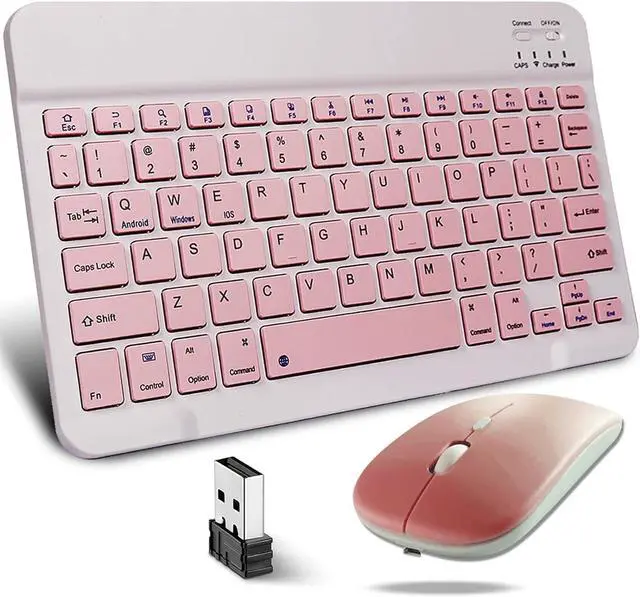
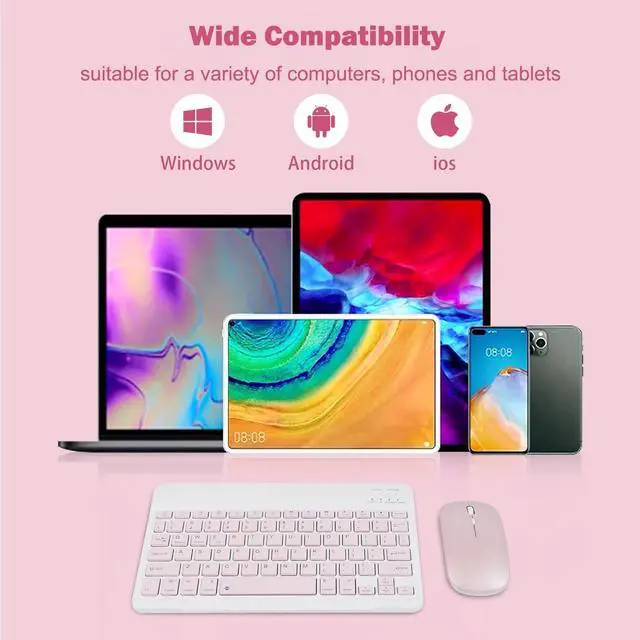
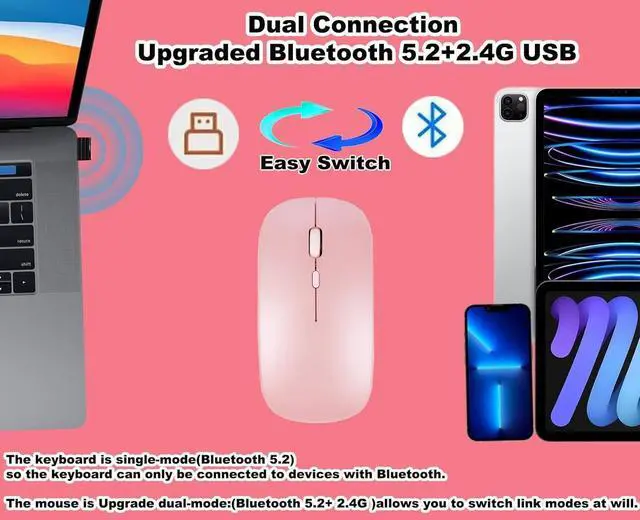
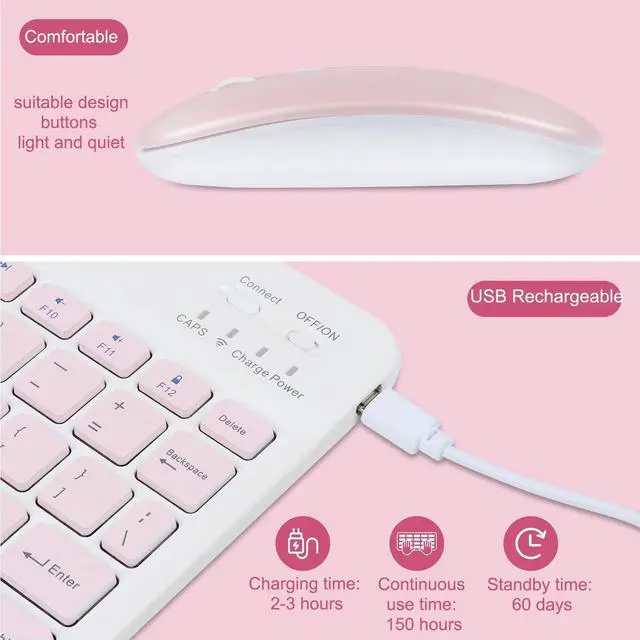
SpecificationThe wireless keyboard is in compact size designsaving the space on your desk. The mouse is ambidextrous to fit in both left and right hands. When the wireless keyboard is kept fully charged, it can last 150 hour and standby time is 60 days to meet office needs. Keyboard typing comfortable and light, fast connection to the computer, to achieve accurate typingHere's the steps of connection: 1. How to connect the wireless mouse: Bluetooth 5.2
Mode: STEP
01: Power on the Bluetooth mode, and the blue light is flashing.
STEP 02: Turn on your device's Bluetooth and search for nearby Bluetooth devices.
STEP 03: After a while, the words "BT 5.2 Mouse" will appear on your device. Click "Connect". If the connection is successful, the red signal light on the back of the mouse will remain on.
2.4G USB Mode: STEP
01: Prepare the USB receiver.
STEP 02: Turn on the mouse switch.
STEP 03: Press and hold the left and right keys for several seconds to switch to 2.4G mode.
STEP 04: Plug the USB receiver into the USB port of your computer and wait a few seconds for it to be automatically recognized. 2. How to
Connect a wireless keyboard: STEP
01: Turn on the power switch (OFF/ On) in the upper right corner of the Bluetooth keyboard. The light blinks blue and then goes off.
STEP 02: Turn on your device's Bluetooth and search for nearby Bluetooth devices.
STEP 03: Long press on the "Connect"button for about 3-5 seconds, and the Bluetooth indicator will remain blue. The keyboard is in Bluetooth mode.
STEP 04: After a while, the "Bluetooth Keyboard" will appear on your device. Click "CONNECT".
Specification:
Name: Bluetooth keyboard and mouse setKeyboard size: 9.72 in* 5.90 in* 0.19 in (247*150*5mm)
Mouse size: 4.33 in* 2.28 in* 1.10 in (110*58*28mm)
Net weight: 0.49IB (225g)
Outer packing size: 12.79 in* 6.61 in* 1.18 inGross weight: 0.68IB (309g)
Type: Ultra
thin keyboardComputer connection: BluetoothMouse
connection: USB
connector or bluetoothKey: 78
keysOperating voltage: 3.7VS
ystem support: Win8/10.
MacOperating distance: 10m( 32.80 ft)3
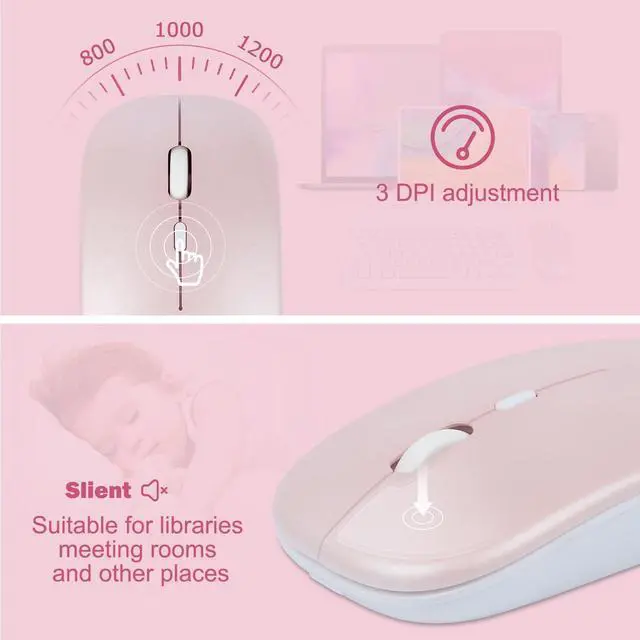
DPI adjustment: 800-1000-1200 DPI
Package included: 1 * Wireless keyboard1 * Wireless mouse (include 1*USB receiver) 1 * USB charging cable