Keyboard connection method:
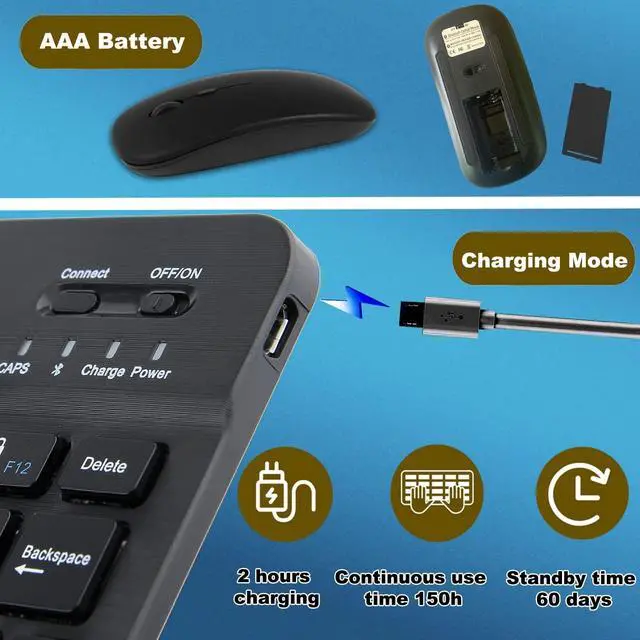
1: Turn on the ON/OFF switch.
2: Press CONNECT, the indicator of the Bluetooth logo will flash.
3: Turn on the Bluetooth switch of mobile device such as tablet/smartphone, search for Bluetooth 3.0 Keyboard.
4: Click the Bluetooth Keyboard on the tablet/smartphone, press the Enter to connect.
Mouse connection method: 1. The mouse needs 2* AAA batteries (Not include) 2. Turn on the power switch on the back of the mouse: it means Bluetooth is on, long press the mouse dpi button for three seconds (blue light keeps flashing, indicating it is transmitting signal)3. Use the device to search the Bluetooth name of the mouse (BT 5.2 mouse), click
pairing success to useSpecification: Connectivity
Technology: BluetoothCompatible
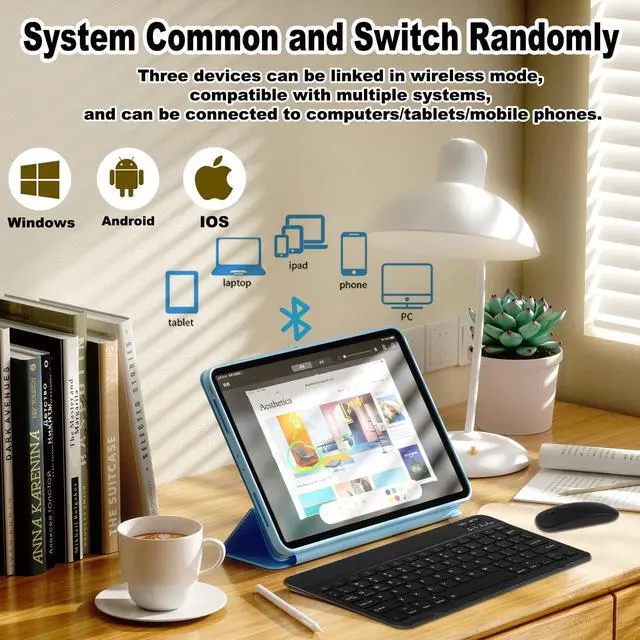
Devices: Personal Computer /Desktop/PC/Laptop/iPhone/ iPad/Tablet/Smartphone/Surface and
Windows 10/8/7 etcMaterial: ABS +Aluminum alloyCharging
Interface: Micro USB
Charging Time: 2-3 hoursKeyboard
Dimensions: 24.7 x 5.8 x 0.5 cm/ 9.72 x 5.9 x 0.19 inchMouse
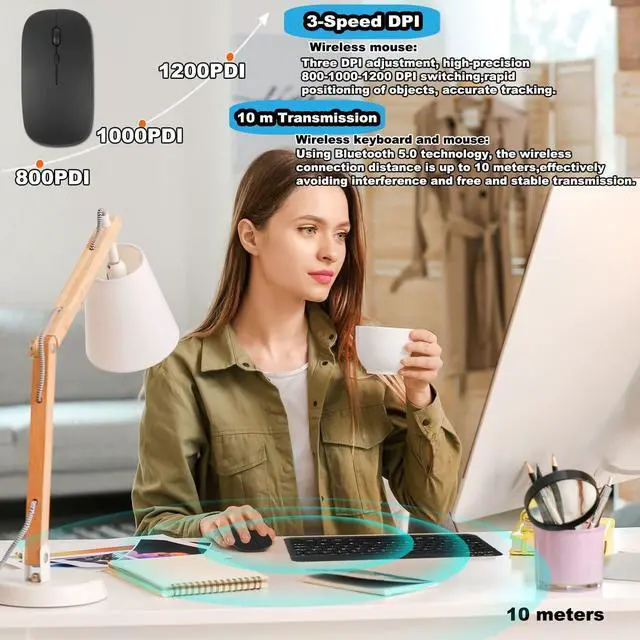
Dimensions: 11 x 5.8 x 2.9 cm/ 4.33 x 2.28 x 1.1 inchPortable DesignUltra thin and lightweight, space-saving keyboard layout, portable size makes it perfect for daily use or business travel. Wireless Bluetooth ConnectionSupport up to device by bluetooth connection, its easy to connect and easy to use. The working range up to 10m. Universal CompatibilityCompatible with Windows XP/7/8/10, Mac OS, Android and iOS. Work well with all laptop, desktop, PC, notebook, iPad, MacBook, etcPackage
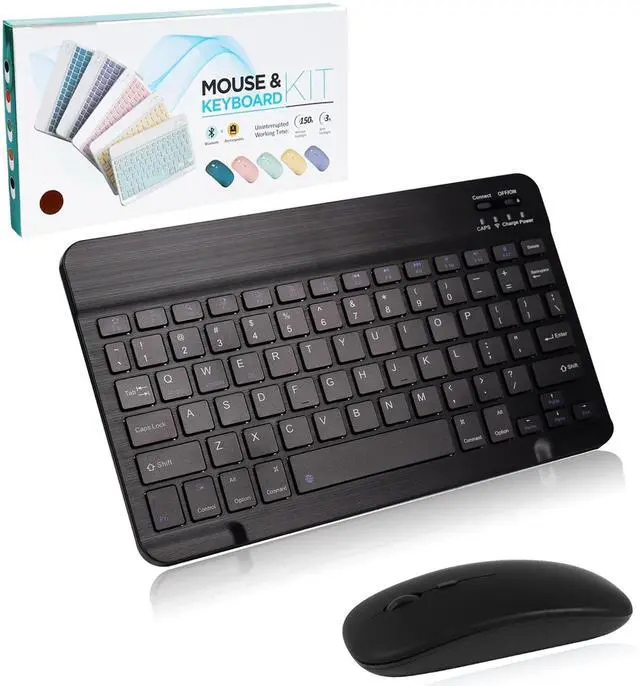
including: 1 * Bluetooth Keyboard1 * Wireless Mouse1 * USB Cable