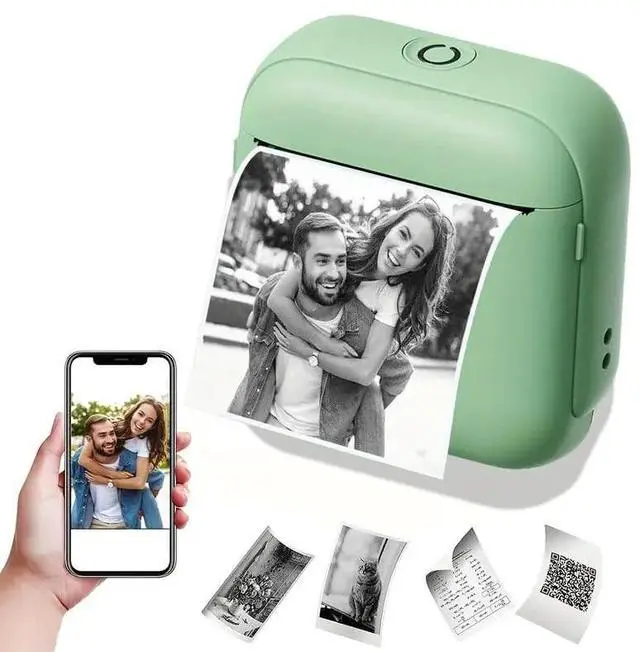
There are three ways to download the "Fun
Print" printing app: Method
1: Scan the QR code in the included manual.
Method 2: Search for "Fun Print" on Google Play.
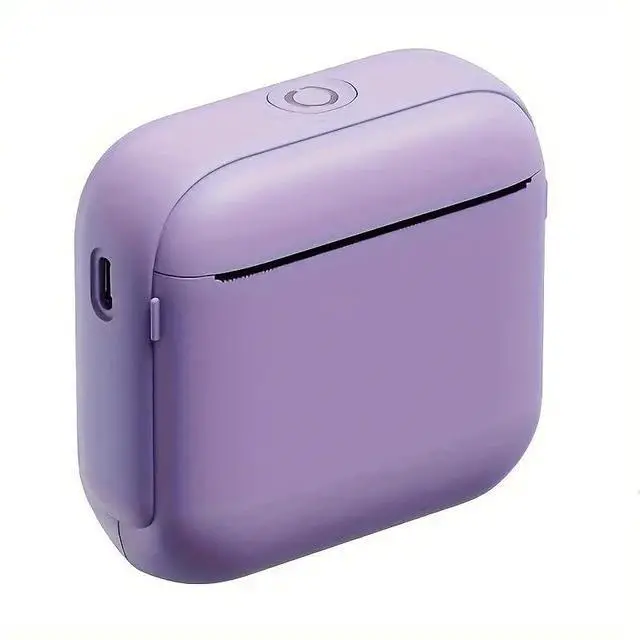
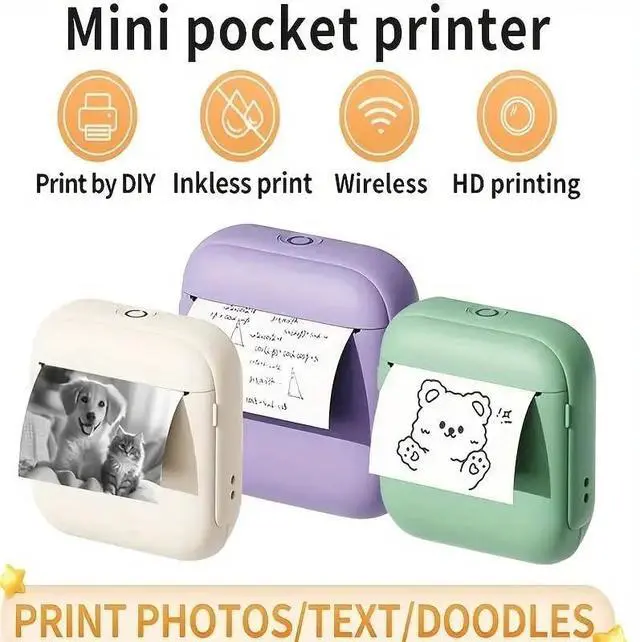
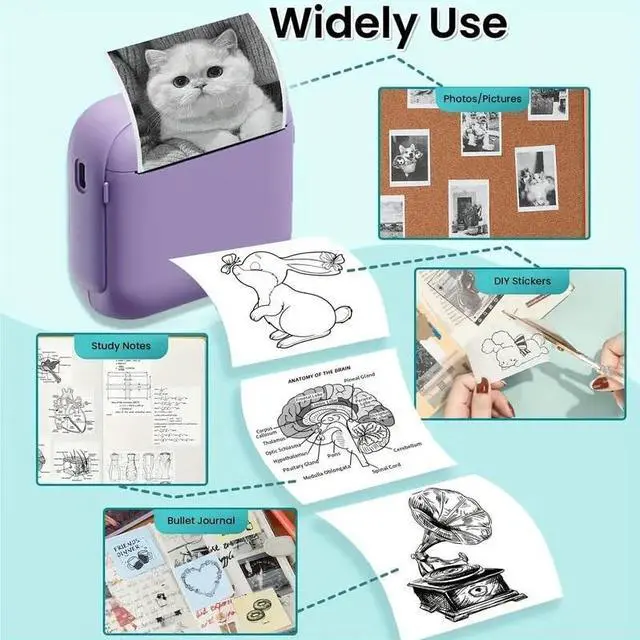
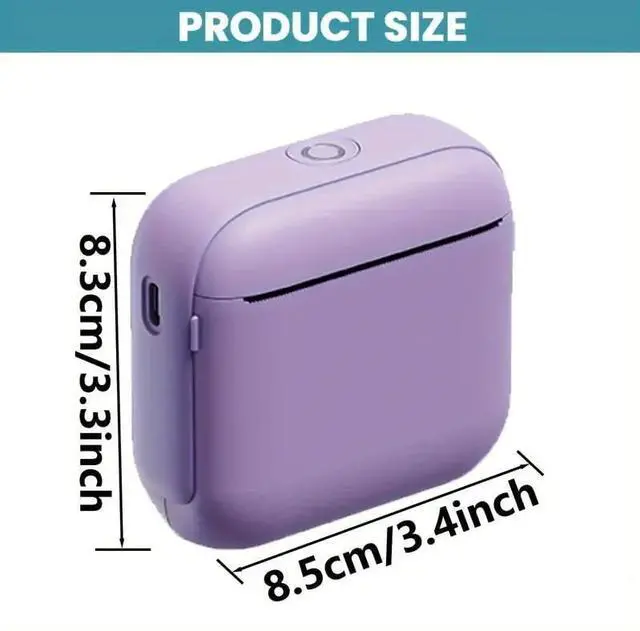
Method 3: Search for "Fun Print" on the App Store. You can turn on the wireless sticker printer, turn on your phone's Bluetooth, open the "FunPrint" app, and connect to your device. ^^ Inkless Mini Sticker Printer - Our wireless mini thermal printer measures 3.1 x 3.1 x 1.5 inches and weighs 5.3 ounces, making it compact and portable. Our mini pocket printer is an ink-free thermal printer, allowing you to print anything, anytime. The built-in rechargeable battery provides approximately 800 prints on a full charge, making it even more convenient to use. ^^ Versatile Printing App "FunPrint" - This mini Bluetooth printer offers a variety of templates, including holiday-themed templates like Easter, Halloween, and Christmas, as well as templates featuring animals, entertainment, letters, characters, plants, food, and more, making it highly flexible and adaptable to your needs. ^^ MultipurposeYou can select images from your phone's photo album, add text, or create labels, diaries, notes, barcodes, QR codes, receipts, and more. Children can use this inkless pocket printer to print blank templates and fill them with color to exercise their imagination, or use it to print study materials or notes.
Parents can use this mini portable printer to organize shopping/to-do lists, work plans, and morea great tool for all ages. ^^ This wireless mini photo printer comes with a mini thermal printer, a charging cable, and a roll of regular thermal paper ( 2.2 inches wide). This great set is large enough for daily use and helps you save money.