

Your Browsing History
- Free 30-day Returns
$103.99

Meet Your Seller


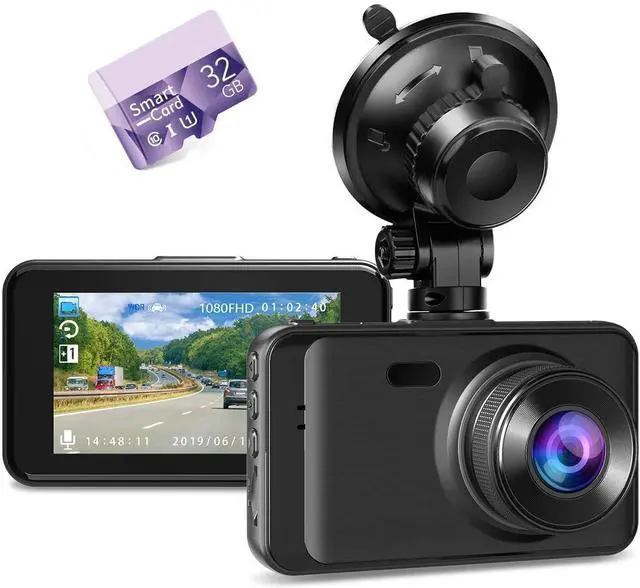
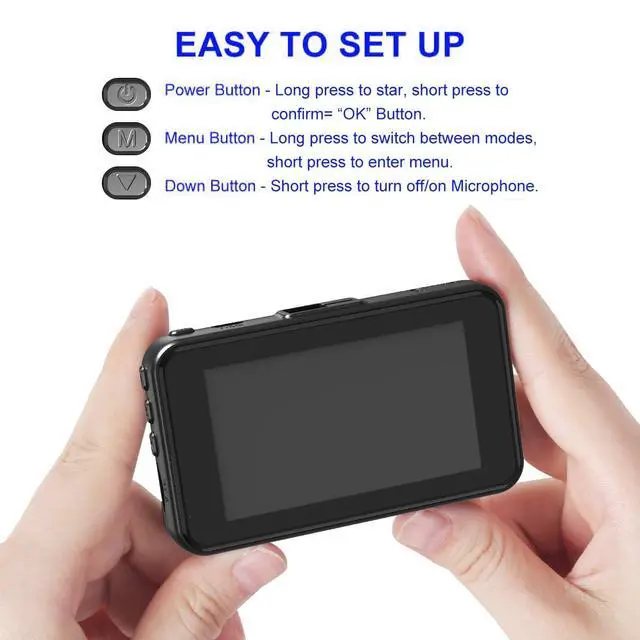
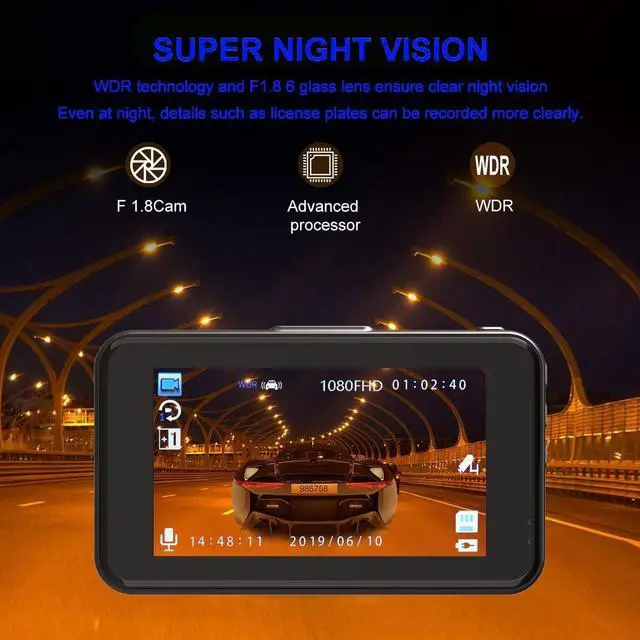
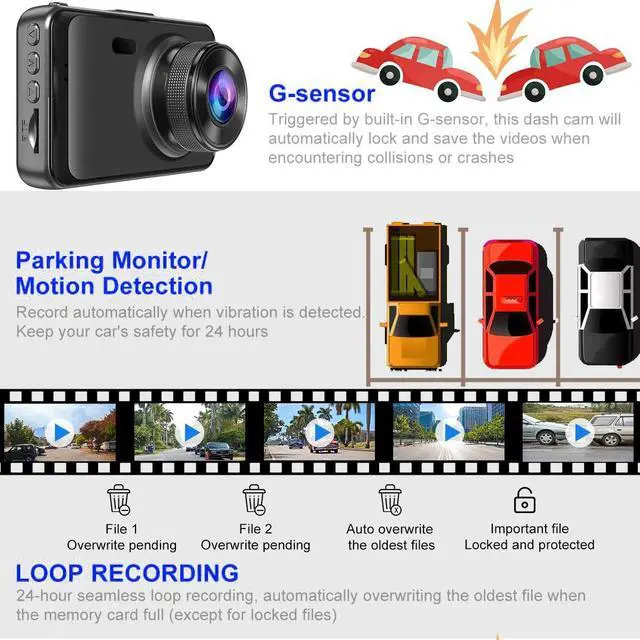
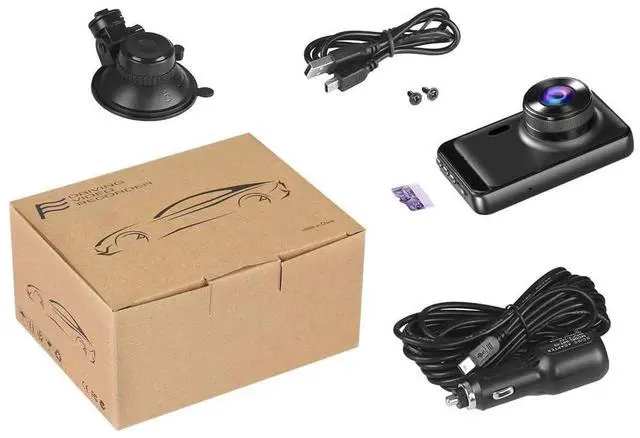


Auttoop Dash Camera for Car, Dash Cams FHD 1080P Dash Cam Front with 32GB Card, Super Night Vision Dashcam, Dashcams for Cars w/WDR Loop Recording G-Sensor Parking Monitor
- Important Function Settings for Dash Camera on Daily Using: Gravity sensor level choose "low"; Loop recording select "3 minutes"; Motion detection choose "off"; Parking monitor select "on"; Auto power off select "off"; If you feel that the screen is on all the time afraid that it will affect your driving, screen saver select "off", car dash cam is still recording; "Fill light" can be switched off during the day and on during the night. Want dash cam 24 hours recording, Pls use hardwire kit.
- Dash Cam with 32GB Card, already inserted in "TF" port of the car camera dash cam. As a manufacturer and supplier of car cameras - dash cam, we collect the earliest data and feedback to solve problems, update the dashboard camera.
- Frequently questions and solutions for car dash camera: The dash cam freeze or can't turn on Use the paper clip(package included) to poke the "RESET" hole, you can reset the factory setting, fix the FREEZE or other can't work questions well. Please plug the car charg
+
+
Overview
Specs
Reviews

Any questions? Our AI mode will help you find out quickly.
Try me now
Warm Tips: (NO
Wireless/wifi/gps): This dash cam with card builts in 300mAh battery is just to emergency recording and save settings. Please keep the car recorders camera plugged in always, the vehicle camera will shut down after 5 seconds when there is no external power connection. Please format the Memory card (have inserted into the "TF" port of dash cam before packaged) on dash camera before using. If the car camera screen shows "card full" even with loop recording function open of this dash cam, adjust the sensitivity of the G-sensor to low. The Reset hole (A small hole, On top of the top left corner of the car dash cam), meet some problems, you can poke the hole to reset the car dash camera. To ensure seamless video recording, please kindly turn off "Motion Detection" and "Auto Power off" on this dashboard camera while you driving. If you want the car camera's screen off but the dashcam still keeps a record, simply select "Screen Saver" in the settings and the dash cam will keep a normal record. If you want to turn off the on/off sound of this front dash cam with 32GB card, you can turn it off by finding "Switch Sound/Boot Sound" in the settings.
Wireless/wifi/gps): This dash cam with card builts in 300mAh battery is just to emergency recording and save settings. Please keep the car recorders camera plugged in always, the vehicle camera will shut down after 5 seconds when there is no external power connection. Please format the Memory card (have inserted into the "TF" port of dash cam before packaged) on dash camera before using. If the car camera screen shows "card full" even with loop recording function open of this dash cam, adjust the sensitivity of the G-sensor to low. The Reset hole (A small hole, On top of the top left corner of the car dash cam), meet some problems, you can poke the hole to reset the car dash camera. To ensure seamless video recording, please kindly turn off "Motion Detection" and "Auto Power off" on this dashboard camera while you driving. If you want the car camera's screen off but the dashcam still keeps a record, simply select "Screen Saver" in the settings and the dash cam will keep a normal record. If you want to turn off the on/off sound of this front dash cam with 32GB card, you can turn it off by finding "Switch Sound/Boot Sound" in the settings.
Warranty & Returns
Warranty, Returns, And Additional Information
Warranty
- Please contact the Seller directly for warranty information. Warranty information may also be found on the Manufacturer's website.
- CONTACT
Return Policies
- Return for refund within: 30 days
- Return for replacement within: 30 days
- This item is covered by HyperCore Return Policy
Manufacturer Contact Info
- For a directory of all our manufacturers, please click below.
- Manufacturers Directory
LOADING...