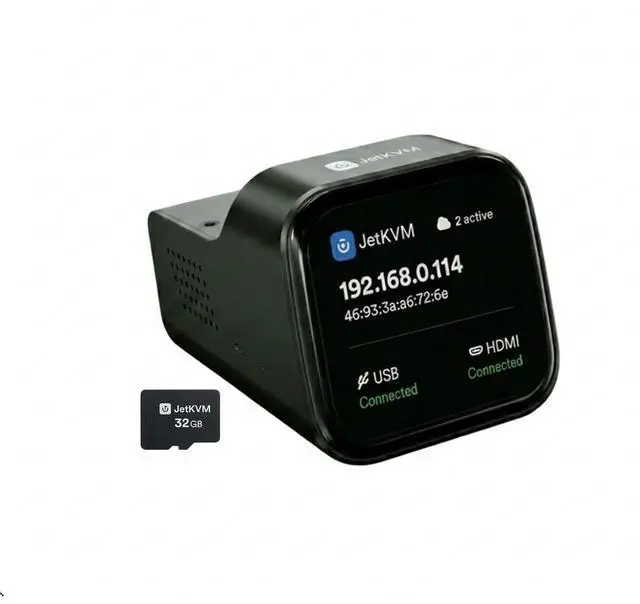
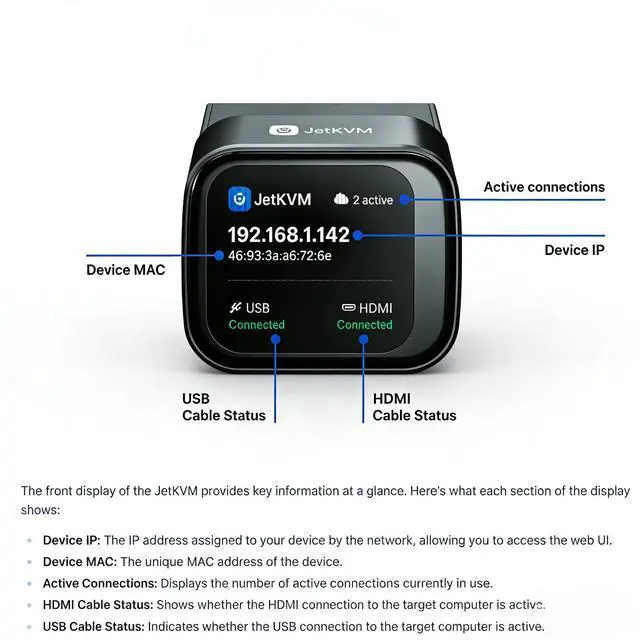
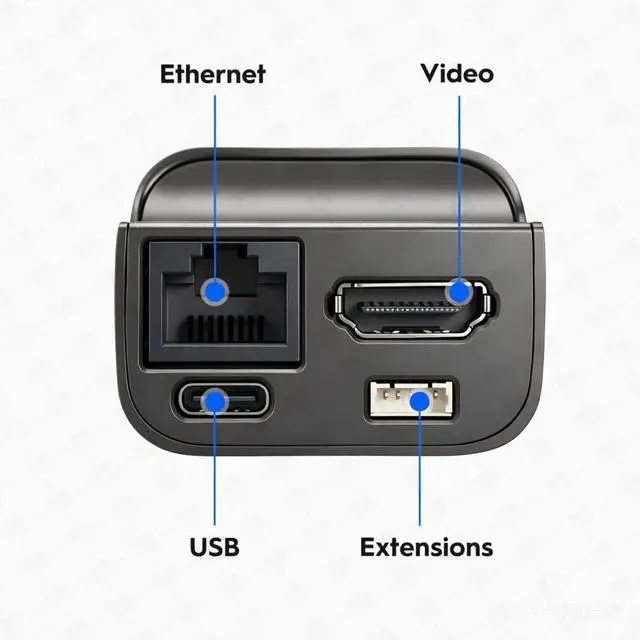
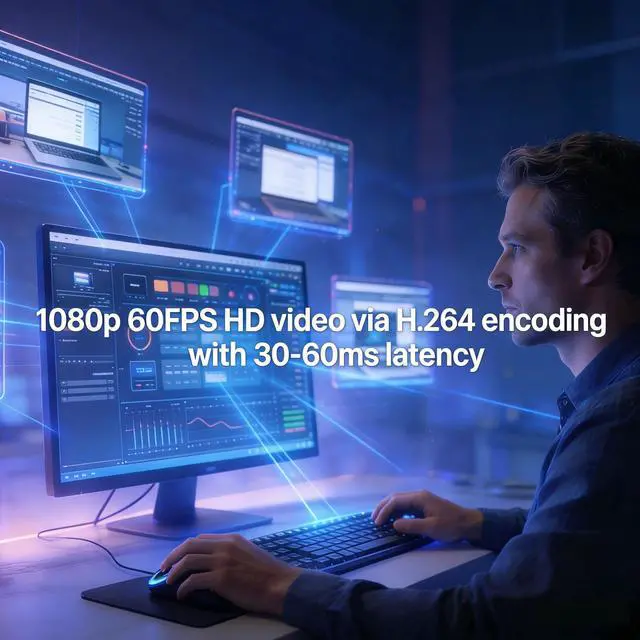
Easy to Install JetKVMConnect the Jet KVM to your device you wish to control via USB-C and HDMI, then attach your IP KVM to network by an ethernet cable. Enter the displayed IP address in any browser and you're ready for remote control. ^^ KVM Over IP with 3 Access OptionsLocal Access way by typing KVM's IP address into any browser. Remote Cloud Access by logging into the cloud dashboard from anywhere. Wake on LAN option by Sending magic packet via MAC address to wake device remotely. ^^ Ultra-low Latency IP KVM1080*1920p@60FPS video with 30-60ms latency using H.
264 encoding. Smooth mouse and keyboard interaction for responsive remote control. Jet KVM provides a video quality toggle with three optionsHigh, Medium, Low), allowing you to adjust the video stream's bitrate based on your connection speed and resolution needs. ^^ KVM-Over-IP with Flexible Power OptionsHere are the four power supply methods for JetKVM. Power JetKVM via USB-C from the controlled device. You can supply the ip KVM from a separate 5V power supply by USB-C Y-cable splitter or from DC Extension/ATX Board Extension. ^^ Open-Source KVM over
Ethernet: The JetKVM is built for Collaboration on a robust Golang foundation and powered by Linux. Whether you're a seasoned developer or an enthusiastic tinkerer, you can easily modify or fine-tune the software using familiar tooling and straightforward SSH uploads.
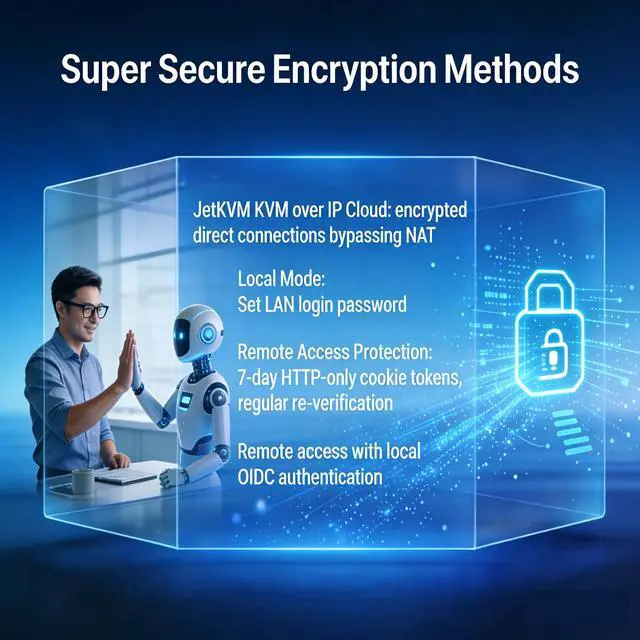
^^ Free Cloud Access: Optional remote management via our open-source JetKVM Cloud using WebRTC. Privacy-first design with opt-in cloud access that provides secure and fast direct connections, even behind the most restrictive NAT environments, with STUN and TURN servers. ^^ Extend JetKVM with
Various Capabilities: The extension port opens up unlimited possibilities for expansion, such as ATX Power Control^^DC Power Control^^RS-232 Serial Console. You can customize a variety of features for example Temperature Sensors or Mechanical Button Pressers. ^^ Remote System Rescue and
Recovery: When the controlled computer crashes/ blue screen or fails to boot, JetKVM bypasses on-site visit limitation by directly displaying the pre-crash screen, allowing you to remotely restart, enter Safe Mode, reinstall the operating system and perform other recovery operations. This reduces hours of manual on-site work to just minutes.





 here!
here!