

Your Browsing History

Meet Your Seller

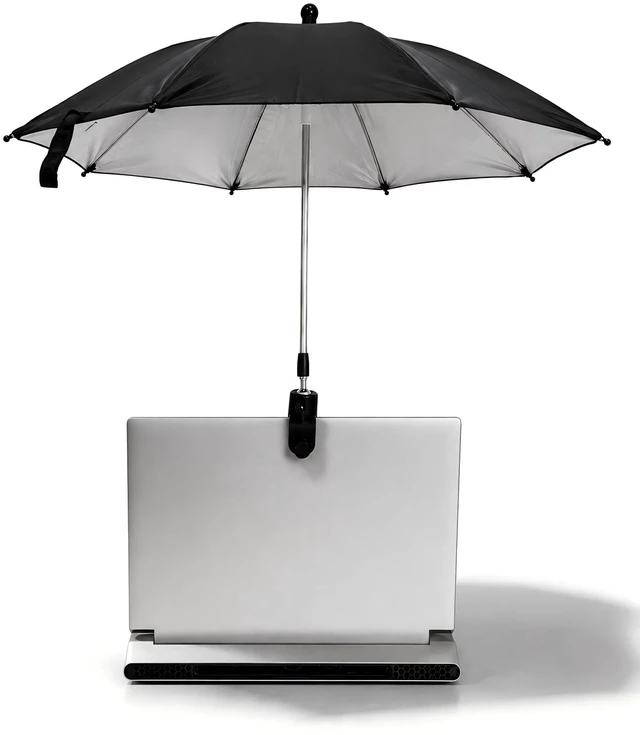
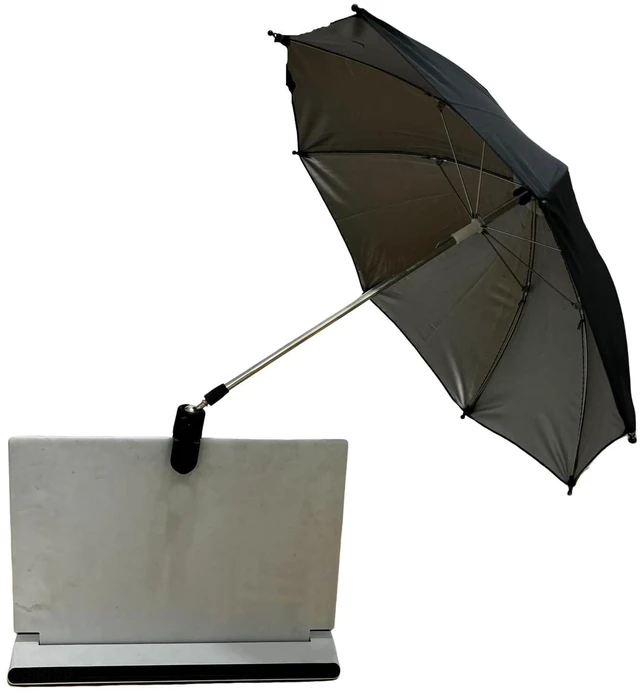


Noraling Laptop Sun Shade 360-degree Rotation Laptop Sun Umbrella Foldable Monitor Sun Shade for Working Outside
- 1.Ball Head Mount for Flexible Positioning Equipped with a 360 rotating ball head, this umbrella can be easily adjusted to block sunlight from any direction. Ideal for adapting to changing outdoor light conditions.
- 2.Sturdy Clamp for Secure Attachment The clamp grips firmly onto the edge of your laptop,It stays stable even in breezy conditions and wont scratch your device.
- 3. Sun Protection & Anti-Glare Design This mini sunshade blocks direct sunlight and reduces screen glare, making your outdoor working experience more comfortable and extending your laptops lifespan.
- 4. Compact, Lightweight & Easy to Carry Weighs just a few ounces and folds down easily to fit in a bag. Perfect for use in parks, cafes, balconies, or while traveling.
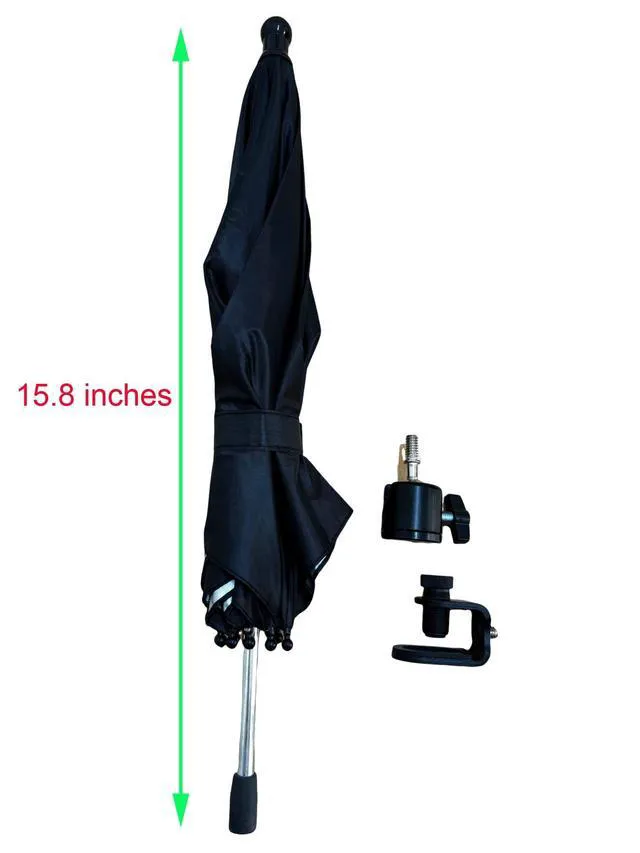
- 5. Easy Assembly in Minutes Tool-free setup in just a few steps: screw the umbrella to the ball head, connect the clamp, and clip it to your laptop. Youre ready to go!
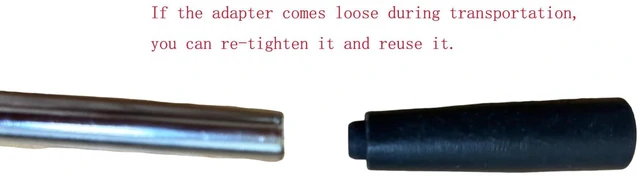
- If the adapter comes loose during transportation, you can re-tighten it an
+
+
Overview
Specs
Reviews

Any questions? Our AI mode will help you find out quickly.
Try me now
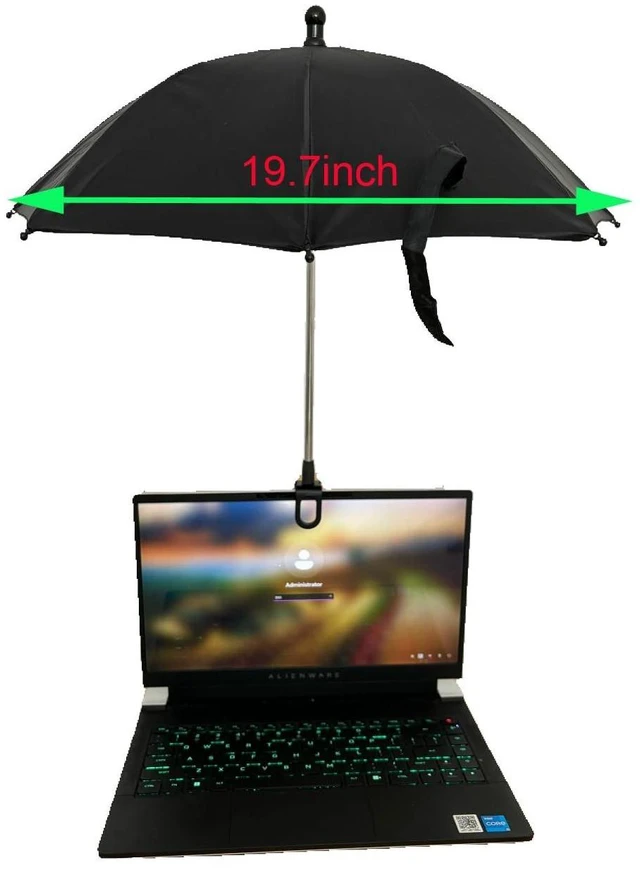
DescriptionWork comfortably outdoors with this innovative laptop sunshade umbrella. Designed with a ball head for flexible angle adjustment and a strong clamp for easy attachment, it provides reliable shade and glare protection wherever you go. Whether you're working in a park, on your balcony, or at a cafe, this compact umbrella is your perfect companion for sunny days. The Diameter of the laptop sun umbrella is 19.7 inch, The length of umbrella is 15.8 inch, the length of metal hose is 7.9 inchHow to
Use: Screw the bottom of the umbrella onto the mounting screw of the ball head. Align the hole at the bottom of the ball head with the screw on the clamp and tighten securely. Attach the clamp firmly to the edge of your laptop and tighten the knob to secure it in place. Adjust the angle of the ball head to block sunlight and reduce screen glare as needed. If the adapter comes loose during transportation, you can re-tighten it and reuse it.
Use: Screw the bottom of the umbrella onto the mounting screw of the ball head. Align the hole at the bottom of the ball head with the screw on the clamp and tighten securely. Attach the clamp firmly to the edge of your laptop and tighten the knob to secure it in place. Adjust the angle of the ball head to block sunlight and reduce screen glare as needed. If the adapter comes loose during transportation, you can re-tighten it and reuse it.
Warranty & Returns
Warranty, Returns, And Additional Information
Warranty
- Please contact the Seller directly for warranty information. Warranty information may also be found on the Manufacturer's website.
- CONTACT
Return Policies
- Return for refund within: 30 days
- Return for replacement within: 30 days
- This item is covered by SmartJoy Shop Return Policy
Manufacturer Contact Info
- For a directory of all our manufacturers, please click below.
- Manufacturers Directory
LOADING...