Your Browsing History
Meet Your Seller
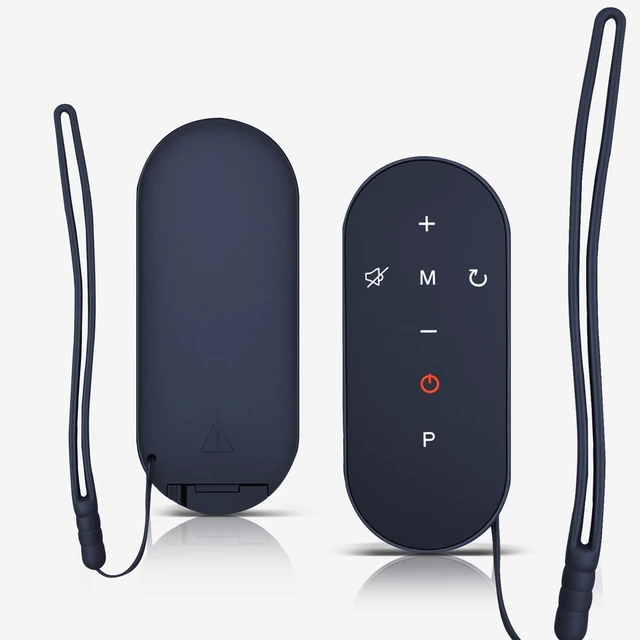
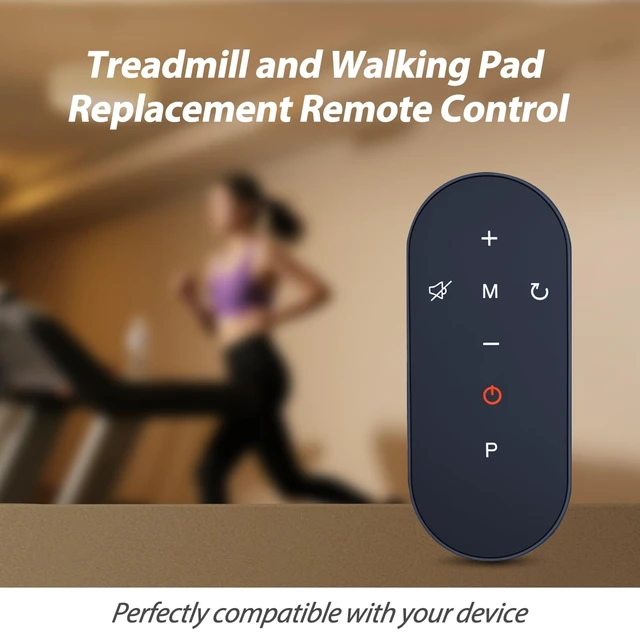
New Replacement Remote Control for LIVIVOX LX-22-2B Z06 Walking Pad,Max 2.5 HP Portable Under Desk Treadmill Controller
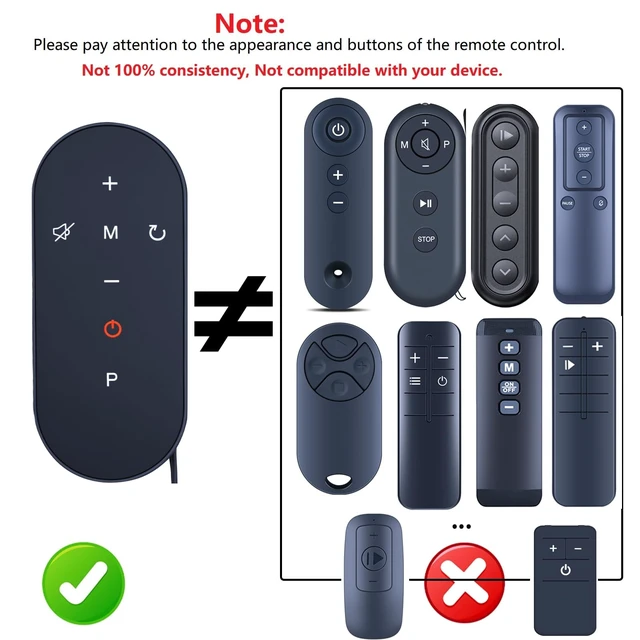
- CompatibilityNew Replacement Remote Control for LIVIVOX LX-22-2B Z06 Walking Pad,Max 2.5 HP Portable Under Desk Treadmill Controller
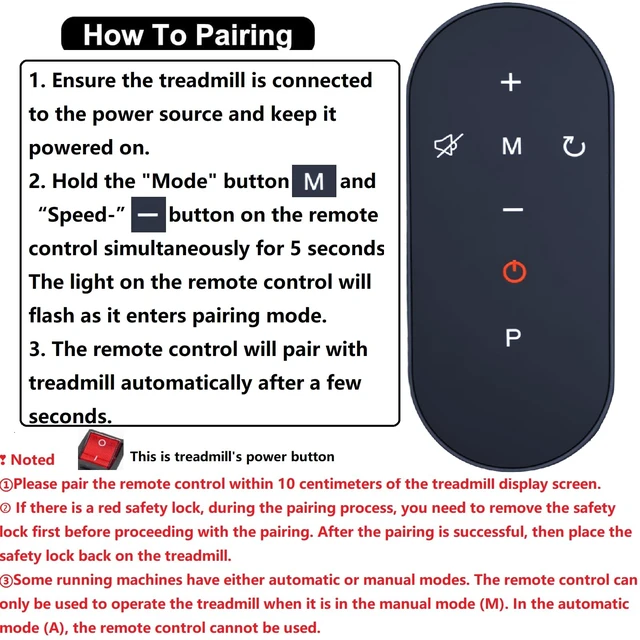
- Easy Pairing Install battery(not included). 1. Ensure the treadmill is connected to the power source and keep it powered on. 2. Hold the "Mode" button and "Speed-"button on the remote control simultaneously for 5 seconds. The light on the remote control will flash as it enters pairing mode.3. The remote control will pair with treadmill automatically after a few seconds.
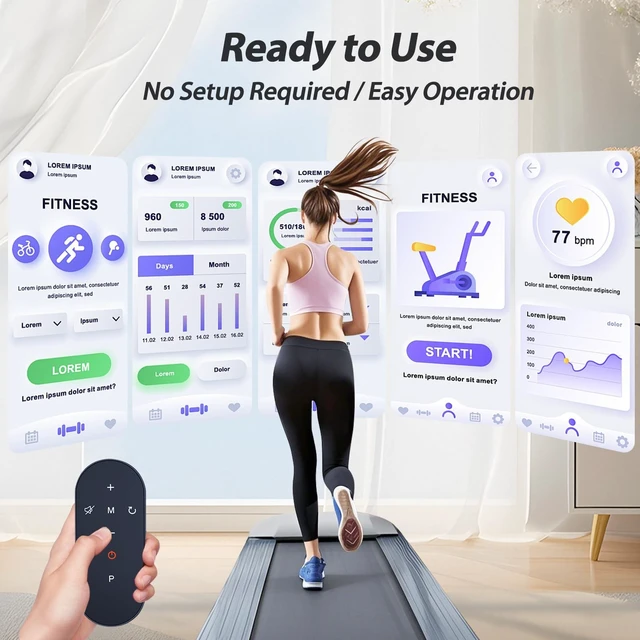
- Efficient Control, Easy Operation This remote control offers precise control for your treadmill, allowing you to easily adjust speed, incline, and settings. Whether you're jogging or sprinting, you can effortlessly manage your workout pace, making each session more effective and enjoyable.
- ABS materialThis smart remote made of high quality ABS material to make this smart remote more durable. This replacement remote only comes with 0.10kg (0.123lb.),wear-resistant and durable.
+
+
Overview
Specs
Reviews
Any questions? Our AI mode will help you find out quickly.
Try me now
New Replacement Remote Control for LIVIVOX LX-22-2B Z06 Walking Pad, Max 2.5 HP Portable Under Desk Treadmill Controller
Warranty & Returns
Warranty, Returns, And Additional Information
Warranty
- Please contact the Seller directly for warranty information. Warranty information may also be found on the Manufacturer's website.
- CONTACT
Return Policies
- Return for refund within: 30 days
- Return for replacement within: 30 days
- This item is covered by Luhang Return Policy
Manufacturer Contact Info
- For a directory of all our manufacturers, please click below.
- Manufacturers Directory
LOADING...