• $83.99
  • Free 30-day Returns
  • Price alert
    Shop it at NeweggBusiness.

    Meet Your Seller

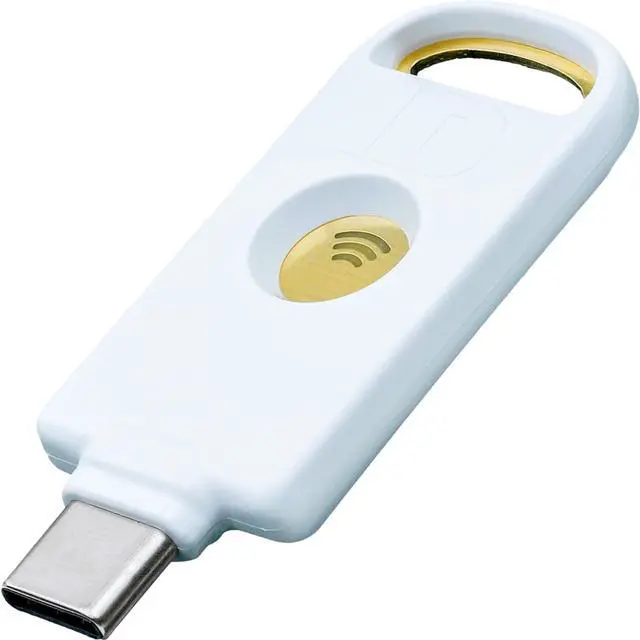
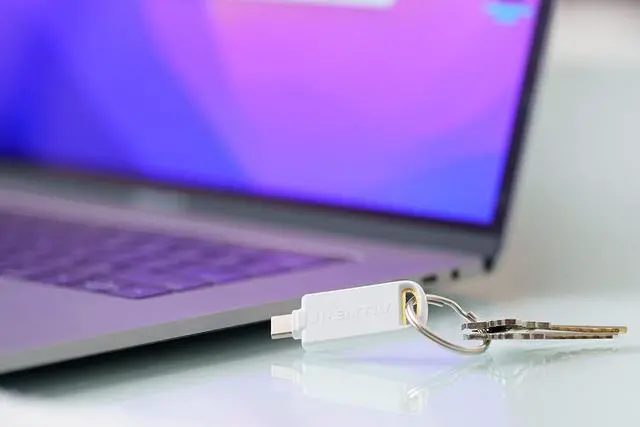
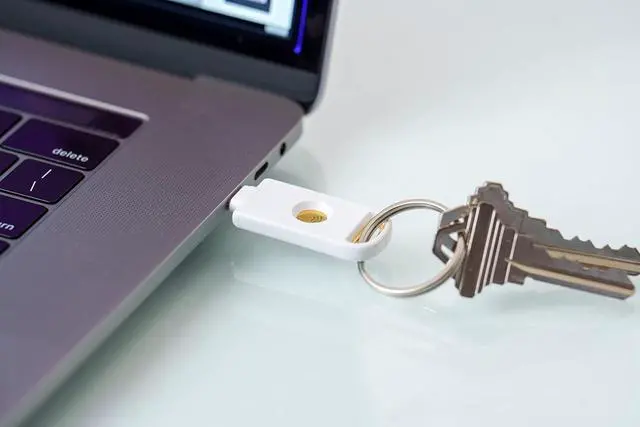
    Identiv uTrust FIDO2 NFC Security Key USB-C (FIDO, FIDO2, U2F, WebAuthn)

    • SOLVE THE PASSWORD PROBLEM: Identivs uTrust FIDO2 NFC Security Key allows individuals, businesses, and government agencies and contractors to replace passwords with a secure, fast, scalable, cost-effective login solution.
    • SIMPLE AND SECURE: FIDO Alliance certified. The cryptographic security model of the device eliminates the risk of phishing, password theft, and replay attacks. The FIDO cryptographic keys are stored on-device and are unique for each website, meaning they cannot be used to track users across sites. Register your key to your FIDO/FIDO2 certified accounts, typically in the account/security section of your account, and know that you are using government level security to protect your accounts
    • MULTI-PROTOCOL: Supports FIDO2, FIDO U2F, and WebAuth enabling strong multi-factor authentication, removing the necessity for passwords. Support for HOTP is enabled for specific use cases (see Product Description below).
    • MADE FOR EVERYDAY-USE: This FIDO security key works wi
    +
    +
    Overview
    Specs
    Reviews
    avatar

    Any questions? Our AI beta will help you find out quickly.

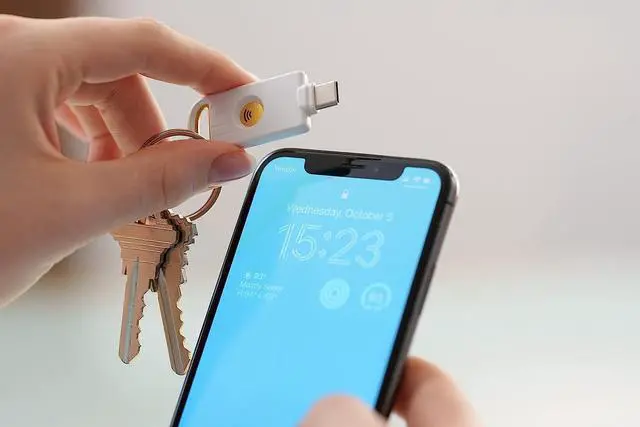
    Identivs uTrust FIDO2 NFC Security Key allows you to replace passwords with a secure, fast, scalable, FIDO Alliance certified cost-effective login solution. The cryptographic security model of the devices eliminates the risk of phishing, password theft, and replay attacks. This key also features near field communication (NFC) functionality for contactless sign-on to applications. Multi-protocol support for FIDO2, FIDO U2F, and WebAuthn enables strong multi-factor authentication and removes the necessity for passwords. HOTP is enabled on the key. A secret key in hex must be obtained from backend server and added through the uTrust Key Manager tool.

    The uTrust Key Manager is available for Windows OS and can be used to manage the FIDO PIN. Support for macOS coming soon. Alternatively, macOS users can use their Google account and/or their Microsoft online account to setup 2-step verification and manage the FIDO PIN.
    FIDO/FIDO2 STANDARD Registration: During the registration process, you will be prompted to register the FIDO2 device (ie. the uTrust FIDO2 security key) with services like Gmail, Facebook, Salesforce etc.. The uTrust FIDO2 Key generates a pair of cryptographic keys: a public key (sent to the service) and a private key (kept secure on the device). Authentication happens automatically behind the scenes When the user needs to authenticate, the service sends a challenge to the user's device. The device uses the private key to sign the challenge and sends the signed response back to the service. The service verifies the signature using the previously registered public key to confirm the user's identity.

    Warranty & Returns

    Warranty, Returns, And Additional Information

    Warranty

    • Please contact the Seller directly for warranty information. Warranty information may also be found on the Manufacturer's website.
    • CONTACT

    Return Policies

    • Return for refund within: 30 days
    • Return for replacement within: 30 days
    • This item is covered by NexusGear Return Policy

    Manufacturer Contact Info

    LOADING...