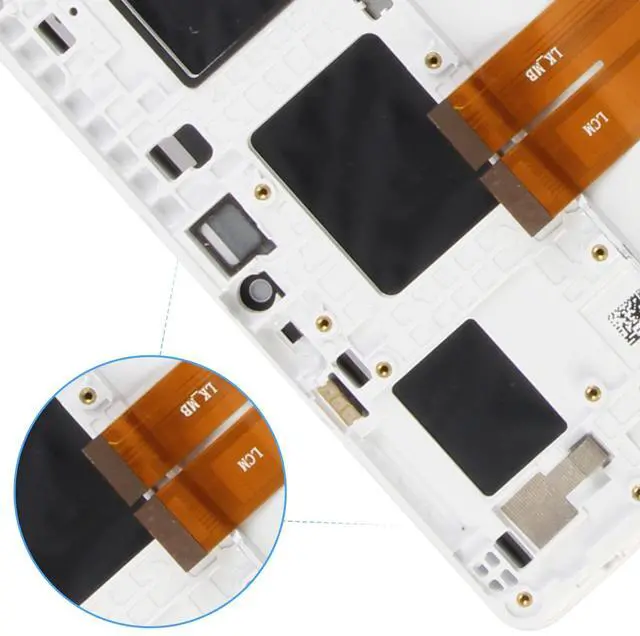
Thank you for choosing us. Please take note of the following crucial points to ensure a smooth screen replacement process: 1.
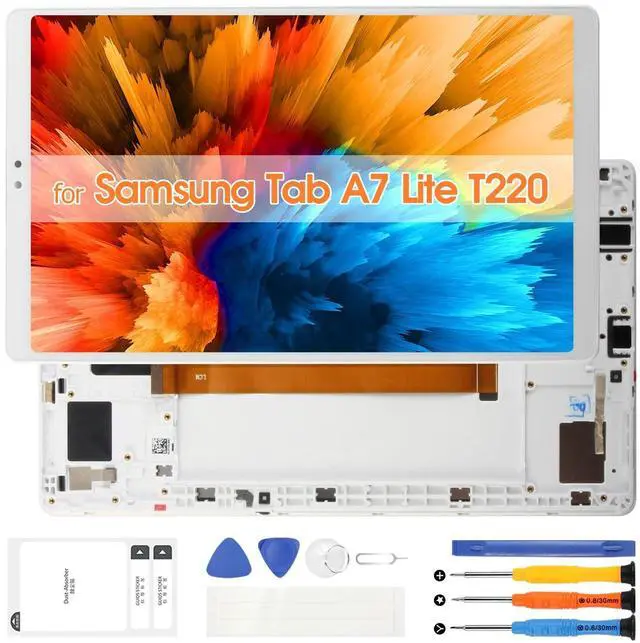
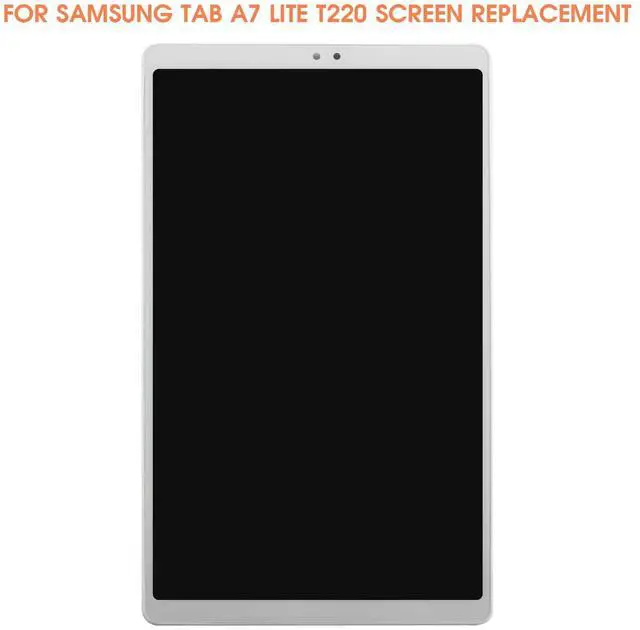
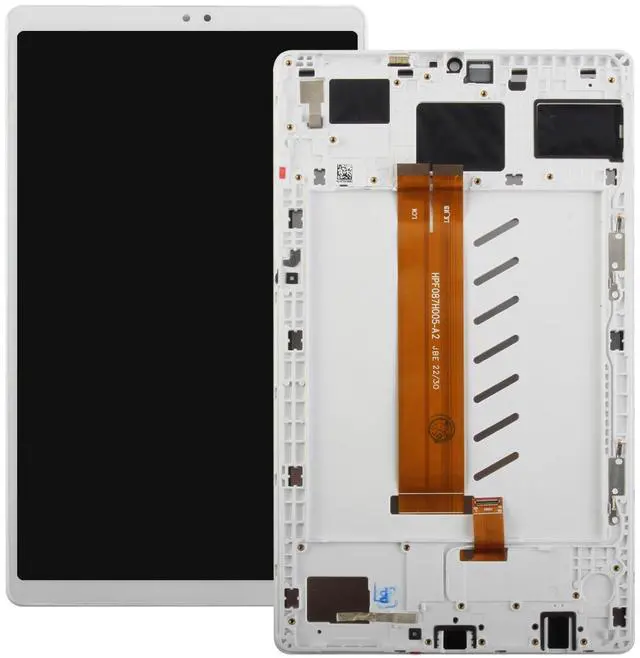
Confirm Compatibility: Prior to purchasing, verify your device's exact model. This product is specifically designed for Samsung Galaxy Tab A7 Lite Screen Replacement, model number is SM-T220 SM-T227U, and is incompatible with others. Should you have any doubts, consult official channels or check the model number in your phone settings. 2.
Prepare Sufficient Tools: Ensure you possess specialized disassembly tools to replace our for Samsung Galaxy Tab A7 Lite LCD display, including precision screwdrivers, suction cups, spudgers, etc., which facilitate a safer and more efficient screen replacement process. 3.
Power Off: Before commencing disassembly, completely shut down your phone and, if applicable, remove the battery or disconnect power to prevent electrostatic damage to internal components. 4.
Handle with Care: Gently dismantle your old screen for Samsung Galaxy Tab A7 Lite display, refraining from applying excessive force to avoid damaging the screen connectors or the phone chassis. 5.
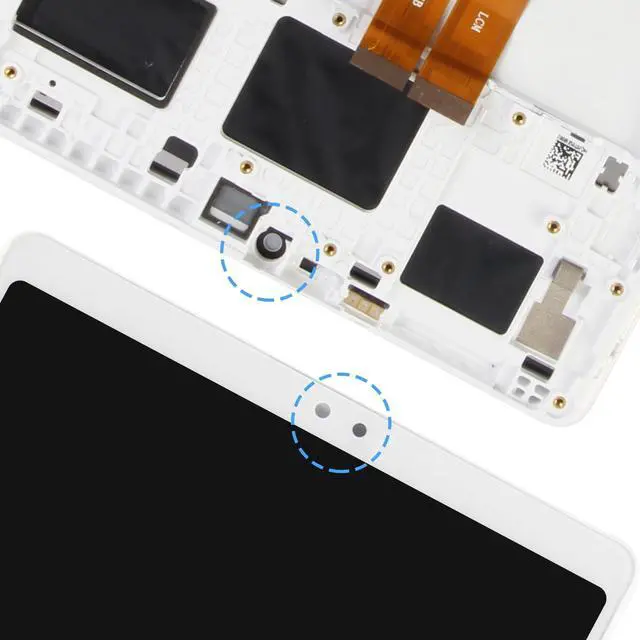
Functionality Test: Prior to full reassembly, connect the new screen replacement kits for Samsung Galaxy Tab A7 Lite digitizer LCD and boot up your phone to test all functions, such as touch sensitivity, display quality, front/rear cameras, sensors, and so forth, to confirm everything operates as intended. 6.
Professional Installation Consideration: If you lack confidence in DIY replacement, it's advisable to seek professional repair services to prevent more severe device damage or safety hazards from improper handling. Adhering to these guidelines will minimize potential issues during the screen replacement process, ensuring your phone emerges refreshed and fully functional.