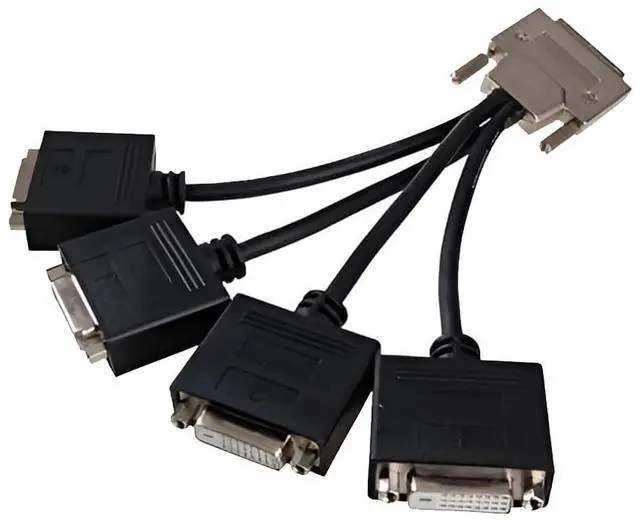
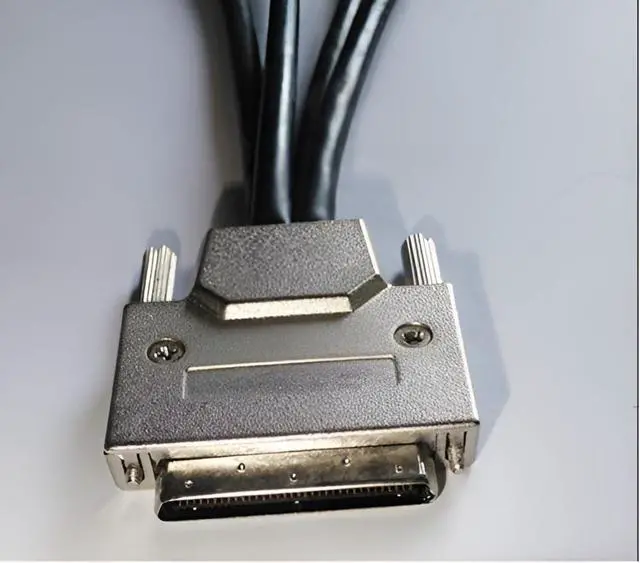
: Before using the VHDCI to DVI*4 Cable, please ensure that your computer's graphics card features a VHDCI female output interface and supports multi-screen output, and the monitors are equipped with DVI input interfaces. Typically, this type of cable is designed for multi-screen display setups, so it's important to verify that your computer equipment meets these requirements prior to purchase.
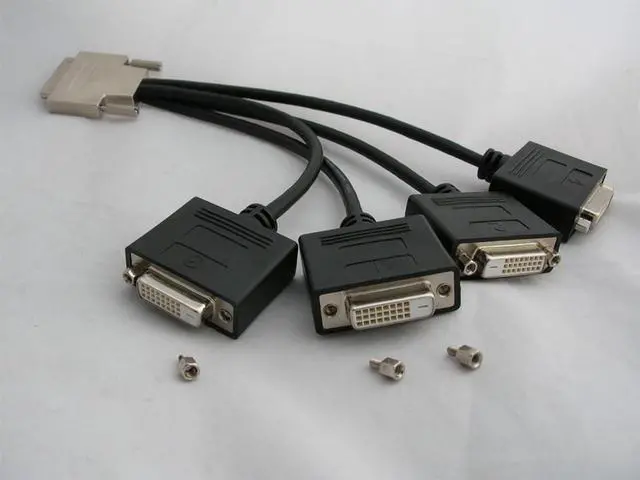
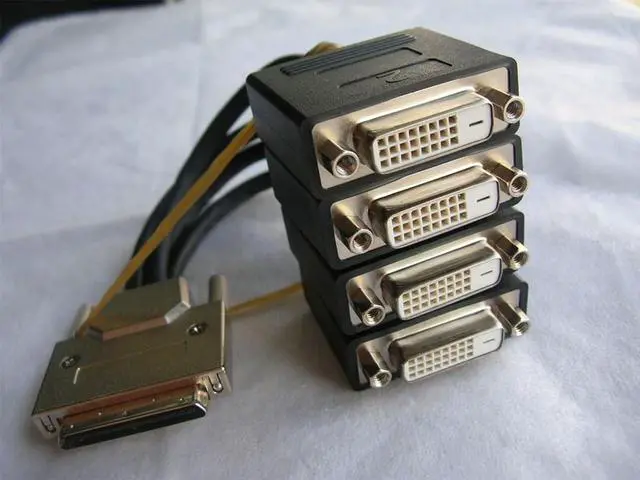
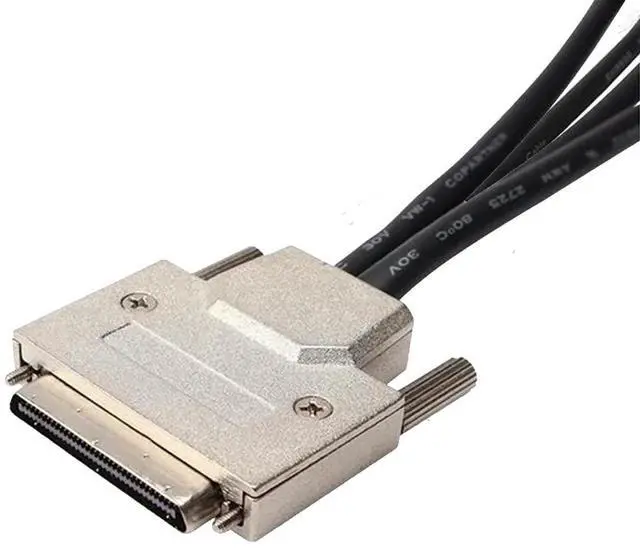
^^: The "VHDCI to DVI*4 Cable" utilizes two different types of interfaces, featuring a metal-cased male VHDCI (Very High Density Cable Interconnect) connector on one end, and four female DVI-D(24+1) connectors on the other. The VHDCI male end is inserted into a graphics card with a corresponding VHDCI female socket, while the four DVI-D female ends require additional DVI-D(24+1) male-to-male cables to connect to your four monitors.
^^: This cable is designed for connecting a multi-screen graphics card to multiple monitors, providing a signal connection from a single VHDCI male connector to four DVI-D female connectors. It allows a multi-screen graphics card with a VHDCI output interface to simultaneously connect to up to four displays.
^^: The VHDCI to DVI*4 Cable is commonly used in environments requiring multiple monitors, such as financial trading, advertising display stands, multi-screen splicing, professional drawing, conference presentations, video editing, or data analysis. These users need to view multiple windows simultaneously. Through this cable, users can extend the graphics output of a single computer to multiple screens, enhancing work efficiency and multitasking capabilities.
^^: The DVI interface supports high-resolution image transmission, often including 1920x1080 HD resolution, and can even support resolutions up to 1920 * 1200. By connecting with a VHDCI to DVI-4 cable, three display modes can be achieved. Each connected monitor can display the same image, different content, or realize multi-screen splicing display. You can choose different display modes according to your actual needs. Of course, you also need to ensure that your multi-screen graphics card supports the required resolution and image quality.





 here!
here!