• $19.64
  • Free 30-day Returns
  • Price alert
    Shop it at NeweggBusiness.

    Meet Your Seller

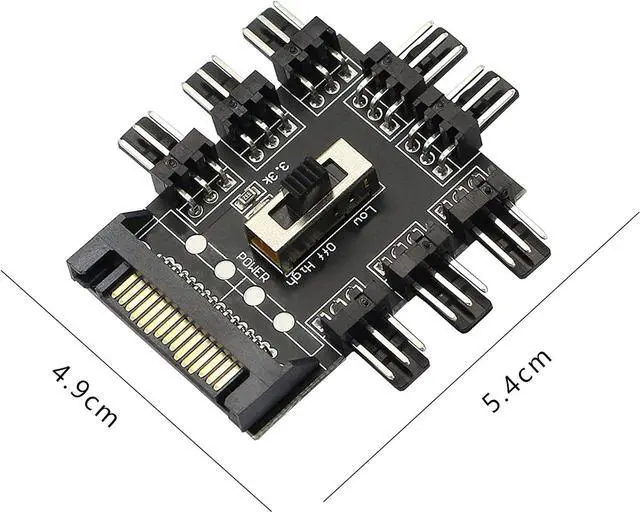
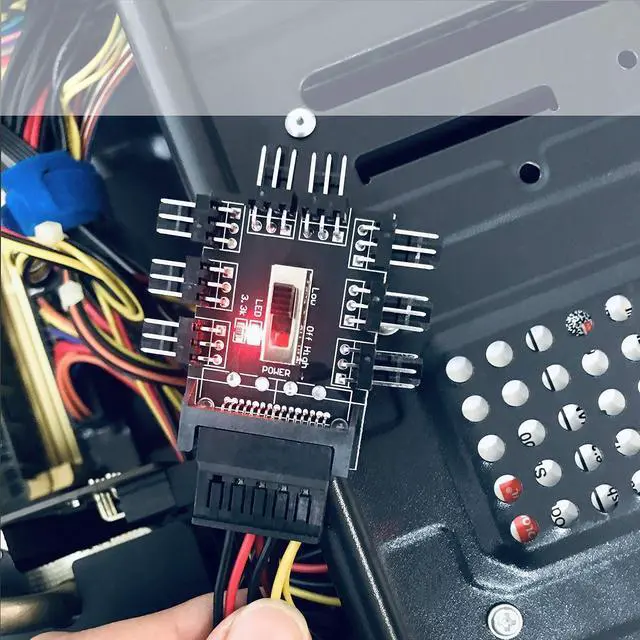
    GELRHONR Chassis Fan Hub, SATA 1 to 8 Way12V 3 PIN Cooling Fan Splitter Controller Hub 3 Pin PWM for PC Desktop Computer Motherboard(12V 3-Pin)

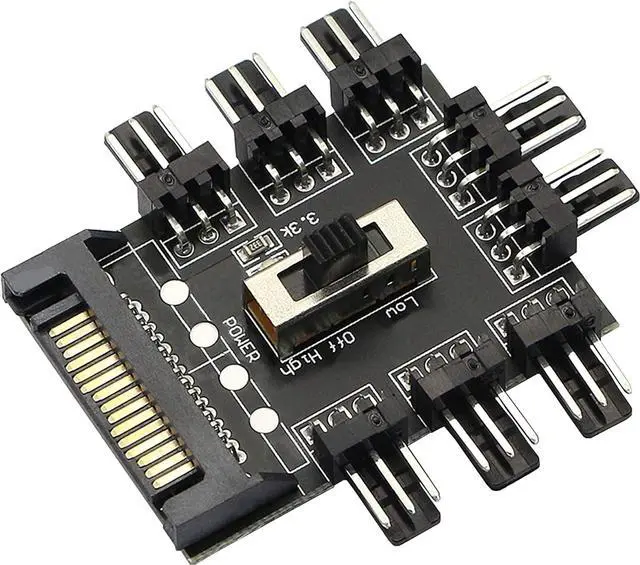
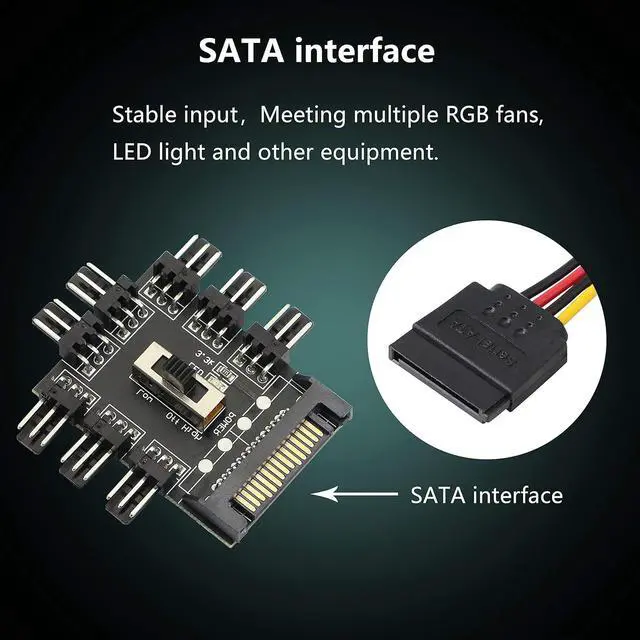
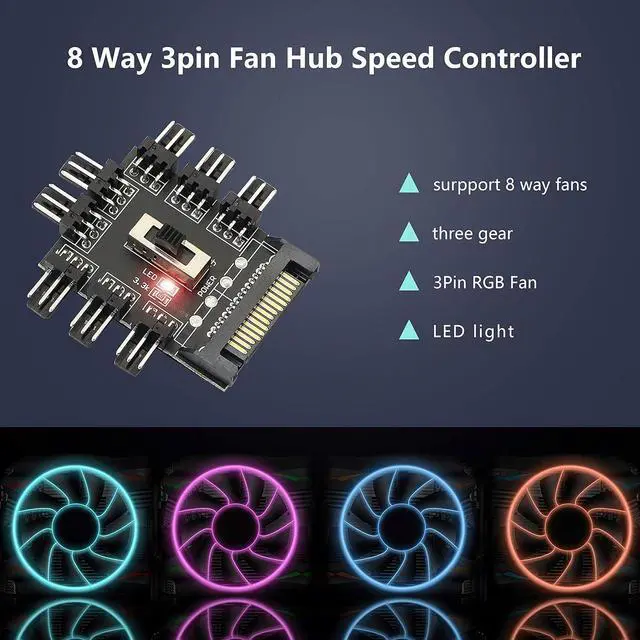
    • SATA Cooling Fan Splitter Suit for 12V 3Pin fan (8 channels).Using SATA interface.Support the fan operation at the same time, solve the lack of motherboard interface, and focus on processing the fan wire.
    • Suit for 12V 3Pin fan (8 channels).Using SATA interface.Support the fan operation at the same time, solve the lack of motherboard interface, and focus on processing the fan wire.
    • Built-in double-sided adhesive: This compact HUB easily fits inside your pc case. It can be used to fix the hub in the chassis.
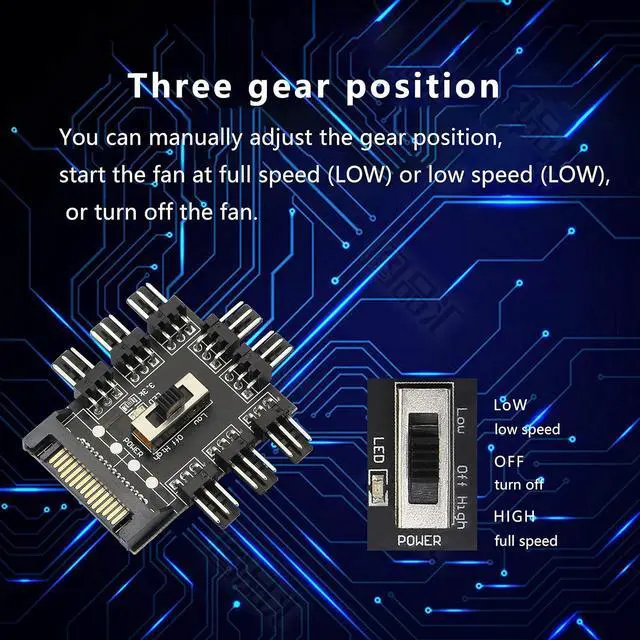
    • 8 way without speed measurement and PWM function, you can manually adjust the gear position, start the fan at full speed (LOW) or low speed (LOW), or turn off the fan.
    • EASY INSTALLATION:It is very easy to setup. Connect your RGB items to the hub, connect the cable to any pin on the hub then connect the other end to any RGB header on your motherboard and lastly connect a SATA cable from your PSU to the hub to provide power.

    +
    +
    Overview
    Specs
    Reviews
    SATA Cooling Fan Splitter Suit for 12V 3Pin fan (8 channels). Using SATA interface. Support the fan operation at the same time, solve the lack of motherboard interface, and focus on processing the fan wire.
    Suit for 12V 3Pin fan (8 channels). Using SATA interface. Support the fan operation at the same time, solve the lack of motherboard interface, and focus on processing the fan wire.
    Built-in double-sided adhesive: This compact HUB easily fits inside your pc case. It can be used to fix the hub in the chassis.
    8 way without speed measurement and PWM function, you can manually adjust the gear position, start the fan at full speed (LOW) or low speed (LOW), or turn off the fan.
    EASY INSTALLATION: It is very easy to setup. Connect your RGB items to the hub, connect the cable to any pin on the hub then connect the other end to any RGB header on your motherboard and lastly connect a SATA cable from your PSU to the hub to provide power.

    Warranty & Returns

    Warranty, Returns, And Additional Information

    Warranty

    • Please contact the Seller directly for warranty information. Warranty information may also be found on the Manufacturer's website.
    • CONTACT

    Return Policies

    • Return for refund within: 30 days
    • Return for replacement within: 30 days
    • This item is covered by PISKEKAT Return Policy

    Manufacturer Contact Info

    LOADING...