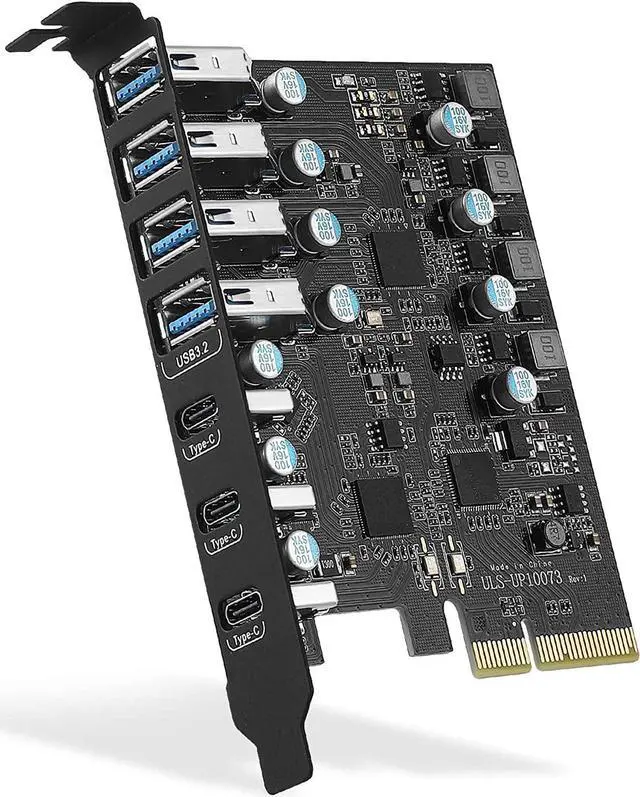
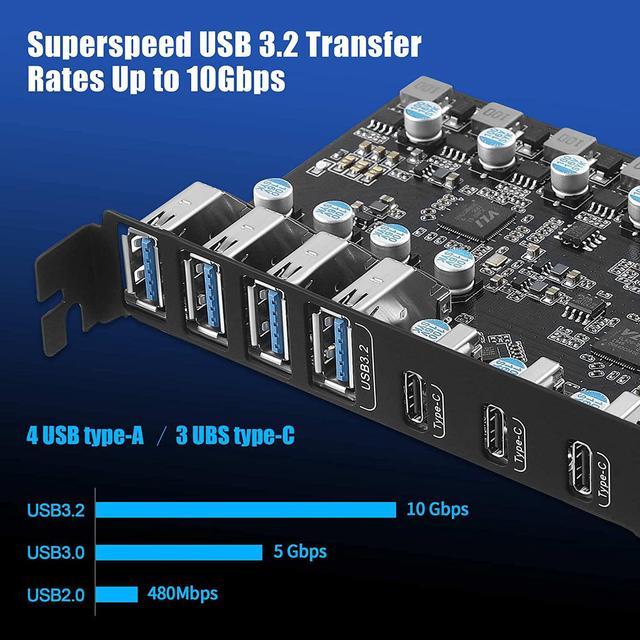
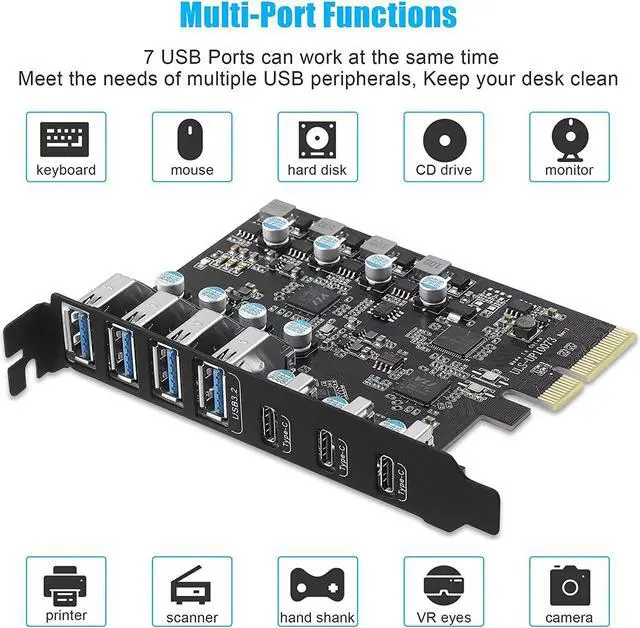
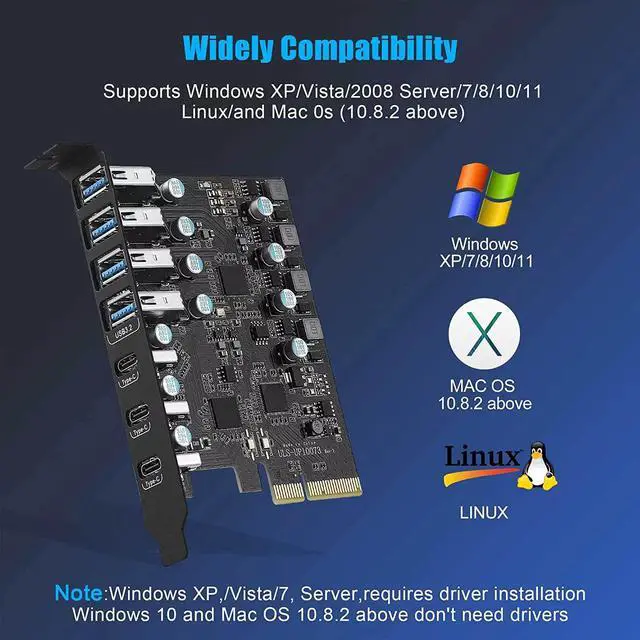
Widely CompatibilityThe card is compatible with Windows 7/8/10/11 (32/64 bit) and Mac OS 10.8.2 and above. Perfect forwindows 11 desktop, 8950,MacPro 4.1/5.1, P520. Note: Windows XP/Vista/7, Server, requires driver installation, Windows 10/11 and Mac OS and Linux don't need drivers. If your computer can not be recognized by windows 11 or Mac os with any driver, Please contact us anytime
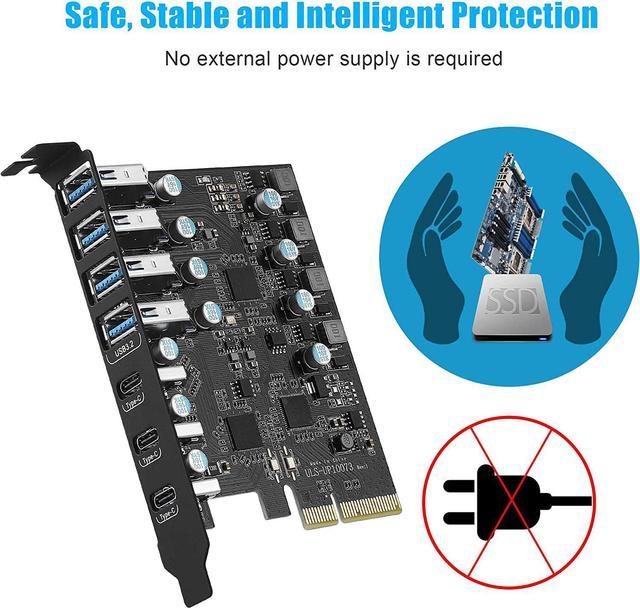
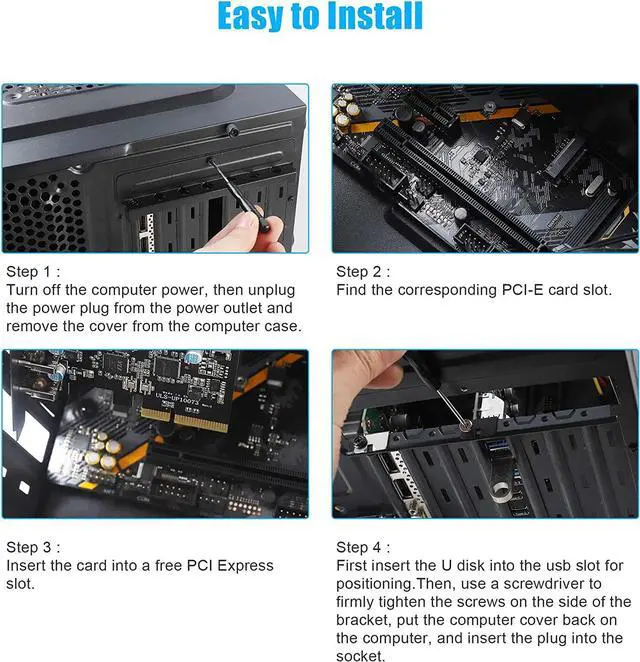
Stable and Easy to UseThe internal USB card is provided from the motherboard through the PCI Express slot to ensure a stable connection and improve data transmission speed. Will not lose the connection problem like an external USB Hub. Quick and easy installation, a simple solution for connecting to and using USB 3.2 devices on your standard desktop
No External Power AdapterUsers do not need to plug any additional power cable on from power source and get 5V/12A max power supply for high-power consuming device (Device only, NOT support BC 1.2 charging) such as HDD/SSD enclosure, VR sensor etc
Note:
1. Not equipped with a Low-profile bracket. The overall size of the PCI-E card is 3.43(in) in length and 3.15 (in) in height, The height of the iron sheet is 0.71 (in), It doesn't apply to small computers and servers chassis, like 1U and 2U.
2. The USB-A port is vertical. The vertical height is approximately 0.62 in. Please check the height of the expansion slot on the back of the computer host before choosing, to avoid the narrow expansion slot of the host computer that prevents the male port of the USB device from being plugged into the female PCIe card port.
3. Install the driver before inserting the USB card.In addition, for some special motherboards Windows 10/11 System there is no way to recognize the card, Please contact your motherboard vendor for additional USB drivers.
Frequently asked questions:
Why 10Gbps speed not achieved?
1.Please contact the manufacturer of the motherboard and check the following information.
1). PCI-E slot protocol requires PCIe version 3.0 or higher.
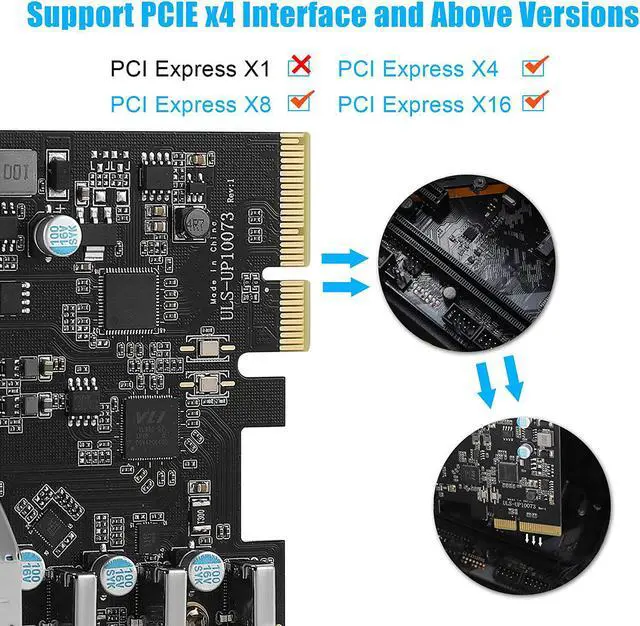
2). The lanes assigned to the PCI-E interface are x4 or higher (The lanes assigned to the PCI-E interface are x4 or higher. (x1,x2 channels are also available, but the speed will not be reached).
2.When using a USB pcie card, USB devices have performance limitations on the throughput/performance of the card's data transfer. This depends on the USB protocol and cable material of the end device.you can check if your external USB device supports 10Gbps bandwidth by consulting your external USB device vendor.
Why is this USB 3.2 port detected as USB 3.1 by the computer system?
According to the latest USB-IF standard: the USB-A ports on this card is USB 3.2 Gen 2x1 = USB 3.1 Gen 2 = USB 10Gbps.