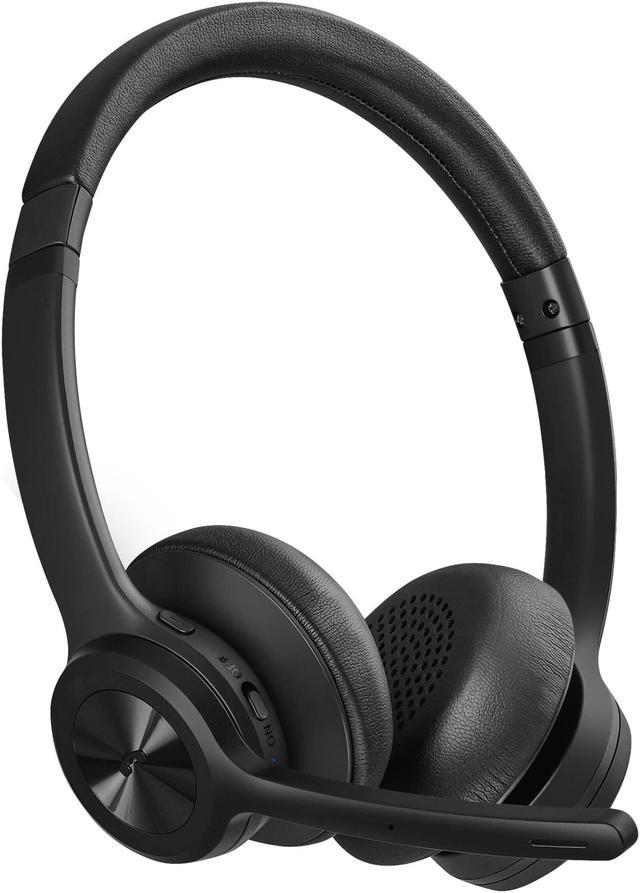
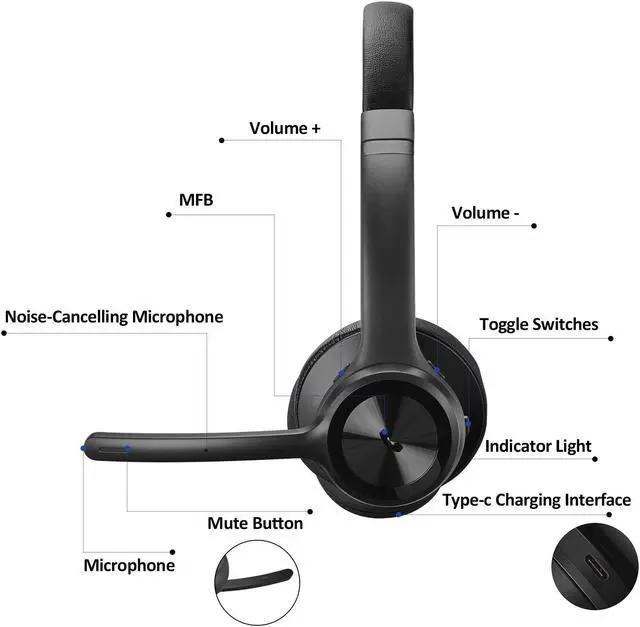
Bluetooth Pairing and Connection1. In the off state, switch on the device. When there is no pairing record, it will automatically enter the pairing mode, and the LED flashes red and blue alternately. The pairing state prompts the sound "Pairing". 2. In the standby state, short press the multi-function button in the unconnected standby state can also enter the pairing state. 3. Turn on the bluetooth of the cell phone and search for new devices. When "M102" appears, click to connect. After the connection is successful, the LED will flash a blue light slowly, and the cell phone displays "M102" connected.
You will hear the voice prompt: Your headset is connected. 4. Now you can use the Bluetooth headphones to control the volume, track music, answer/hang up/reject calls, wake up the voice assistant and do other operations.
Note: Before you turn on the headphones, please make sure your headphones is powered.
Specifications
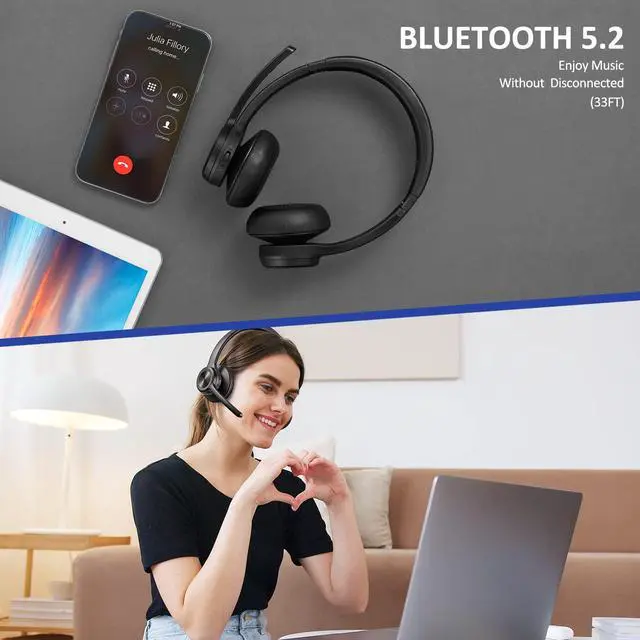
: Bluetooth
version: 5.0B
luetooth chip: QCC3024
ChipsetCommunication distance: 33
FeetMusic Time: 35
HoursTalking Time: 33
HoursCharging Time: 2
HoursBattery Capacity: 400mAhPackage
Contents: 1 x Bluetooth Headphones M1021 x Type-C Charging Cable1x User Manual