• $60.99
  • Free 30-day Returns
  • Price alert

    Shipped by HAIZHILANSTORE

    Shop it at NeweggBusiness.

    Meet Your Seller

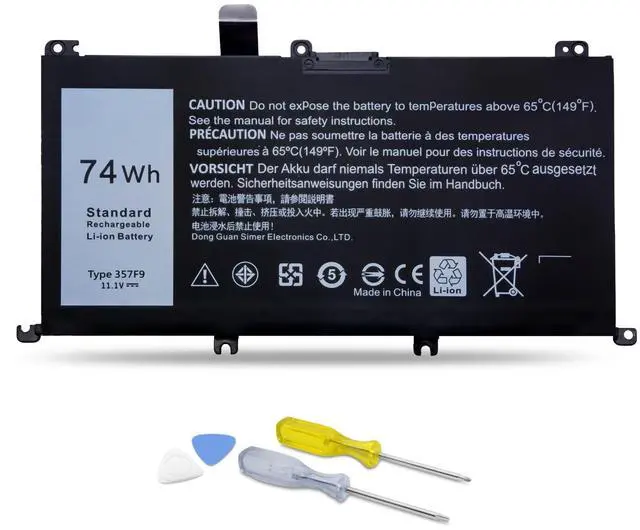
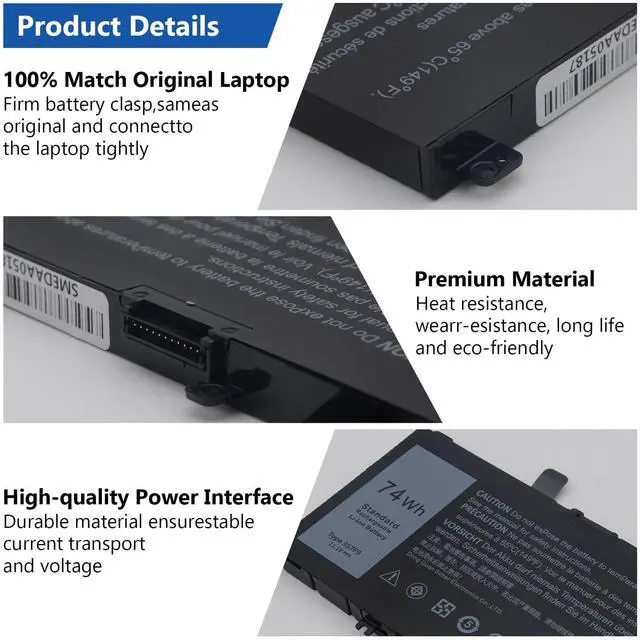
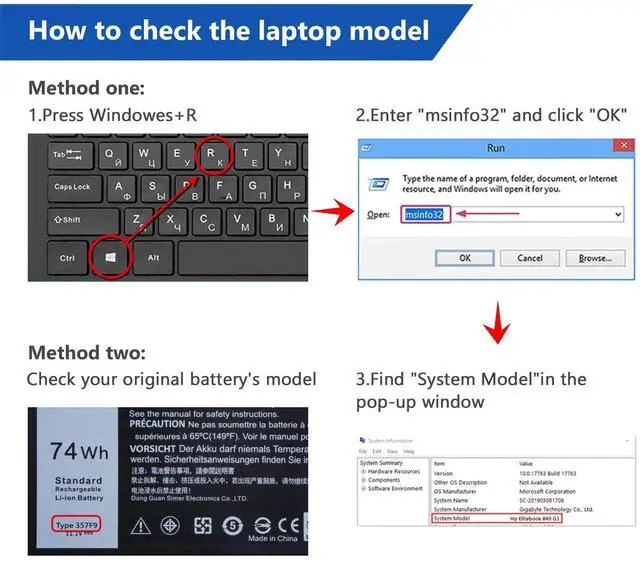
    74W 357F9 Battery for Laptop Dell Inspiron 15 7000 Gaming 7559 7566 7567 7557 i7559 Series 15 5000 5576 5577 Series P57F 71JF4 071JF4 P65F P65F001 0GFJ6 0357F9

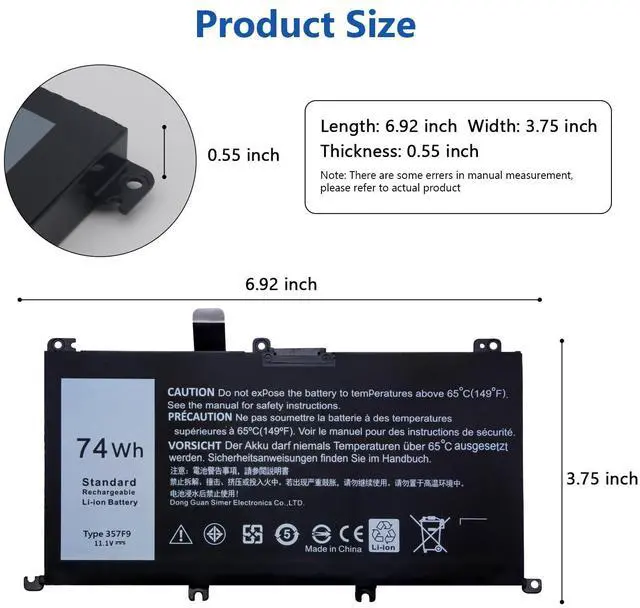
    • Specifications of Dell Laptop BatteryDell Laptop Battery type:Li-ion. Color: Black. Voltage: 11.1 Volt. Capacity: 74 Wh. Cell: 3 cells. Packages includes: Laptop battery×1, screwdrivers×2, triangular pry blades×2. Laptop battery for Dell Inspiron 15 7000 Gaming 7559 7566 7567 7557 i7559 Series
    • Compatible Dell Laptop ModelsFor Dell Inspiron 15 5000 7000 Series Gaming Laptop; for Dell INS15PD-1748B INS15PD-1748R INS15PD-1548B INS15PD-1548R INS15PD-2548R INS15PD-2548B INS15PD-2748R INS15PD-3948B INS15PD-1848B INS15PD-3848B INS15PD-2748B; for Dell Inspiron 15 5576 5577 7557 7559 7566 7567 i5577-7342blk-pus i7559-7512gry i7559-3763blk i7559-5012GRY i7559-763blk Notebook Battery
    • Compatible Dell Part NumberP/N:357F9 0357F9 0GFJ6 00GFJ6 71JF4 071JF4 P57F P57F003 P65F P65F001
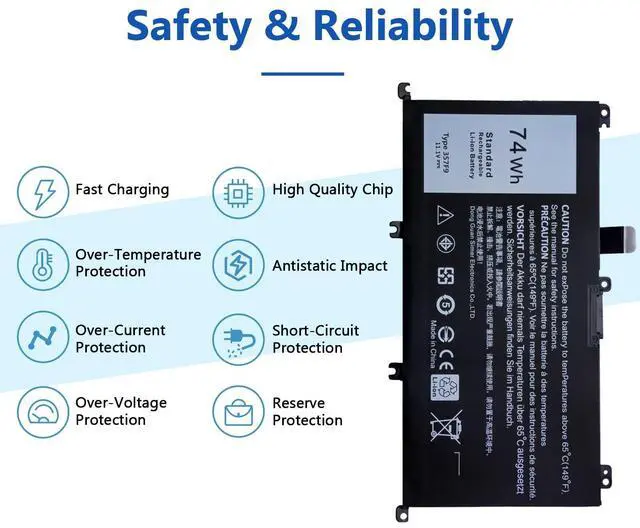
    • Safety& Reliability357F9 Laptop Battery uses high quality materials with anti-aging, corrosion resistance, enabling it to maintain a stable working state in various complex environmental conditio
    +
    +
    Overview
    Specs
    Reviews
    avatar

    Any questions? Our AI beta will help you find out quickly.

    Specifications

    of
    Battery: Battery
    type: Li-ion.
    Color: Black.
    Voltage: 11.1 Volt.
    Capacity: 74 Wh.
    Cell: 3 cells.
    Packages includes: Laptop battery×1, screwdrivers×2, triangular pry blades×2. Laptop battery for Dell Inspiron 15 7000 Gaming 7559 7566 7567 7557 i7559 Series.
    Safety& Reliability: 357F9 Battery uses high quality materials with anti-aging, corrosion resistance, enabling it to maintain a stable working state in various complex environmental conditions. In addition, we have invested a lot of energy in the safety test and development process, and equipped the battery with a series of safety function system. Installation Process of
    Laptop Battery: Step
    1: remove all the screws from laptop back cover. Step 2take out the triangle pry blade and pry all the clips of the back cover along the edge. Step 3remove all the screws fixing of battery with screwdriver, carefully remove the original battery and replace the new one.
    Step 4: install according to original steps

    Warranty & Returns

    Warranty, Returns, And Additional Information

    Warranty

    • Please contact the Seller directly for warranty information. Warranty information may also be found on the Manufacturer's website.
    • CONTACT

    Return Policies

    Manufacturer Contact Info

    LOADING...