• $46.99
  • Free 30-day Returns
  • Price alert
    Sold by LANMEll

    Shipped by LANMEll

    Shop it at NeweggBusiness.

    Meet Your Seller

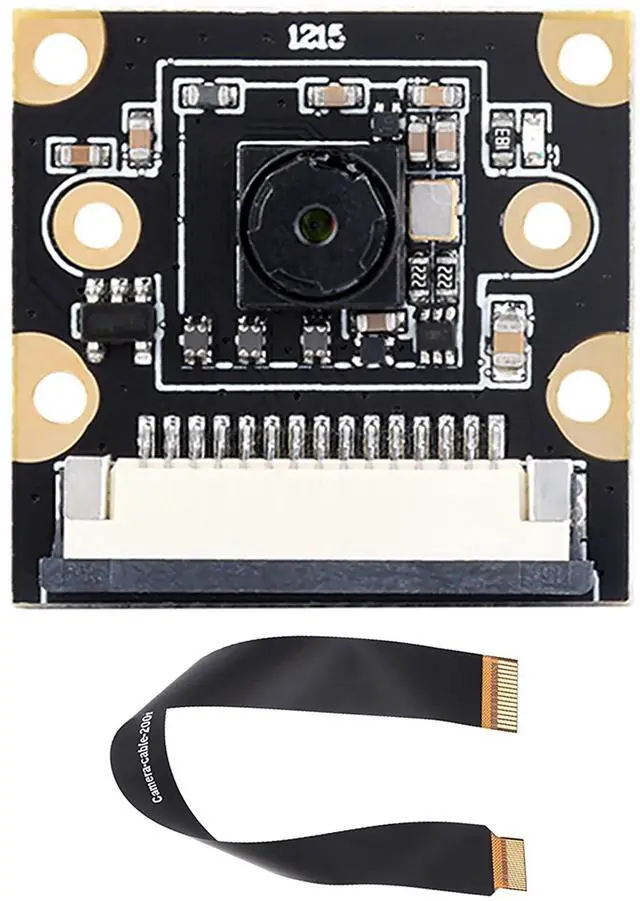
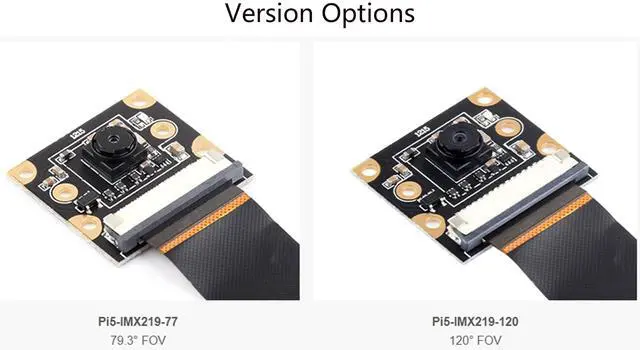
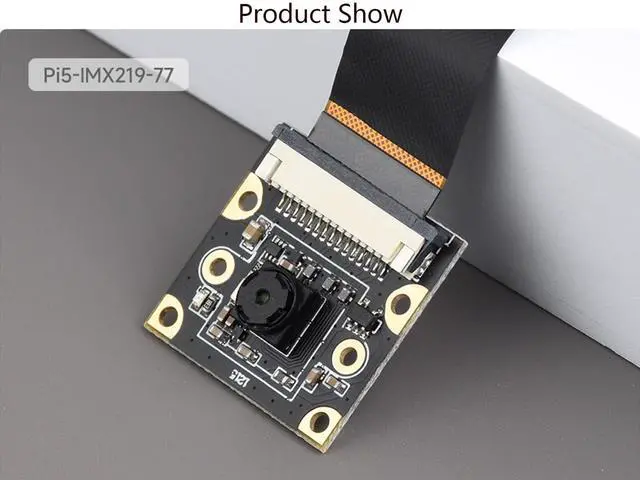
    IMX219 Camera Module for Raspberry Pi 5, 8MP Pixels Pi5 Camera, MIPI-CSI Interface, 79.3 FOV (Field of View), Comes with Pi5 CSI Flexible Cable 200mm

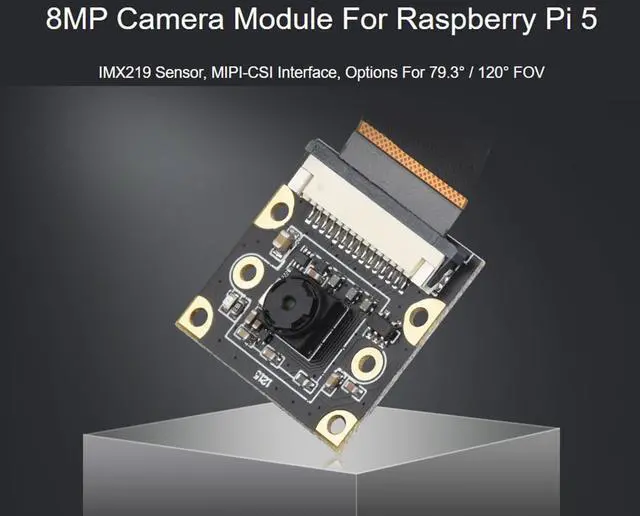
    • IMX219 Camera Module for Raspberry Pi 5, 8MP, MIPI-CSI Interface, 79.3 FOV (Field of view)
    • 8MP PIXELS; IMX219 Sensor; 3280 x 2464 resolution
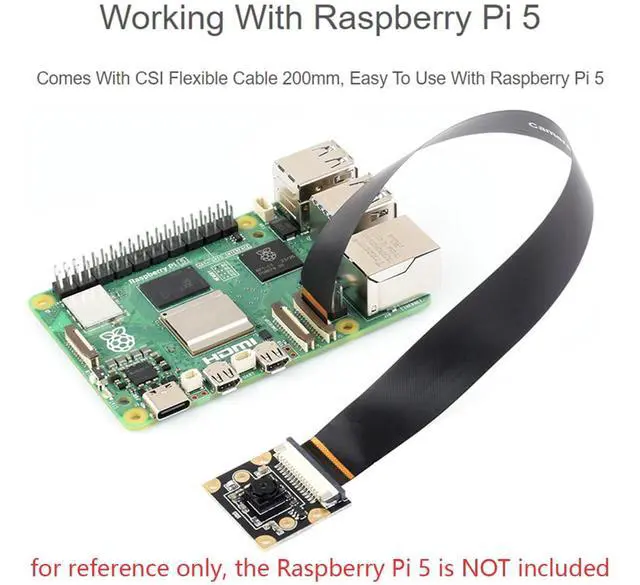
    • Package includes Pi5-IMX219 camera and with Pi5 CSI Flexible Cable 200mm. Note: the RPi5 board is not included.
    • Note The connectors of the DSI interface (display) and the CSI interface (camera) look the same, please take care of it when you connect the camera. The CSI interface is placed between the Audio jack and the HDMI port. The CSI connector of Pi zero is beside the Power interface. If you use the Compute Module, please check the actual place of the carrier board.
    • Comes with Online Tutorial and Online Development Resource in the below.
    +
    +
    Overview
    Specs
    Reviews
    avatar

    Any questions? Our AI beta will help you find out quickly.

    IMX219 Camera Module for Raspberry Pi 5, 8MP, MIPI-CSI Interface, 79.3 FOV (Field of view)
    SpecificationsPIXELS:
    8MPSensor:
    IMX219resolution: 3280
    x 2464CMOS size: 1/4
    inchAperture (F): 2.0F
    ocal length: 2.85
    mmField of view:
    79.3DISTORTION: <1%Lens
    Dimensions: 6.5
    x 6.5 mmScrew holes: 4 x screw holes, used for attachment, provides
    3.3V power outputDimension: 25x24mmComes with Online Tutorial and
    Online Development Resource: n9. cl/up454mPackage ContentPi5-IMX219 camera and with Pi5 CSI Flexible Cable 200mm.
    Note: the RPi5 board is not included. Hardware Connection NoteTo test the Camera, you need to connect a HDMI display or a DIS display for previewing. The connectors of the DSI interface (display) and the CSI interface (camera) look the same, please take care of it when you connect the camera. The CSI interface is placed between the Audio jack and the HDMI port. The CSI connector of Pi zero is beside the Power interface. If you use the Compute Module, please check the actual place of the carrier board. When Connects withRaspberry Pi 5, Place the metal surface of the FPC cable towards the wired network port, then connect to the CSI port. The Pi5 has two CSI ports; either port can be used for connection.

    Warranty & Returns

    Warranty, Returns, And Additional Information

    Warranty

    • Please contact the Seller directly for warranty information. Warranty information may also be found on the Manufacturer's website.
    • CONTACT

    Return Policies

    • Return for refund within: 30 days
    • Return for replacement within: 30 days
    • This item is covered by LANMEll Return Policy

    Manufacturer Contact Info

    LOADING...