• $57.18
  • Free 30-day Returns
  • Ships from Hong Kong.
    Price alert

    Best Sellers

    5 (3 total ratings)
    • $51.99
    • + $5.99 Shipping
    Shop it at NeweggBusiness.

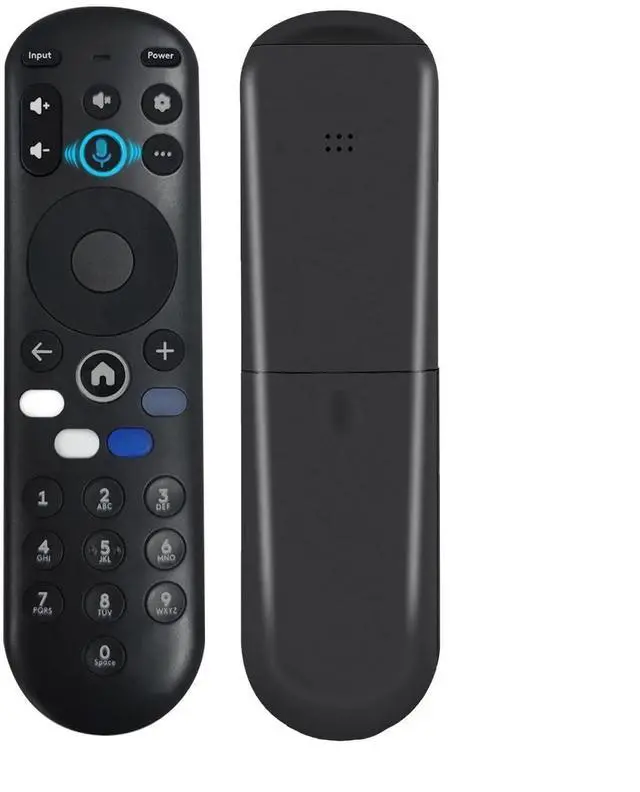
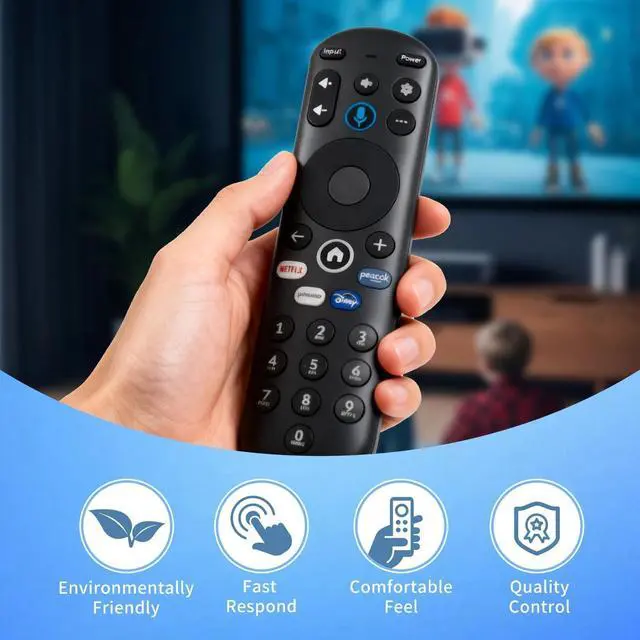
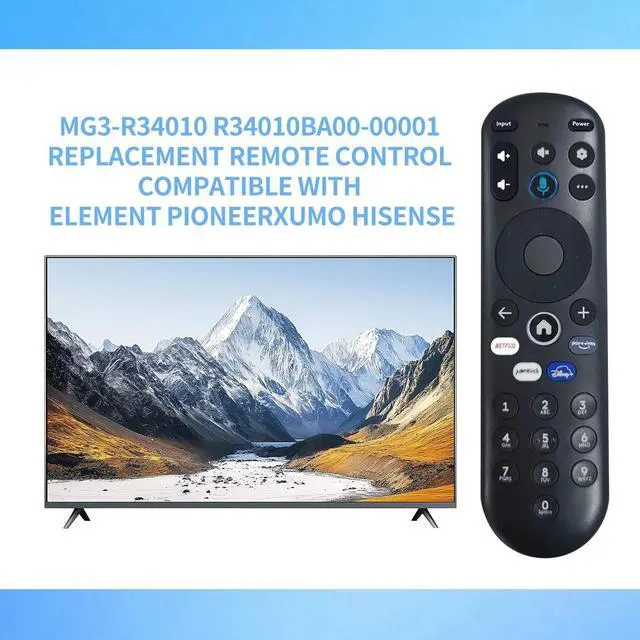
    Voice Replacement Remote Control for Pioneer Xumo TV E550AE86C E500AE98C E300AE24C(No Batteries Included)

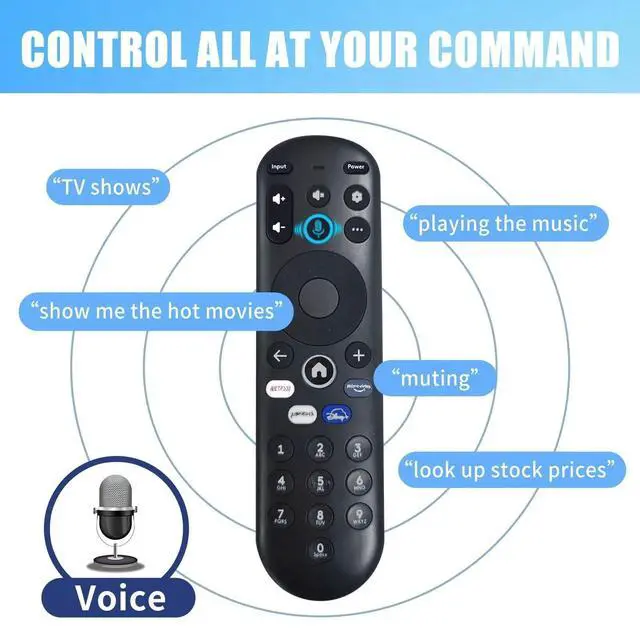
    • Voice Search: The sensitive voice function brings you convenience.
    • Compatible Models: PZL voice replacement remote control for smart TV models - E500AE98C E300AE24C E550AE86C E550AE75C E550AE65C E550AE55C E550AE50C E550AE43C E300AE40C E300AE32C E500AC65C E500AC50C E500AC55C E500AC43C
    • How To Pair: 1) Press the [Setting] button. 2) Select Remote > Pair your remote to your TV. 3) Follow the on-screen instructions. 4) If pairing fails, turn off your TV and unplug from the power source. Plug TV back in, power on, and try steps 1-3 again
    • How To Reset: See the product description for details on how to do this
    • Package Included: 1 x IR remote control (Batteries and Instructions are Not Included). It can solve the problem when your home remote control doesn't work and becomes your backup remote control.

    +
    +
    Overview
    Specs
    Reviews

    Any questions? Ask CelesteSM will help you find out quickly.

    Voice Search: The sensitive voice function brings you convenience.
    ^^ Compatible Models: PZL voice replacement remote control for smart TV models - E500AE98C E300AE24C E550AE86C E550AE75C E550AE65C E550AE55C E550AE50C E550AE43C E300AE40C E300AE32C E500AC65C E500AC50C E500AC55C E500AC43C ^^
    How To Pair: 1) Press the [Setting] button. 2) Select Remote > Pair your remote to your TV. 3) Follow the on-screen instructions. 4) If pairing fails, turn off your TV and unplug from the power source. Plug TV back in, power on, and try steps 1-3 again ^^
    How To Reset: See the product description for details on how to do this ^^
    Package Included: 1 x IR remote control (Batteries and Instructions are Not Included). It can solve the problem when your home remote control doesn't work and becomes your backup remote control.

    Warranty & Returns

    Warranty, Returns, And Additional Information

    Warranty

    • Please contact the Seller directly for warranty information. Warranty information may also be found on the Manufacturer's website.
    • CONTACT

    Return Policies

    Manufacturer Contact Info

    LOADING...
    LOADING...