• $143.99
  • Free 30-day Returns
  • Price alert
    Shop it at NeweggBusiness.

    Meet Your Seller

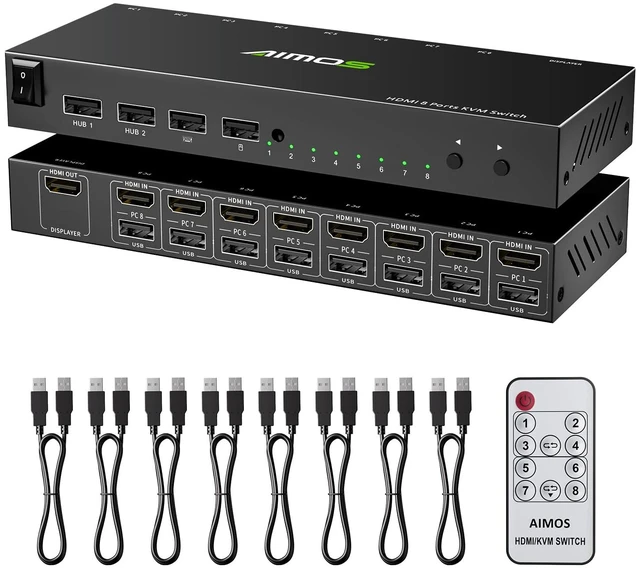
    8 Port HDMI KVM Switch 4K@30Hz, USB2.0 KVM Switches HDMI for 8 Computers

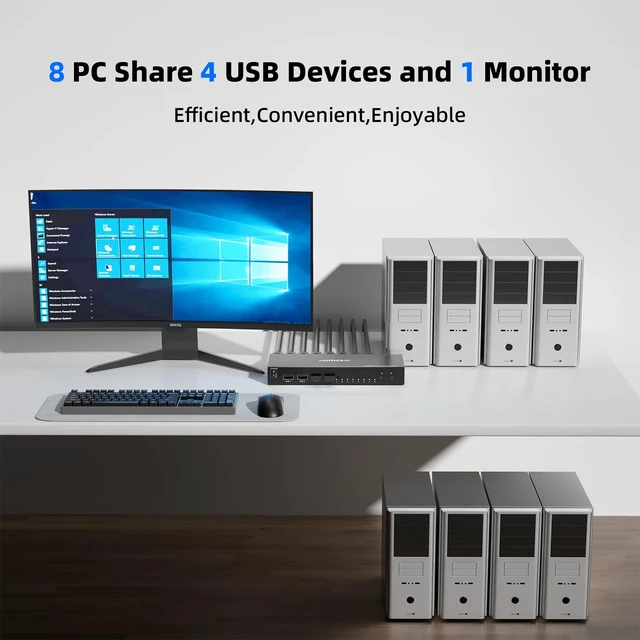
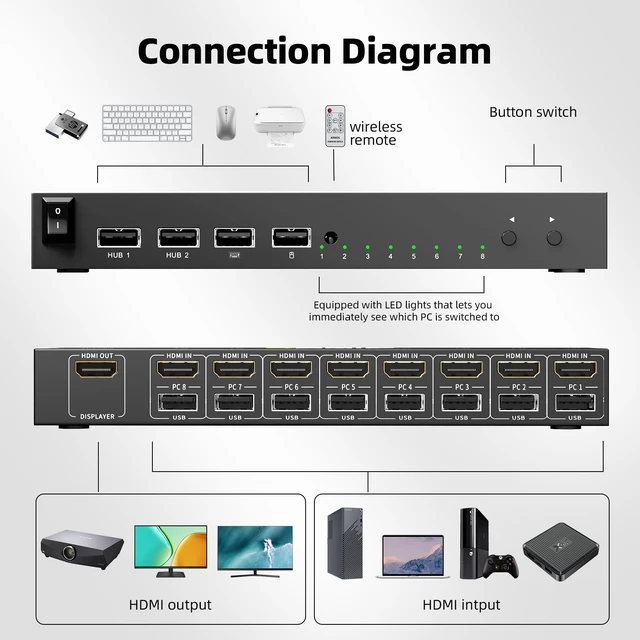
    • HDMI KVM Switch 8 PortThis 8 ports KVM switch supports 8 computers or 6 computers by only one set of wired or wireless keyboard mouse share 1 monitor. Save space and cost and improve your PC management efficiency without having to buy additional monitors or keyboards.
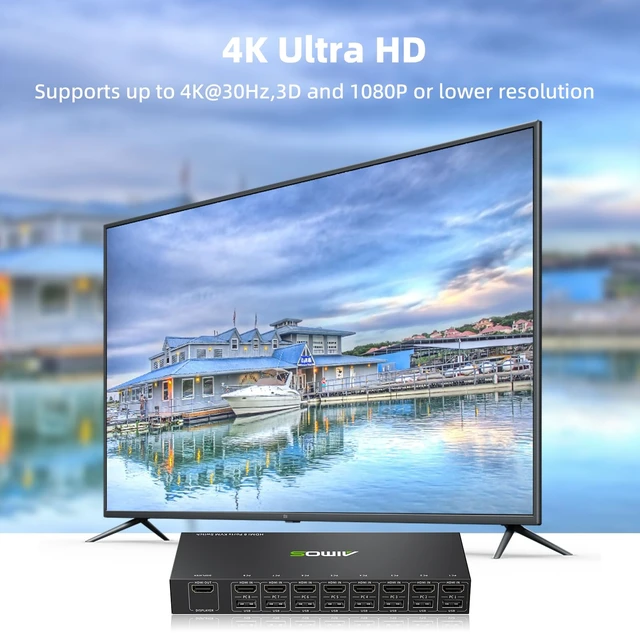
    • UHD 4K@30HzThe HDMI KVM switch 1 monitor 8 computers support resolution up to 4K@30Hz and backward compatible 3D and 1080P or lower resolution. Supports HDMI 1.4 standard. Note: not support 4K@60Hz
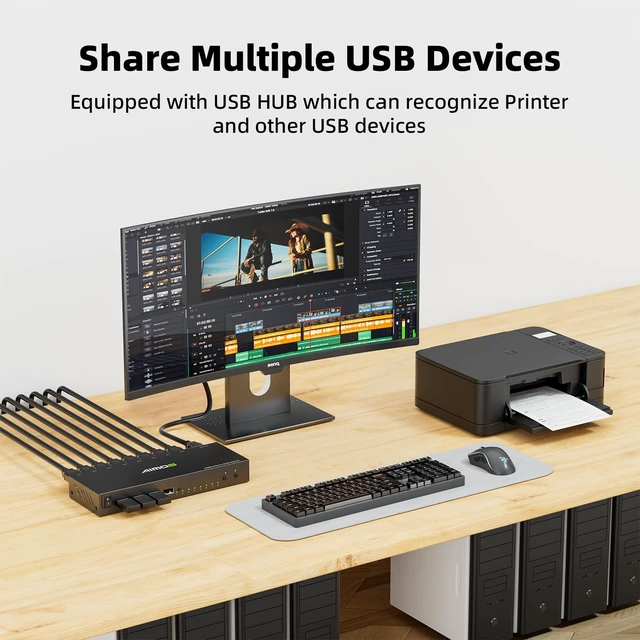
    • With Standard USB 2.0 PortsThe KVM switches with 4 USB 2.0 hub port which can recognize USB devices, such as keyboard,mouse, printer,scanner,etc. No driver required, plug and play. : If you need to use the hotkey switch function, please make sure that the keyboard and mouse are connected to the K/M port, not the USB 2.0 port.
    • Three Switching MethodsThe KVM switch 8 computers HDMI supports 3 switching modes: button switch, remote control switch and hotkey switch. LED indicate the active computer. :This KVM
    +
    +
    Overview
    Specs
    Reviews

    Any questions? Ask CelesteSM will help you find out quickly.

    HDMI KVM Switch 8 PortThis 8 ports KVM switch supports 8 computers or 6 computers by only one set of wired or wireless keyboard mouse share 1 monitor. Save space and cost and improve your PC management efficiency without having to buy additional monitors or keyboards. ^^ UHD 4K@30HzThe HDMI KVM switch 1 monitor 8 computers support resolution up to 4K@30Hz and backward compatible 3D and 1080P or lower resolution. Supports HDMI 1.4 standard.
    Note: not support 4K@60Hz ^^ With Standard USB 2.0 PortsThe KVM switches with 4 USB 2.0 hub port which can recognize USB devices, such as keyboard, mouse, printer, scanner, etc. No driver required, plug and play.: If you need to use the hotkey switch function, please make sure that the keyboard and mouse are connected to the K/M port, not the USB 2.0 port. ^^ Three Switching MethodsThe KVM switch 8 computers
    HDMI supports 3 switching modes: button switch, remote control switch and hotkey switch. LED indicate the active computer.: This KVM switch may be interfered by home appliance remotes. If affected, avoid using the remote or cover the infrared receiver. ^^ Supports Hotkey SwitchHotkey Methods for the 8 Computers
    HDMI KVM Switch: hotkey
    1: "Scroll Lock" + "Scroll Lock" + "1/2/3/4... 8", if your keyboard without " Scroll Lock" key, please use another hotkey combination, hot
    key 2: "Ctrl" + "Ctrl" + "1/2/3/4... 8".

    Warranty & Returns

    Warranty, Returns, And Additional Information

    Warranty

    • Please contact the Seller directly for warranty information. Warranty information may also be found on the Manufacturer's website.
    • CONTACT

    Return Policies

    Manufacturer Contact Info

    LOADING...