Your Browsing History
Meet Your Seller
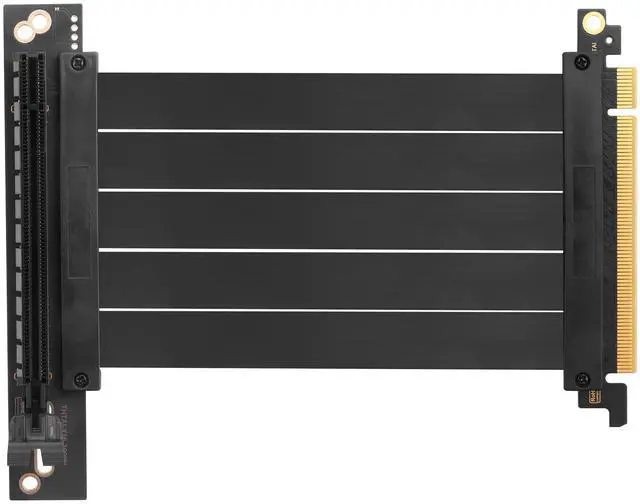
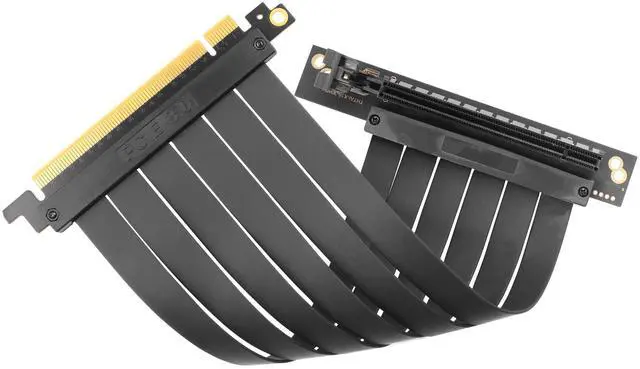
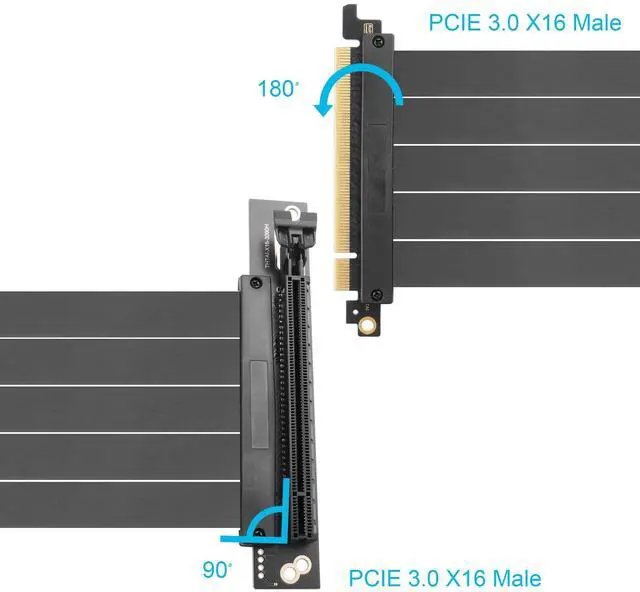
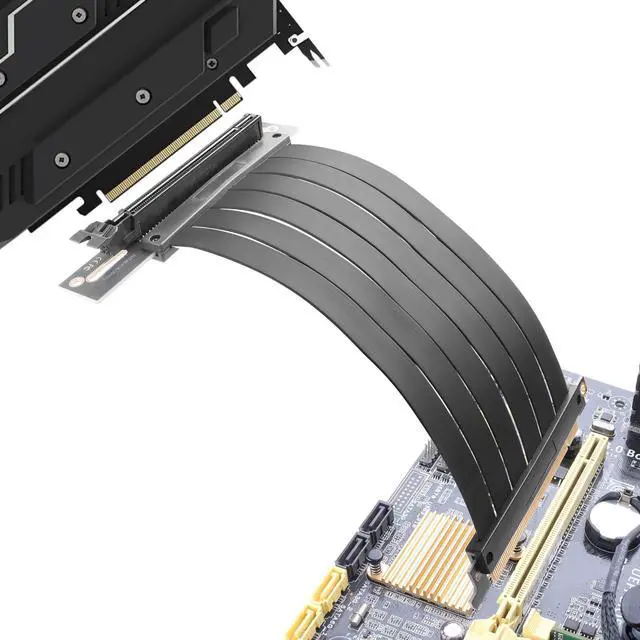
ELFJMZP PCIE 3.0 X16 Expansion Cable, PCI-E 16x Extreme Hi-Speed Adapter Upright Card 90 Degree Connector for GPUs, WiFi, USB, Sound Cards, etc. - 24 cm/9.5 in.
- This PCIe 3.0 x16 male to female expansion cable (90 Degree) holds high speed data transfer rates of up to 16GB/s, ensuring fast performance for your GPU or other high-speed devices
- This PCIe 3.0 cable is fully compatible with 2.0 and 1.0 devices and works seamlessly with a wide range of 3.0 and backwards GPUs, motherboards, and other components Supports N card 9 series/10 series/20 series, A card RX series
- High-quality gold-plating process with high transmission efficiency of the gold finger, which enhances the product's insertion and removal life and better transmission performance, and reduces the PCB design resistance
- Flexible and durable construction, the flexible cable features an ultra-thin, flat and foldable design that is easy to manage and fits into tight spaces without compromising performance, minimizing electromagnetic interference (EMI) and ensuring stable, reliable signal transmission
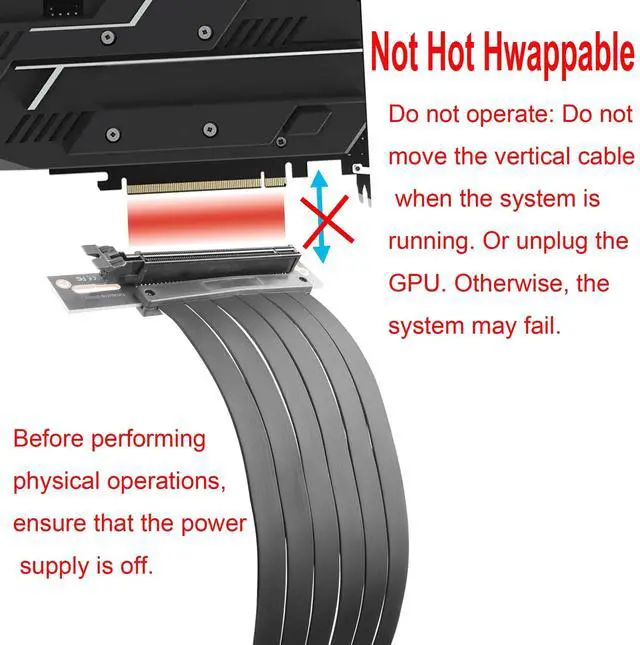
- Easy to install and plug-and-play (note: not hot-plug), no complicated driv
+
+
Overview
Specs
Reviews
Any questions? Our AI beta will help you find out quickly.
Try me now
Product Name: PCIE 3.0 X16 Conversion Expansion Connector (90 Degree)
Product Dimensions: 9.84 x 4.6 x 1 inches; 0.19 lbs.
Connector 1: PCIE 3.0
X16 Female ChassisConnector 2: PCIE 3.0
X16 MaleColor:
BlackNote: This product does not support PCIe 4.0 operation. If you plan to use it with PCIe 4.0 devices, please connect the graphics card directly to the motherboard first, and then enter the BIOS to set the PCIe mode to Gen 3.0. after that, you will be able to use the extension cablePackage
Contents: 1 x PCIE 3.0 X16 Conversion Extension Connector (90 degrees)
Product Dimensions: 9.84 x 4.6 x 1 inches; 0.19 lbs.
Connector 1: PCIE 3.0
X16 Female ChassisConnector 2: PCIE 3.0
X16 MaleColor:
BlackNote: This product does not support PCIe 4.0 operation. If you plan to use it with PCIe 4.0 devices, please connect the graphics card directly to the motherboard first, and then enter the BIOS to set the PCIe mode to Gen 3.0. after that, you will be able to use the extension cablePackage
Contents: 1 x PCIE 3.0 X16 Conversion Extension Connector (90 degrees)
Warranty & Returns
Warranty, Returns, And Additional Information
Warranty
- Please contact the Seller directly for warranty information. Warranty information may also be found on the Manufacturer's website.
- CONTACT
Return Policies
- Return for refund within: 30 days
- Return for replacement within: 30 days
- This item is covered by Luhang Return Policy
Manufacturer Contact Info
- For a directory of all our manufacturers, please click below.
- Manufacturers Directory
LOADING...