

Your Browsing History
Most customers receive within 7-9 days.

Meet Your Seller

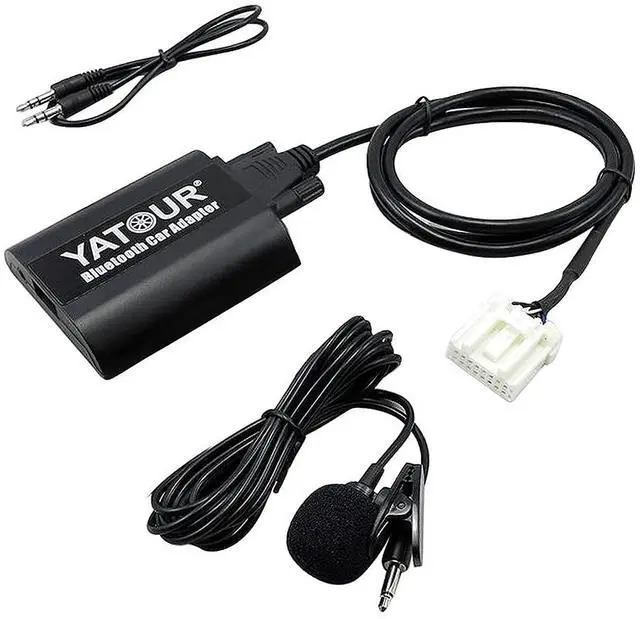
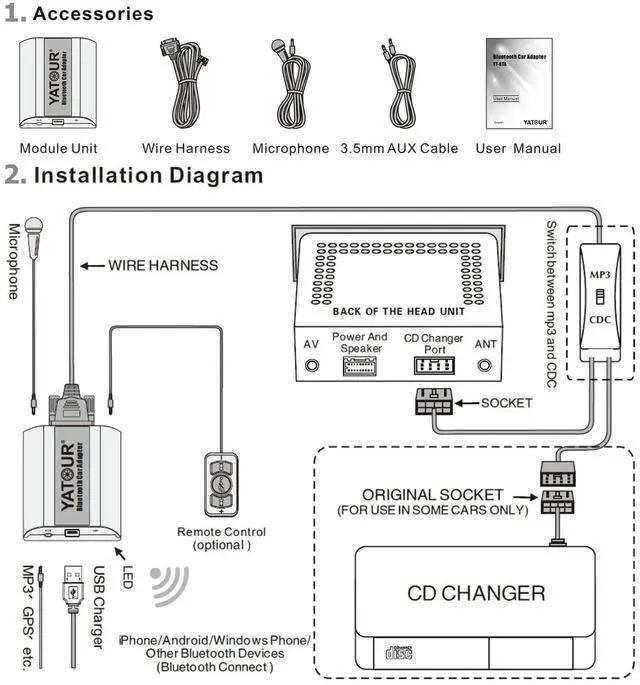
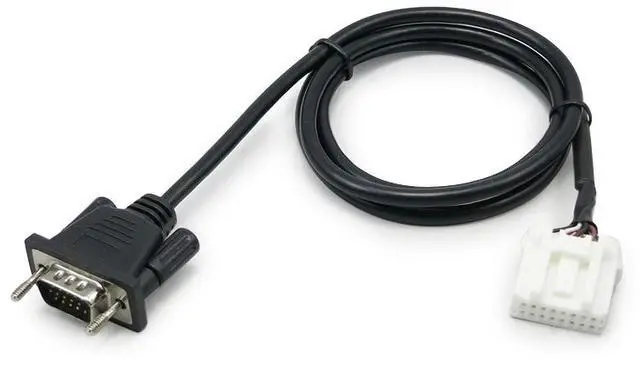
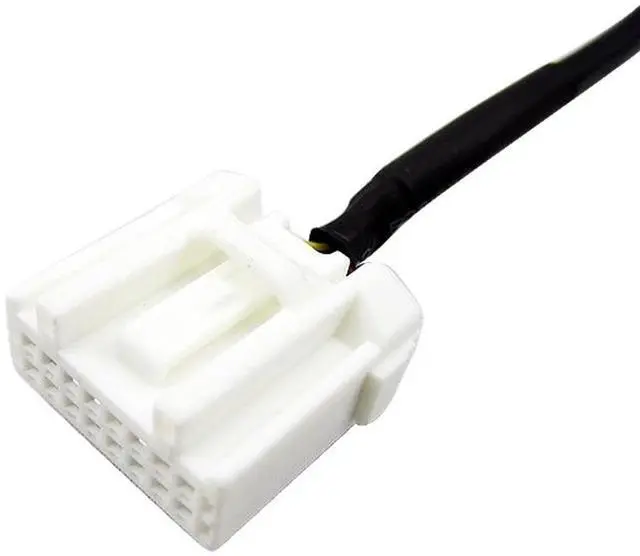
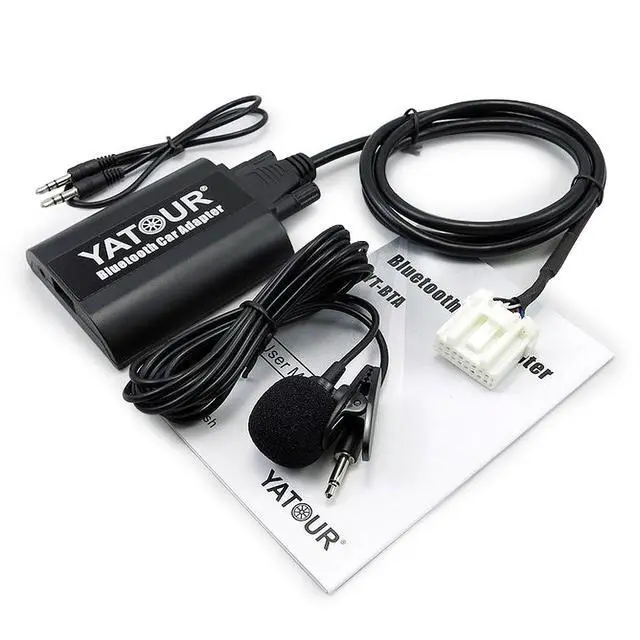


Yatour Digital Music CD Changer Compatible with Bluetooth Function Car Adapter Hands Fress Call Adapter USB charging For Mazda 2 3 5 6 MX-5 RX-8 MPV etc
- Hands-free Phone Call (HFP): supports Answer/Hang up etc., via car radio buttons and steering wheel buttons.Private Phone Call Hold radio fast forward button >>for 2 seconds during conversation, and the call transfers from Bluetooth hands free to mobile phone private status. Hold radio button >>for 2 seconds again, the call turns back to Bluetooth hands free again.
- Wireless A2DP Playback: easily streaming music of Bluetooth devices into factory car stereo system.Bluetooth AVRCP Control: controls Prev/Next Track, Pause/Play, Fast forward/backward via car radio buttons or steering wheel buttons easily and safely.
- AUX Input: Supports 3.5mm auxiliary input, able to connect any external audio sources.Easy Charge: Offers 5V/1A standard USB charging port.
- Hi-Fi Sound Quality: Connected to car stereo via wire harness, no interference and no loss of sound quality, rivaling original CD sound. BTA allows you to easily have popular configuration of advanced car stereo, is the best
Overview
Specs
Reviews

Any questions? Our AI mode will help you find out quickly.
Try me now
. Fits Toyota/Lexus OEM radios by Panasonic and
Matsushita: 11816, 11817, 11828, 16852, 12821, 13803, 13829, 16852, 17006, 17828, 50323, 51825, 53816, 53818, 58814, 58816, 58827, P1500, P1714(supports one folder only, on Lexus RX300), P1733, P1740, P1750 (LX470), P1754, P3745 (Land Cruiser), P3803, P3914 (Prado), P3916, P3918, P3919, P3926, P3930, P3946, P6827, P7514, P7809, P7820, Q58816, A56828, A56829, AP6829, AP6860, W13830, W53822, W53900, W53901, W53903, W53905, W58810, W58814, W58831, B9002 Navigation System, ND3T-W55 (36052) Navigation radio (Mark X, not need y cable), etc. Common Troubleshooting1. BTA doesn't work after installation. Please check whether the wire harness is correctly connected. And if there is GND wire (for some car models), please check whether it connects well with metal parts of car radio. 2. Frequently switching or other unknown reasons cause playback stuck. Music playback is from function of mobile phone, you just need to start the playback from mobile phone menu.
3. External audio input (AUX IN) sounds too low or too much noise. Adjust volume of earphone output of your external audio device; It is not proper for external audio devices to use car power, because common ground noise will occur in this case. External audio device should use its own battery to play. 4. Why I can still hear the former mobile phone Bluetooth A2DP music when I plug in AUX device? When AUX IN function is used, you need to press CD2 button or Disc+ button so as to switch BTA to AUX input mode, then AUX input audio can be played. 5. My car has a CD changer already, and can I still add an BTA? For some cars models equipped with existing CD Changer, we can offer Parallel Harness, which allows BTA to hook up with the existing CD Changer. On Some car models you only need to press CD switching buttons once or twice so as to switch between the two devices. But on some other car models you need MP3/CDC switch to change between them.
However, please note Parallel Harness is not available for all
Matsushita: 11816, 11817, 11828, 16852, 12821, 13803, 13829, 16852, 17006, 17828, 50323, 51825, 53816, 53818, 58814, 58816, 58827, P1500, P1714(supports one folder only, on Lexus RX300), P1733, P1740, P1750 (LX470), P1754, P3745 (Land Cruiser), P3803, P3914 (Prado), P3916, P3918, P3919, P3926, P3930, P3946, P6827, P7514, P7809, P7820, Q58816, A56828, A56829, AP6829, AP6860, W13830, W53822, W53900, W53901, W53903, W53905, W58810, W58814, W58831, B9002 Navigation System, ND3T-W55 (36052) Navigation radio (Mark X, not need y cable), etc. Common Troubleshooting1. BTA doesn't work after installation. Please check whether the wire harness is correctly connected. And if there is GND wire (for some car models), please check whether it connects well with metal parts of car radio. 2. Frequently switching or other unknown reasons cause playback stuck. Music playback is from function of mobile phone, you just need to start the playback from mobile phone menu.
3. External audio input (AUX IN) sounds too low or too much noise. Adjust volume of earphone output of your external audio device; It is not proper for external audio devices to use car power, because common ground noise will occur in this case. External audio device should use its own battery to play. 4. Why I can still hear the former mobile phone Bluetooth A2DP music when I plug in AUX device? When AUX IN function is used, you need to press CD2 button or Disc+ button so as to switch BTA to AUX input mode, then AUX input audio can be played. 5. My car has a CD changer already, and can I still add an BTA? For some cars models equipped with existing CD Changer, we can offer Parallel Harness, which allows BTA to hook up with the existing CD Changer. On Some car models you only need to press CD switching buttons once or twice so as to switch between the two devices. But on some other car models you need MP3/CDC switch to change between them.
However, please note Parallel Harness is not available for all
Warranty & Returns
Warranty, Returns, And Additional Information
Warranty
- Please contact the Seller directly for warranty information. Warranty information may also be found on the Manufacturer's website.
- CONTACT
Return Policies
- Return for refund within: 30 days
- Return for replacement within: 30 days
- This item is covered by UsaLogic Return Policy
Manufacturer Contact Info
- For a directory of all our manufacturers, please click below.
- Manufacturers Directory
LOADING...